
Track late and upcoming instalments
See which scheduled amounts remain unpaid and when they are due.
- 1
Choose the balance date
Open Track late and upcoming instalments from Reports. Use an As of preset or enter Custom date, then Apply. This is an organization-wide balance through that date; it does not limit invoices to a start date or batch. Payments settle the oldest due amounts first. Financial reports require owner, administrator or finance manager access.
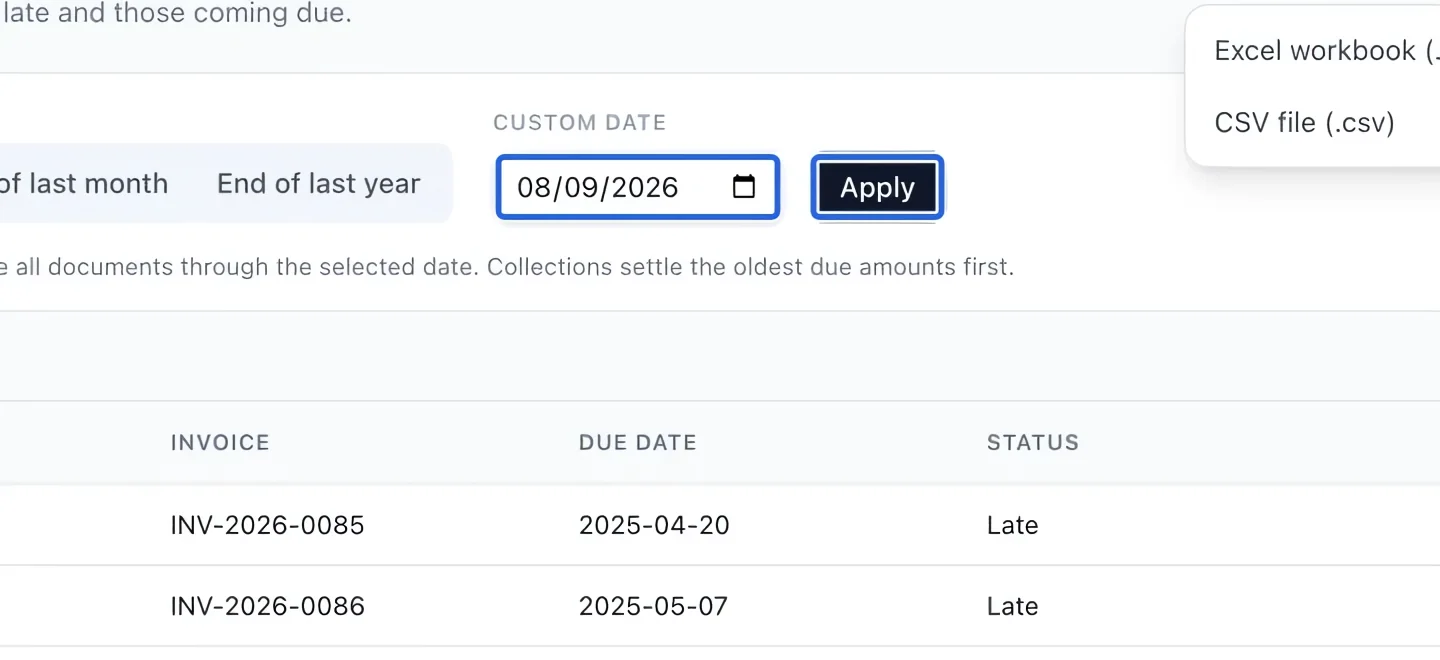
Select the screenshot to enlarge it. The blue outline marks the control to use.
- 2
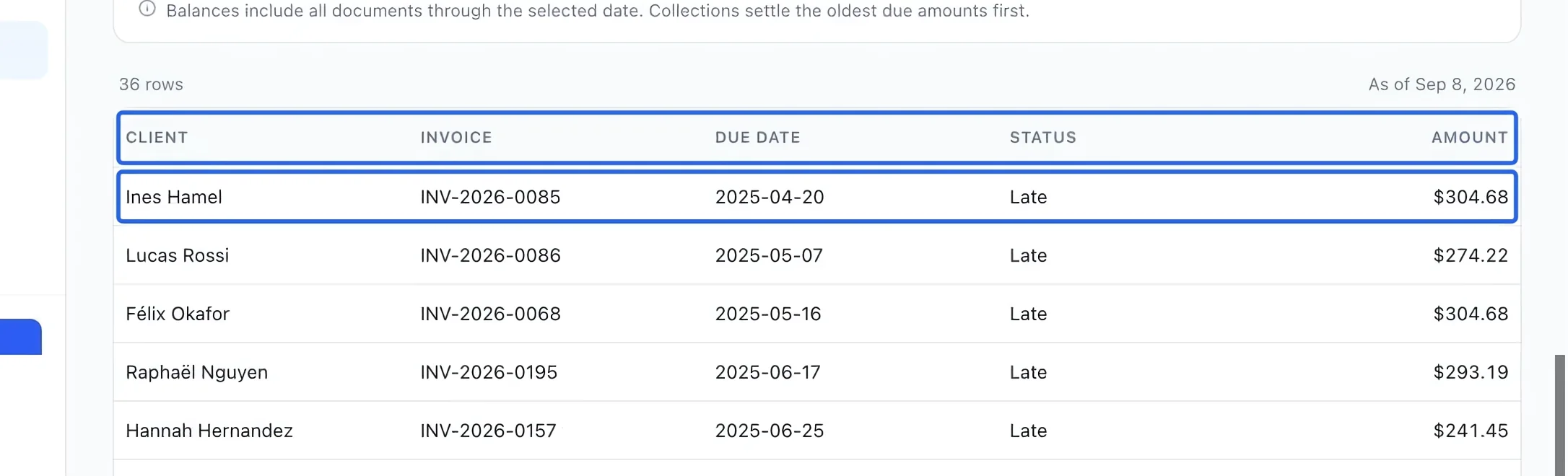
Review remaining scheduled amounts
Read Client, Invoice, Due date, Status and Amount. Late means the due date precedes the selected cutoff; other remaining amounts are Upcoming. Payments reduce the oldest due amounts first, so the report shows the amount still outstanding rather than the original instalment amount. A family cart order uses one invoice even when several courses have different schedules. Check the remaining invoice balance after a grouped payment or an early payment for one registration. Changing the report date does not reschedule or charge a payment.
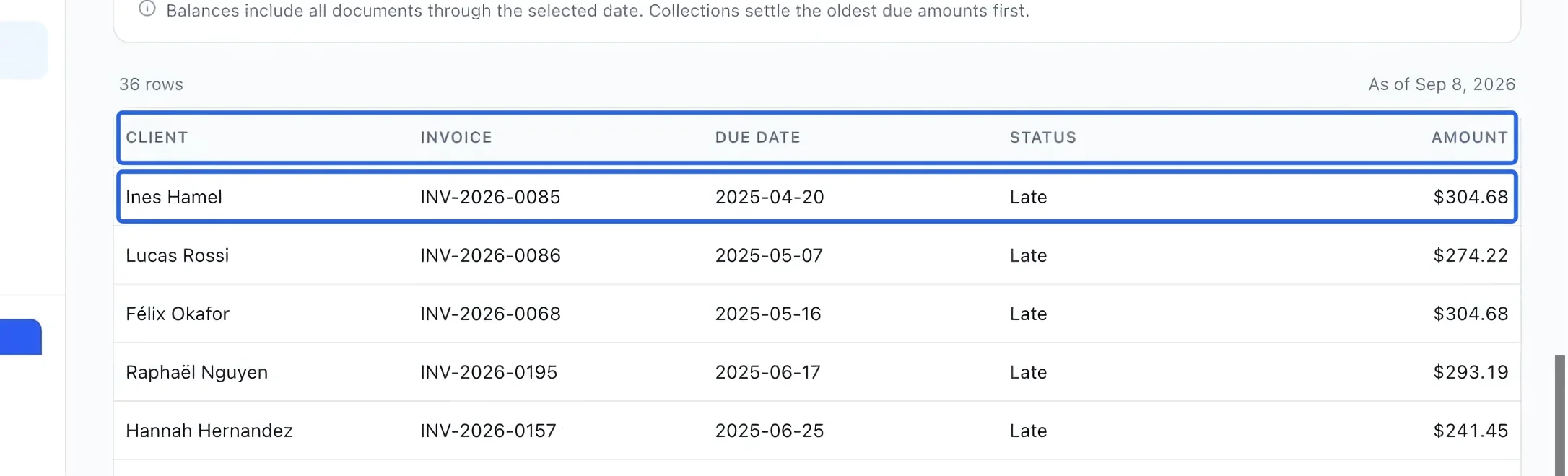
Select the screenshot to enlarge it. The blue outline marks the control to use.
- 3
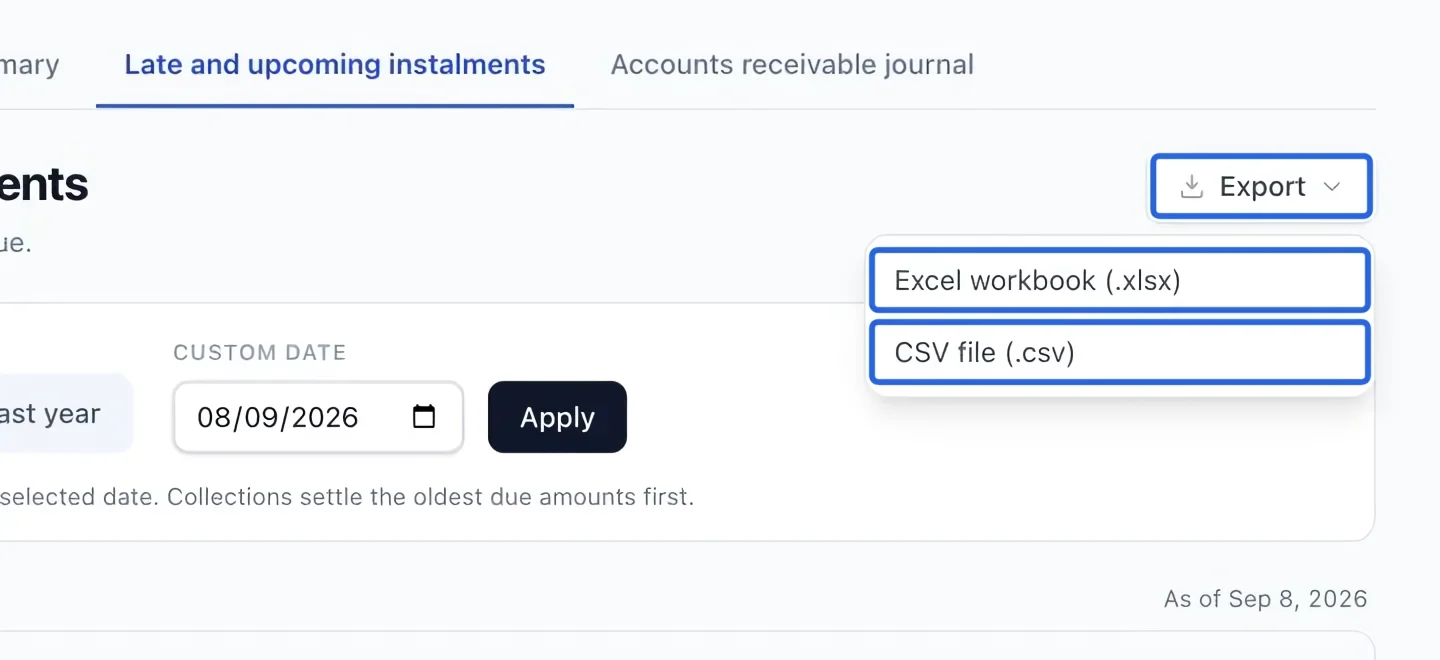
Export the filtered report
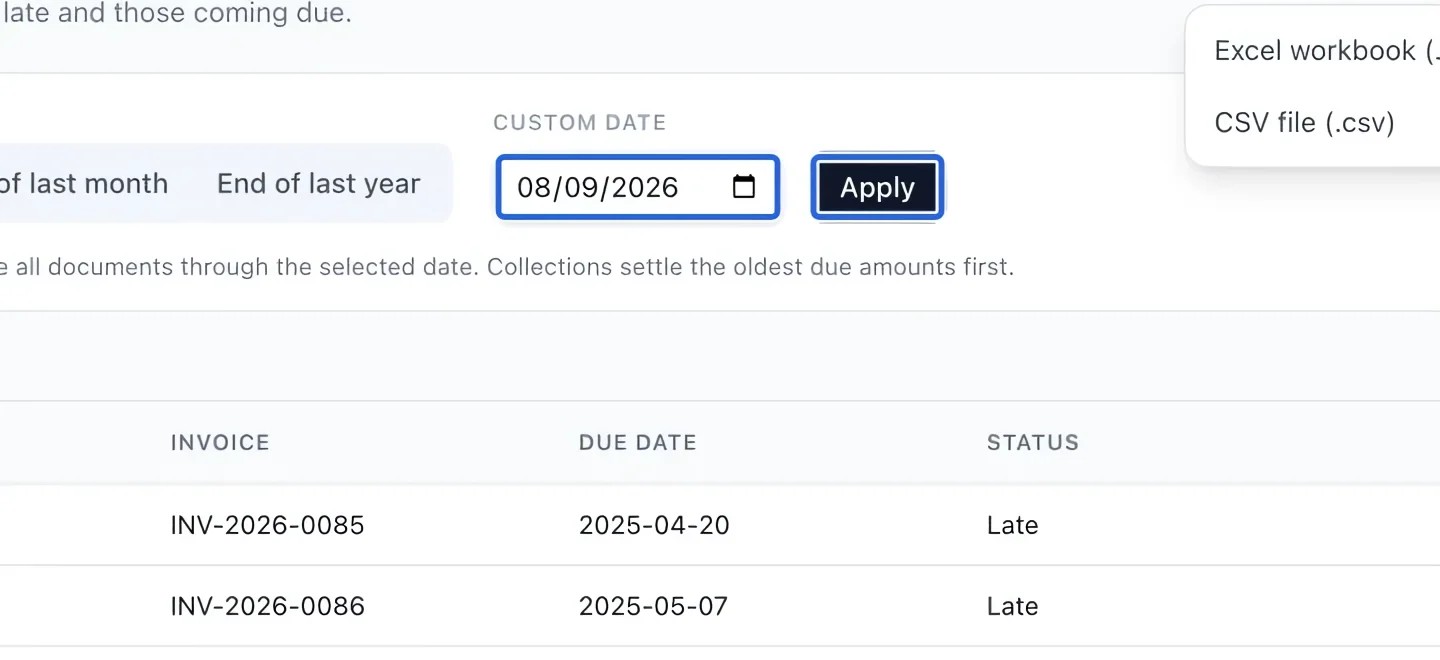
Open Export and choose Excel workbook (.xlsx) or CSV file (.csv). The file uses the active filters and current language. The screen shows at most 500 rows; exports include every matching row. If there are no results, check the date and clear restrictive filters. If a historical journal backfill warning appears, have the missing history completed before treating totals as complete.
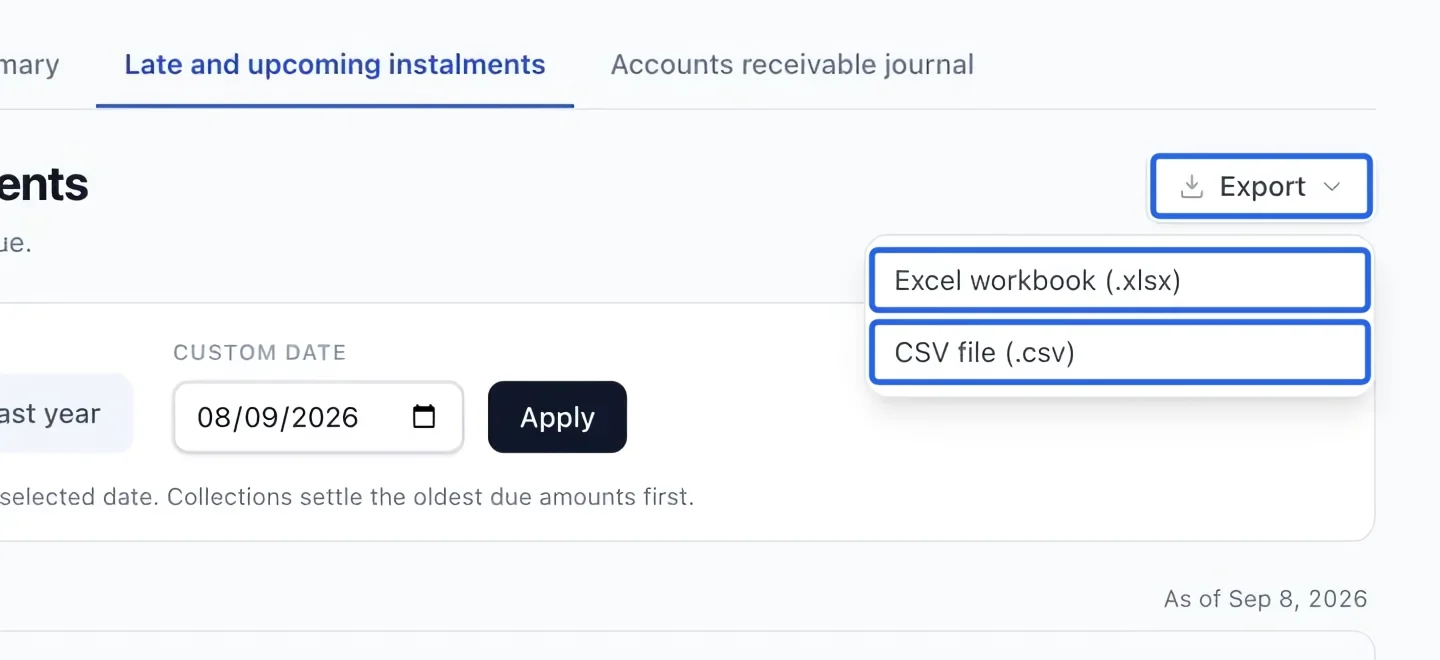
Select the screenshot to enlarge it. The blue outline marks the control to use.
Keep going
Offer discounted course payments in registration and family cart checkout, with a choice of before-start or after-start timing.
Money & invoicingRecord cash, cheque, e-transfer or organization payments and verify the remaining invoice balance.
Accounting & financial reportsConnect existing unpaid-balance automations to overdue buckets and stop reminders after payment.