
Record offline and partial invoice payments
Record cash, cheque, e-transfer or organization payments and verify the remaining invoice balance.
- 1
Open the issued invoice
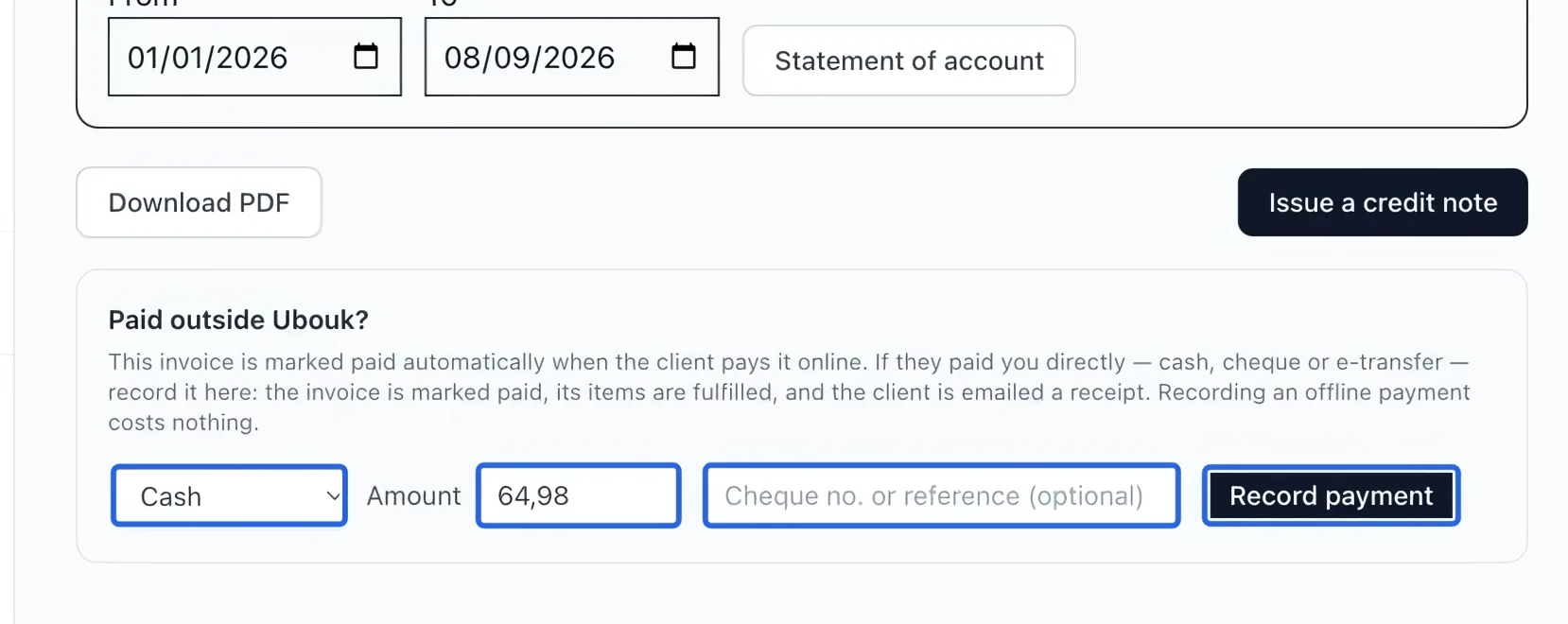
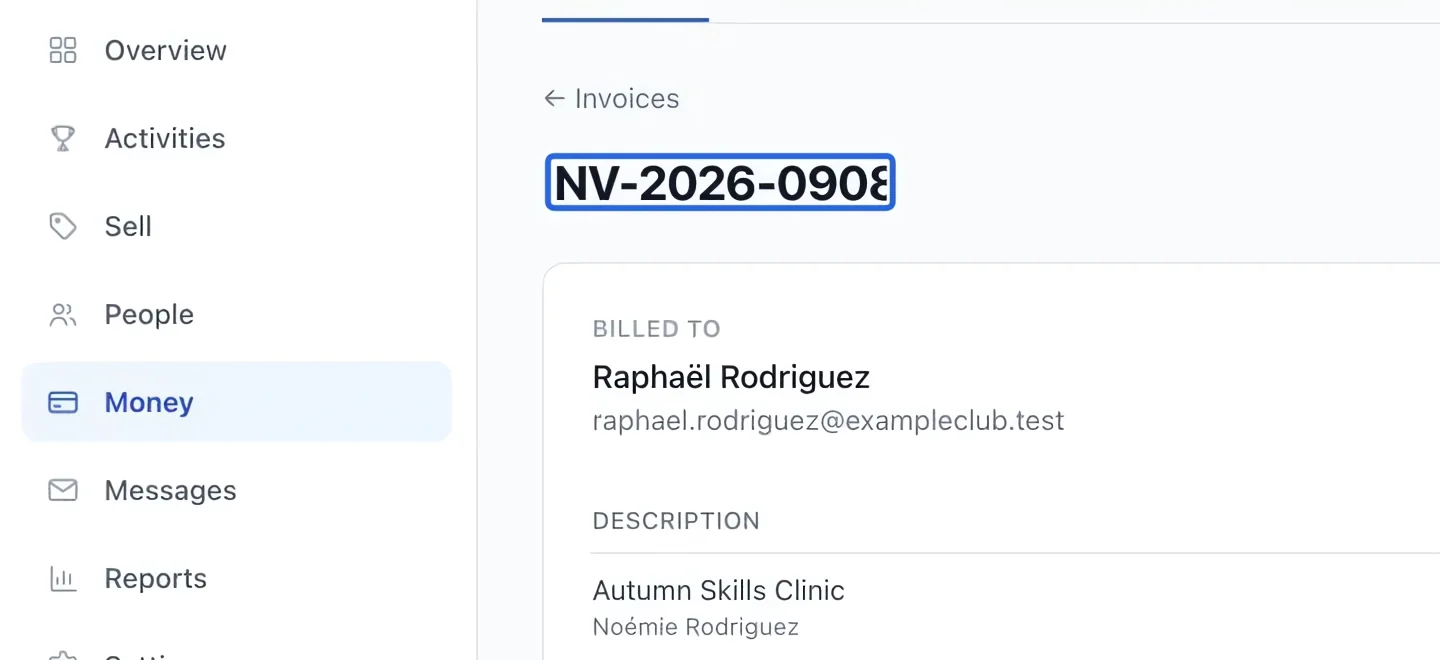
Open the client’s issued invoice from Money → Invoices. Check its number, client and balance, then find Paid outside Ubouk?. Record only money already received outside the platform. Online card payments settle automatically; recording them again would duplicate the collection.
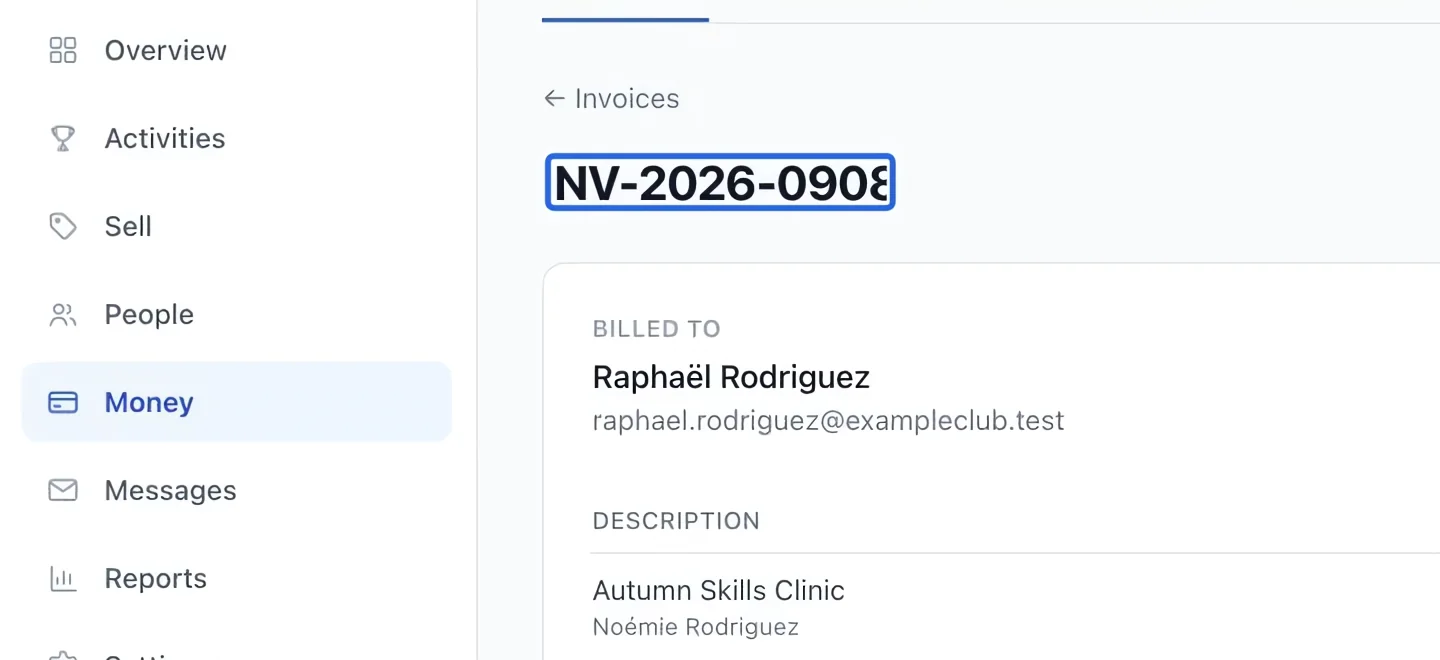
Select the screenshot to enlarge it. The blue outline marks the control to use.
- 2
Enter the amount actually received
Choose Cash, Cheque, E-transfer or Organization, enter Amount, and optionally add a cheque number or reference. A partial payment is allowed up to the remaining balance. Click Record payment, review the confirmation, then confirm once and wait for the result. The deposit uses the account mapped to that payment method.
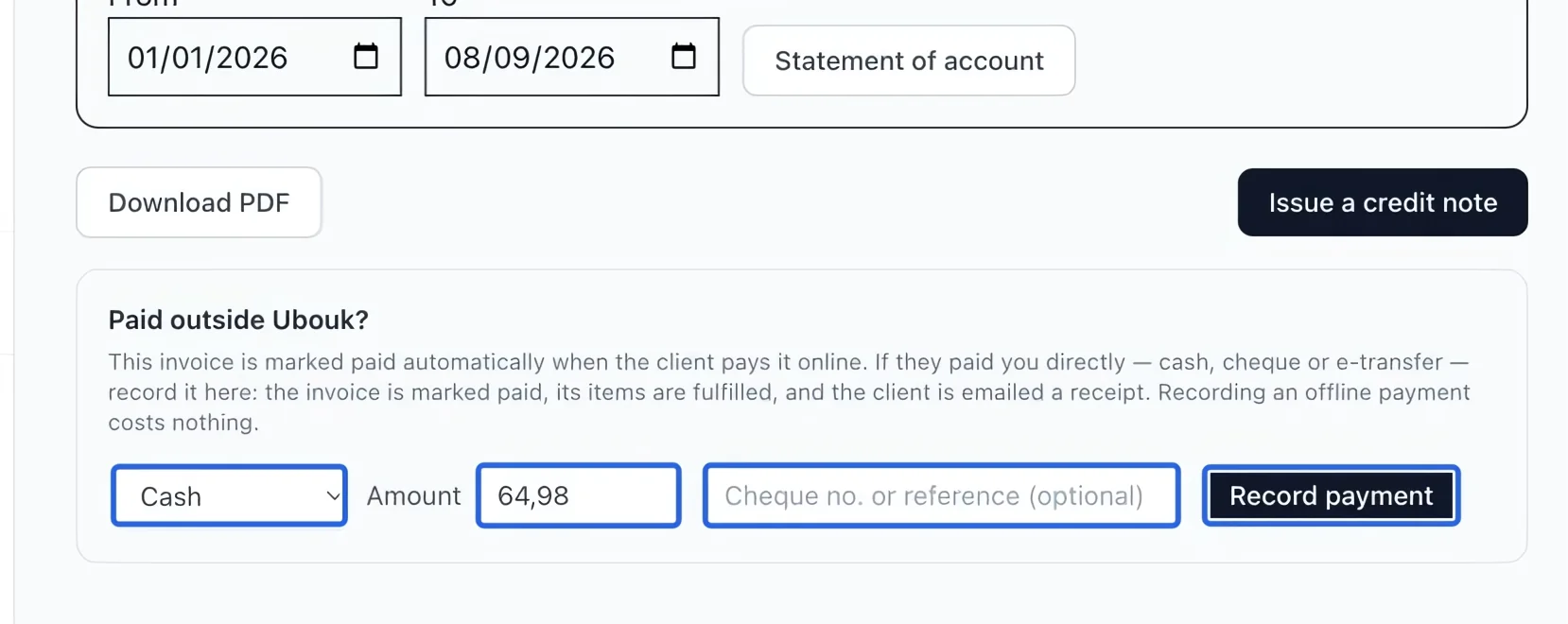
Select the screenshot to enlarge it. The blue outline marks the control to use.
- 3
Verify the remaining balance
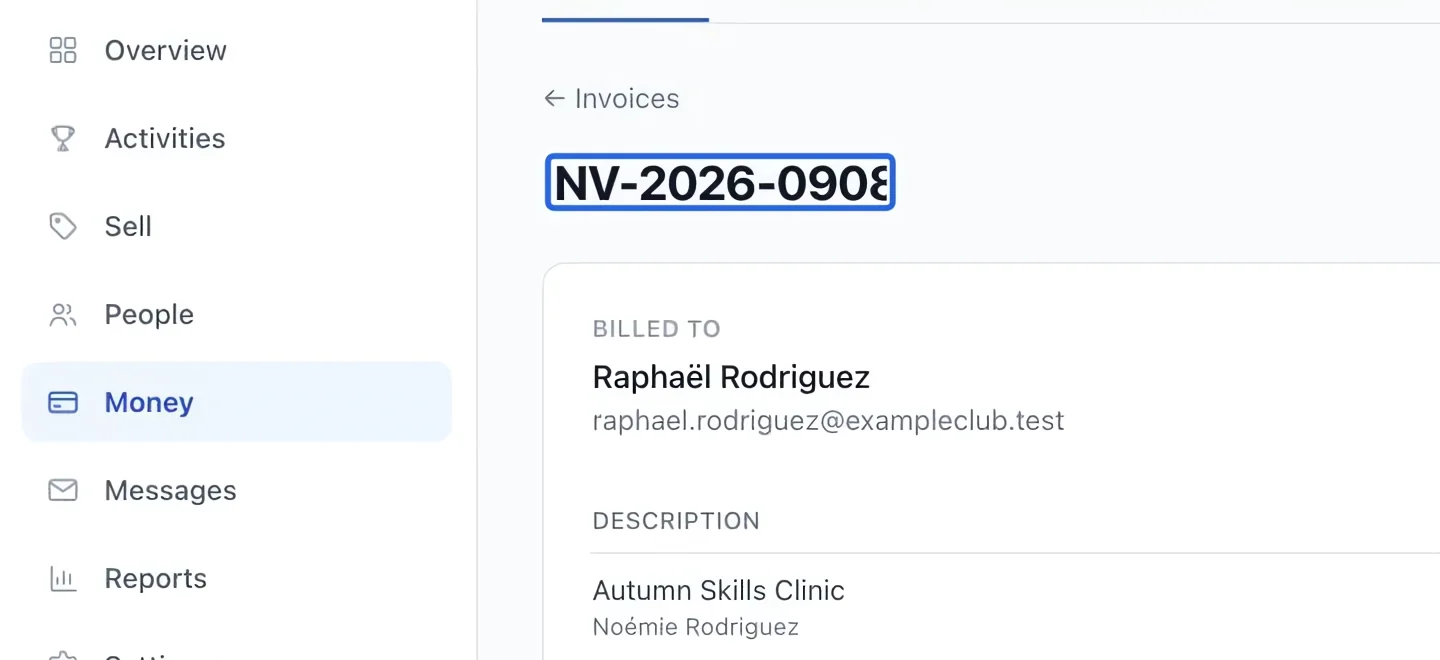
Check Paid and Balance due after saving. Review the payment in Transactions. A partial payment reduces the debt; it does not mark the whole invoice paid. A scheduled invoice can still be in instalments while partly paid. Use Client balance summary or Late and upcoming instalments to follow what remains.
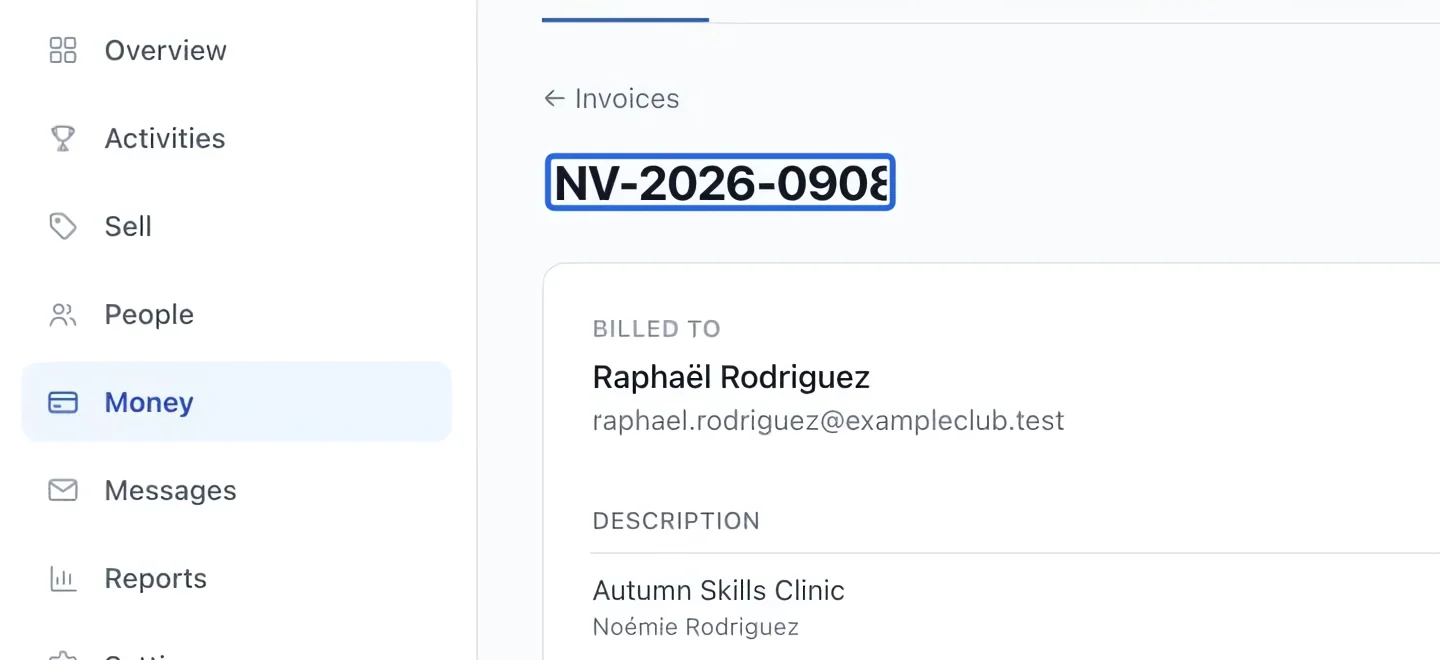
Select the screenshot to enlarge it. The blue outline marks the control to use.
Keep going
Select a client and catalog items, review the total, then save or send an invoice.
Accounting & financial reportsRead transaction status, method, refunded amounts and failure reasons.
Accounting & financial reportsCompare outstanding debt, available account credit and the net balance for each client.