
Find and export your reports
Choose operational insights or a financial report, set the right dates, and export the result.
- 1
Choose an operational report
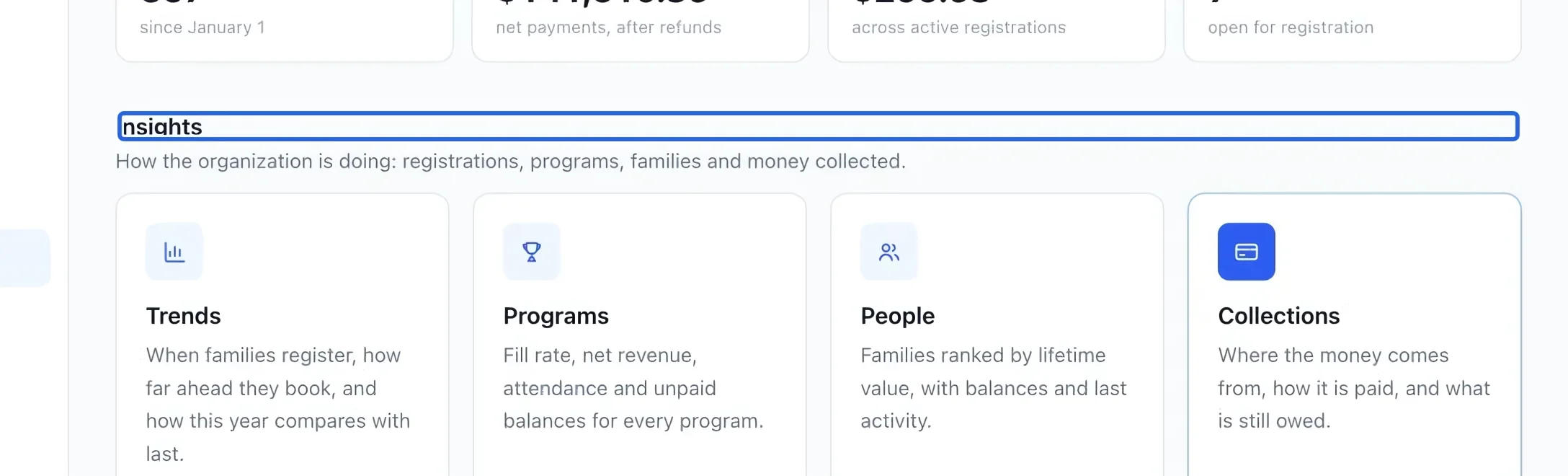
Open Reports. Insights contains Trends, Programs, People and Collections for operational performance. Use Programs for fill rates and program revenue, People for family activity, and Collections for payment trends. Open a program’s report from its name in the program breakdown.
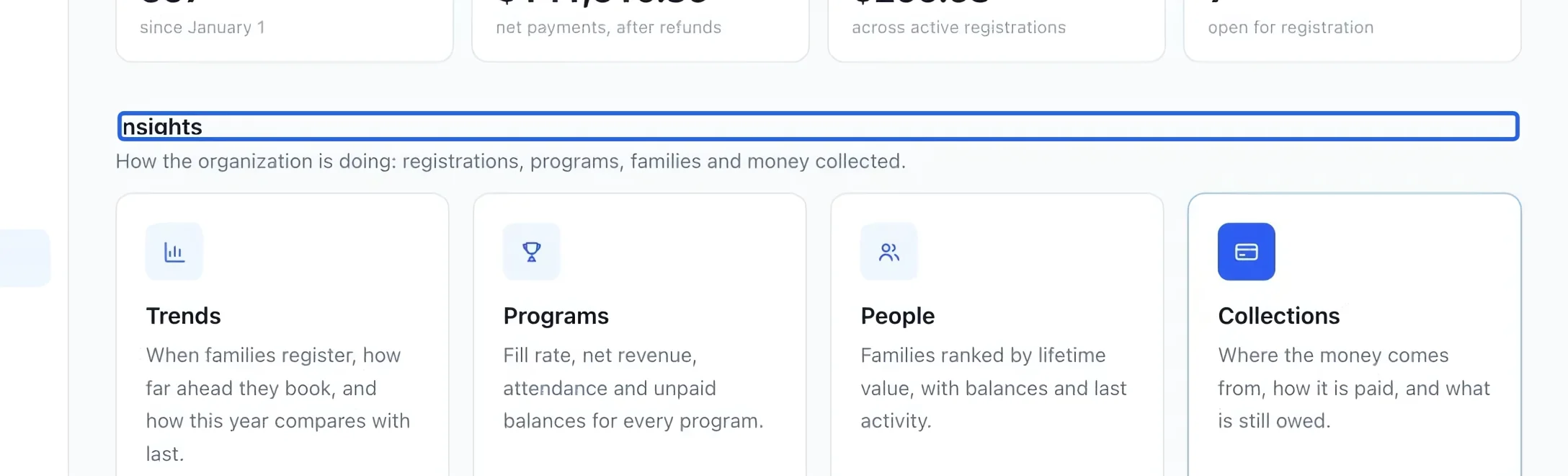
Select the screenshot to enlarge it. The blue outline marks the control to use.
- 2
Choose a financial report
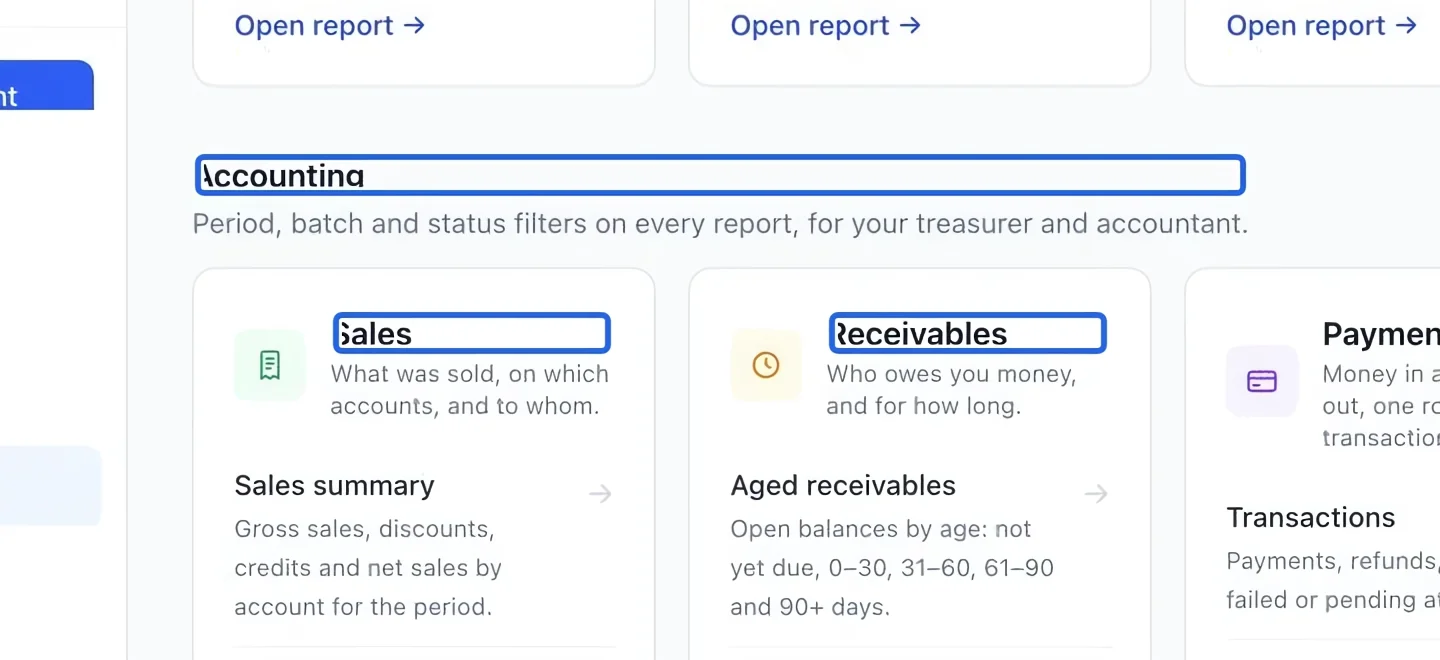
The Accounting catalog groups 12 reports under Sales, Receivables, Payments and Taxes. Owners, administrators and finance managers can open them. Start with Sales summary for account revenue or Aged receivables for debt by due date. Inside a report, use the group navigation or All reports to switch.
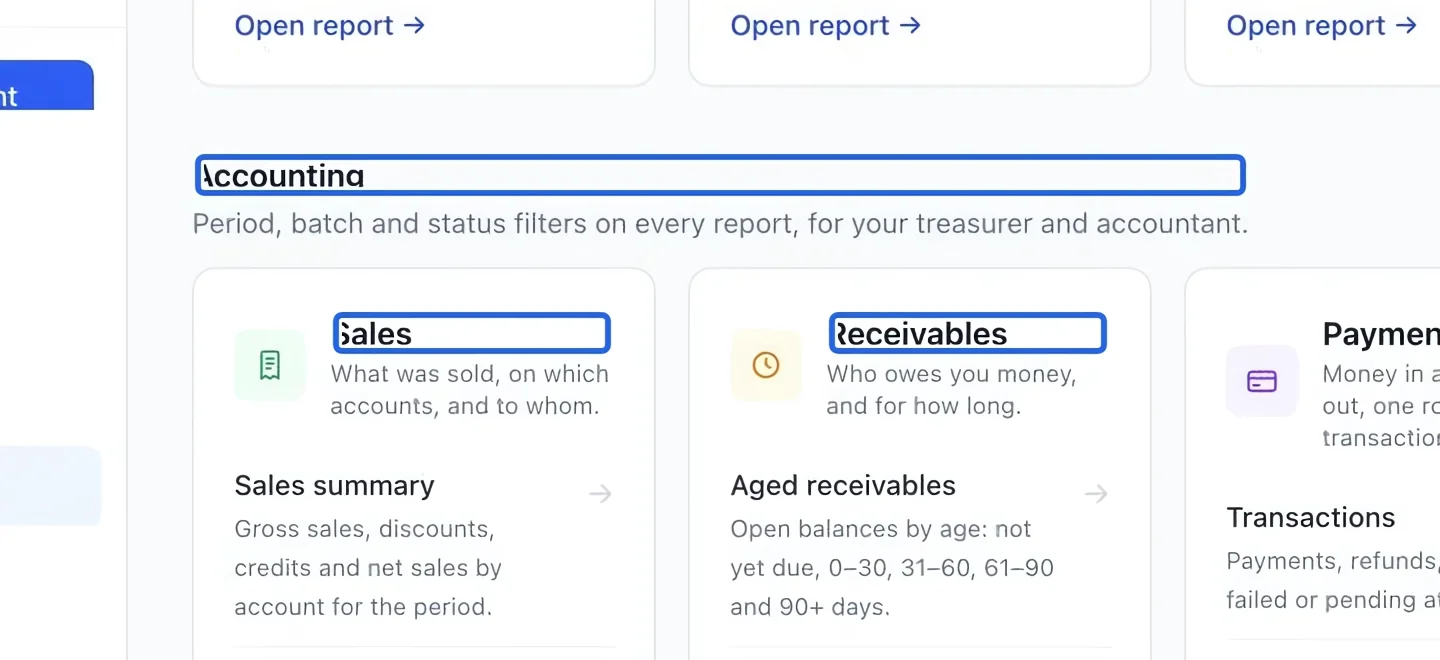
Select the screenshot to enlarge it. The blue outline marks the control to use.
- 3
Set the period before comparing
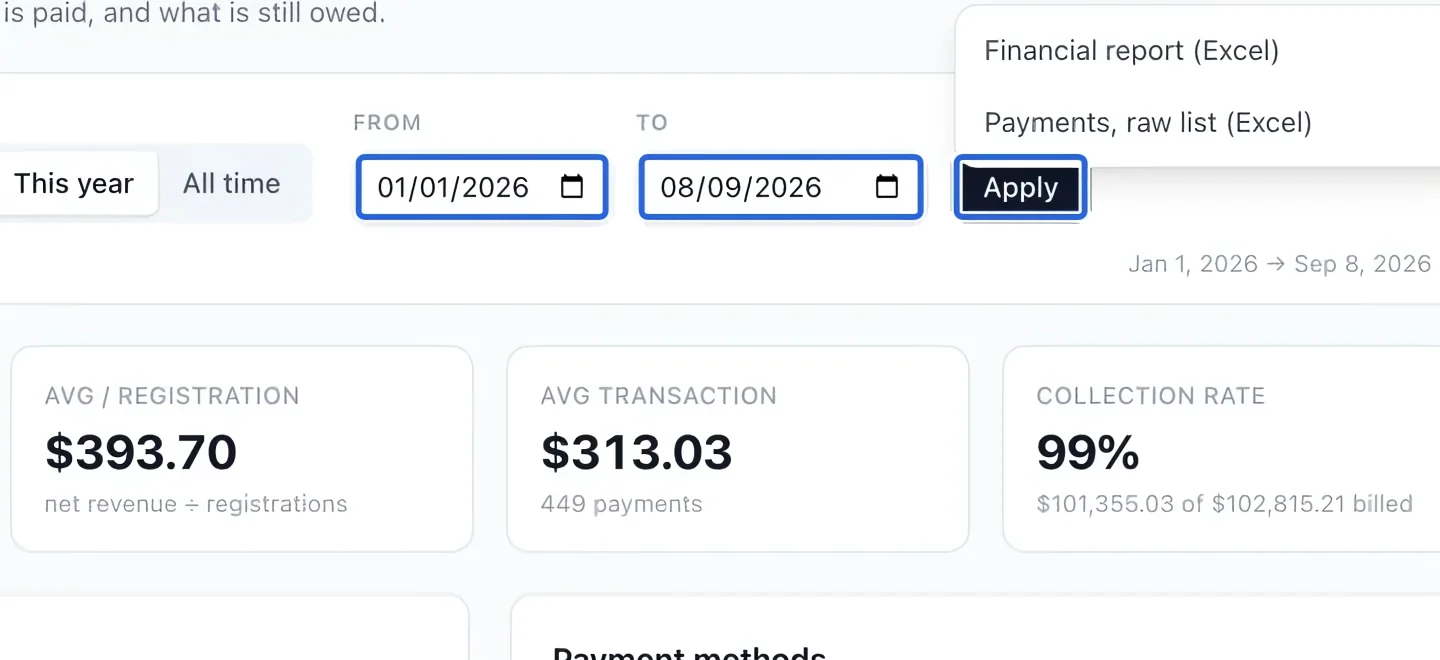
In Collections, choose a preset such as Last 30 days or This year, or enter dates and Apply. Accounting period reports also offer a batch filter. Aging, client balances and instalments instead use an As of date that includes earlier invoices. Compare equal date scopes and accounting bases before interpreting differences.
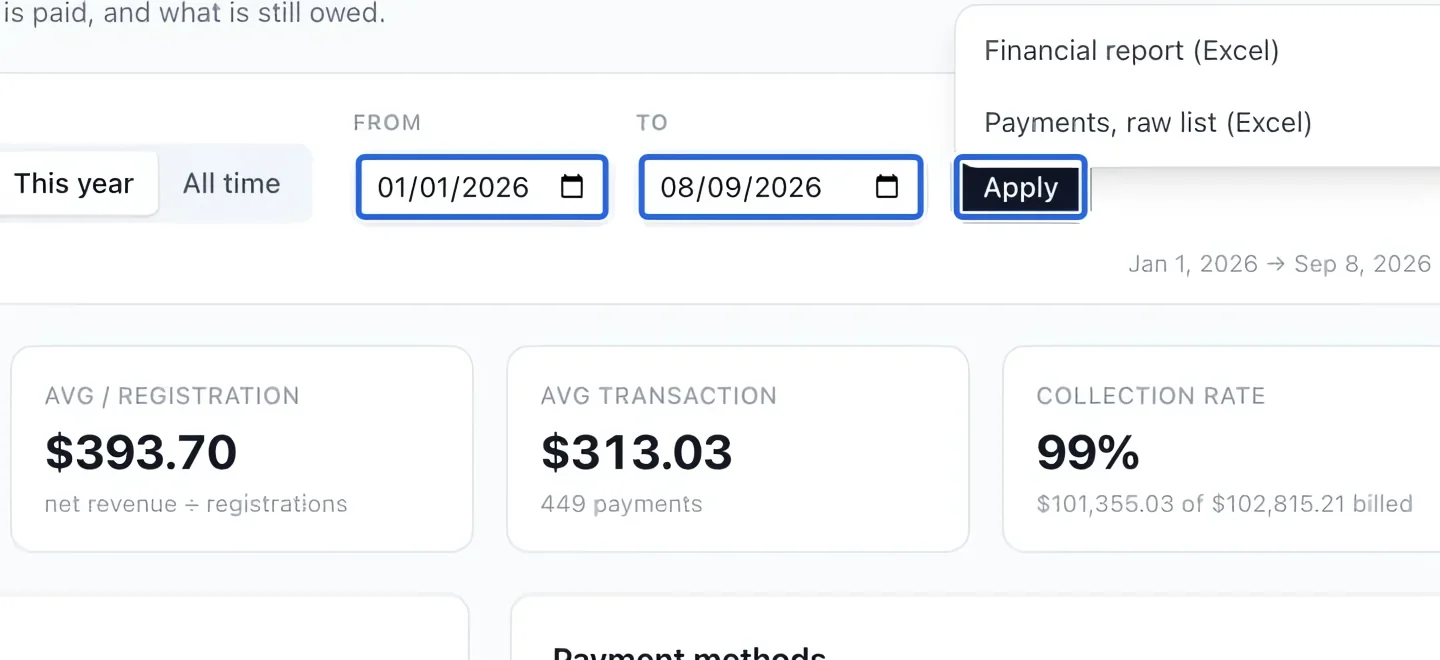
Select the screenshot to enlarge it. The blue outline marks the control to use.
- 4
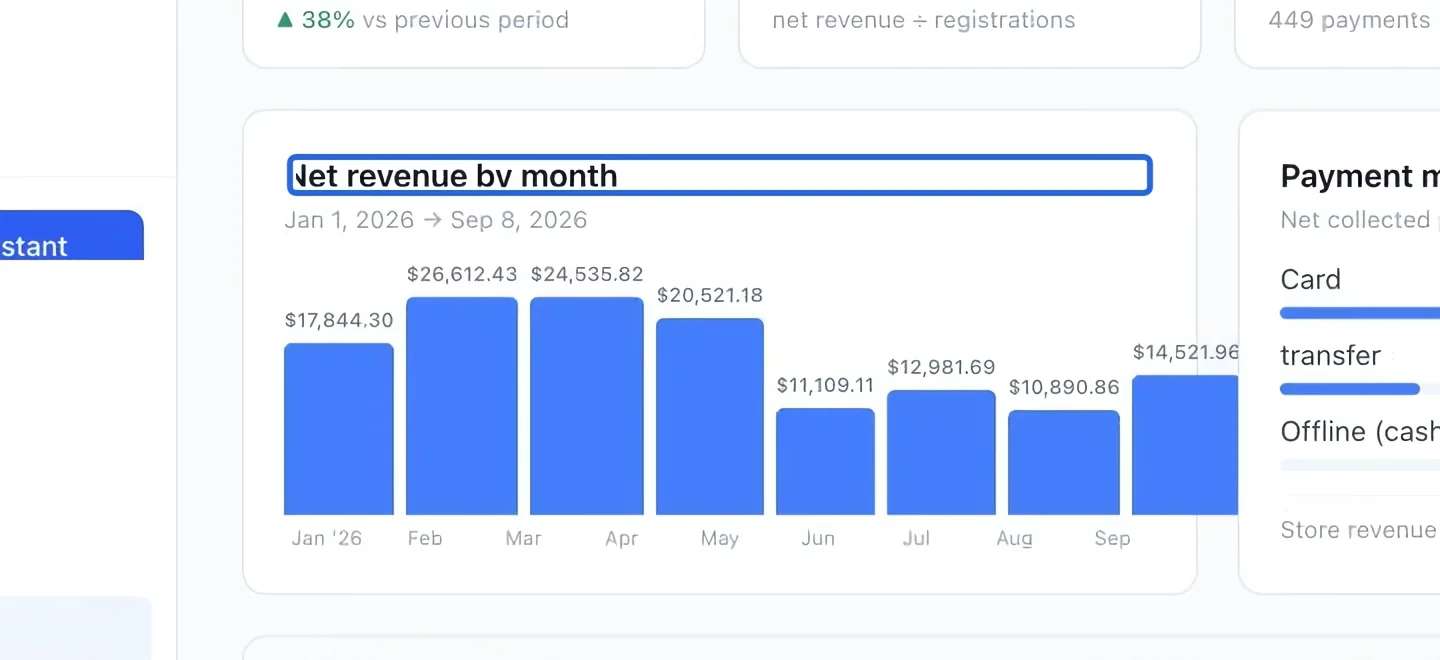
Understand the Collections figures
Net revenue by month and Payment methods describe operational collections after refunds. They can differ from accounting sales because collection dates, invoice dates, deferred revenue and scope differ. For the full invoice debt and instalment aging, use Aged receivables, rather than the registration-only balances in Collections.
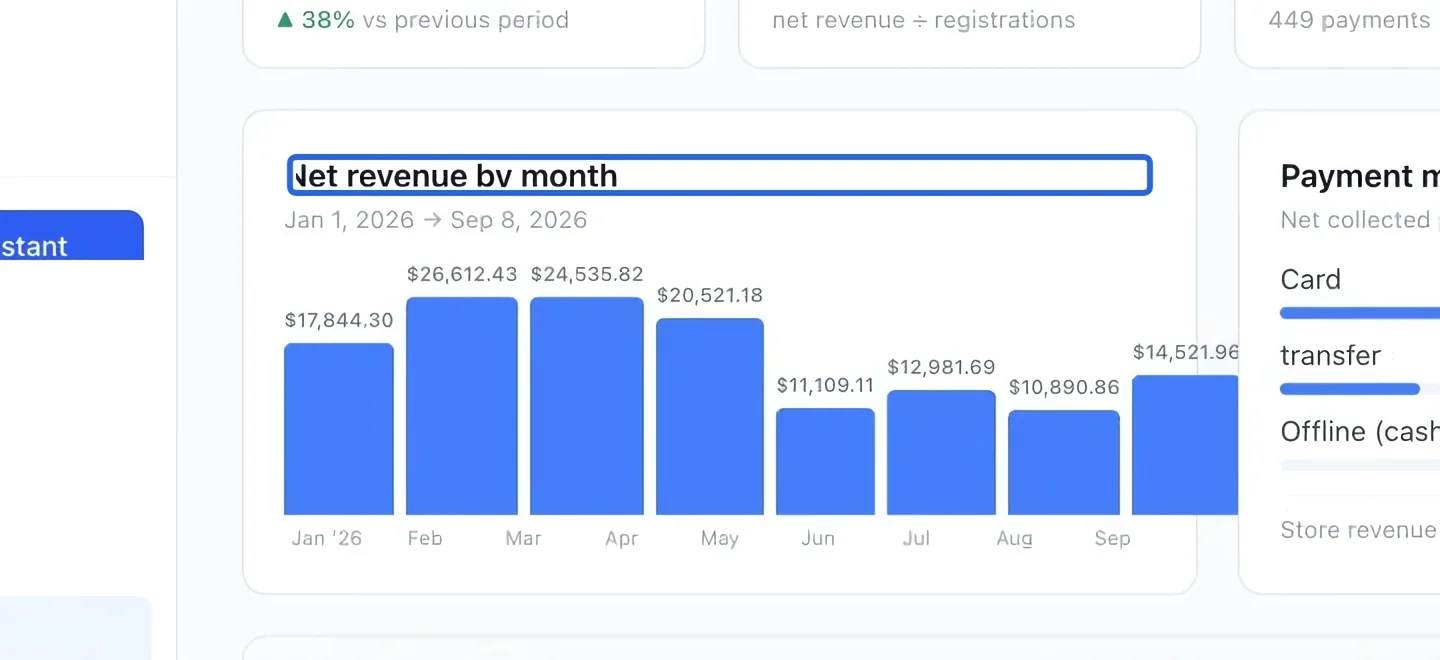
Select the screenshot to enlarge it. The blue outline marks the control to use.
- 5
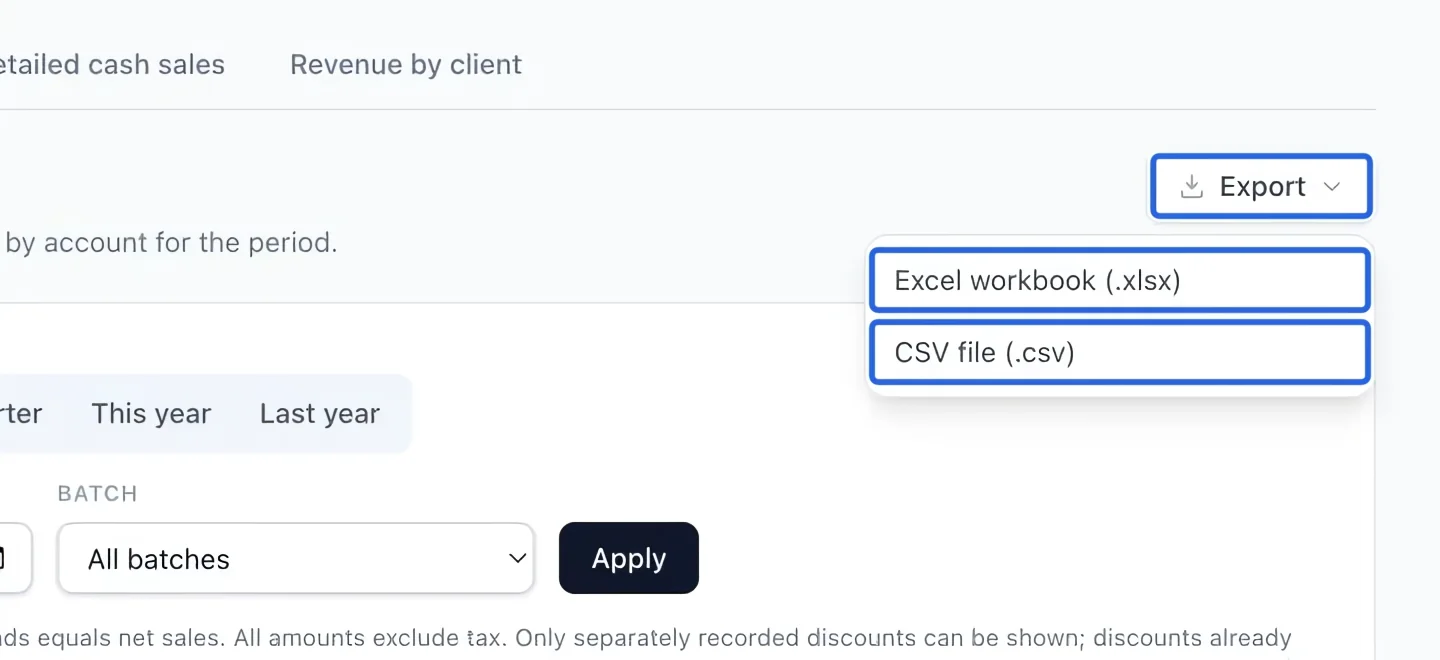
Export the selected view
Open Export in the report and choose Excel or CSV. Accounting downloads retain the active filters and current language and include all matching rows, even when the screen shows only the first 500. For a full journal import into another accounting system, use Accounting exports.
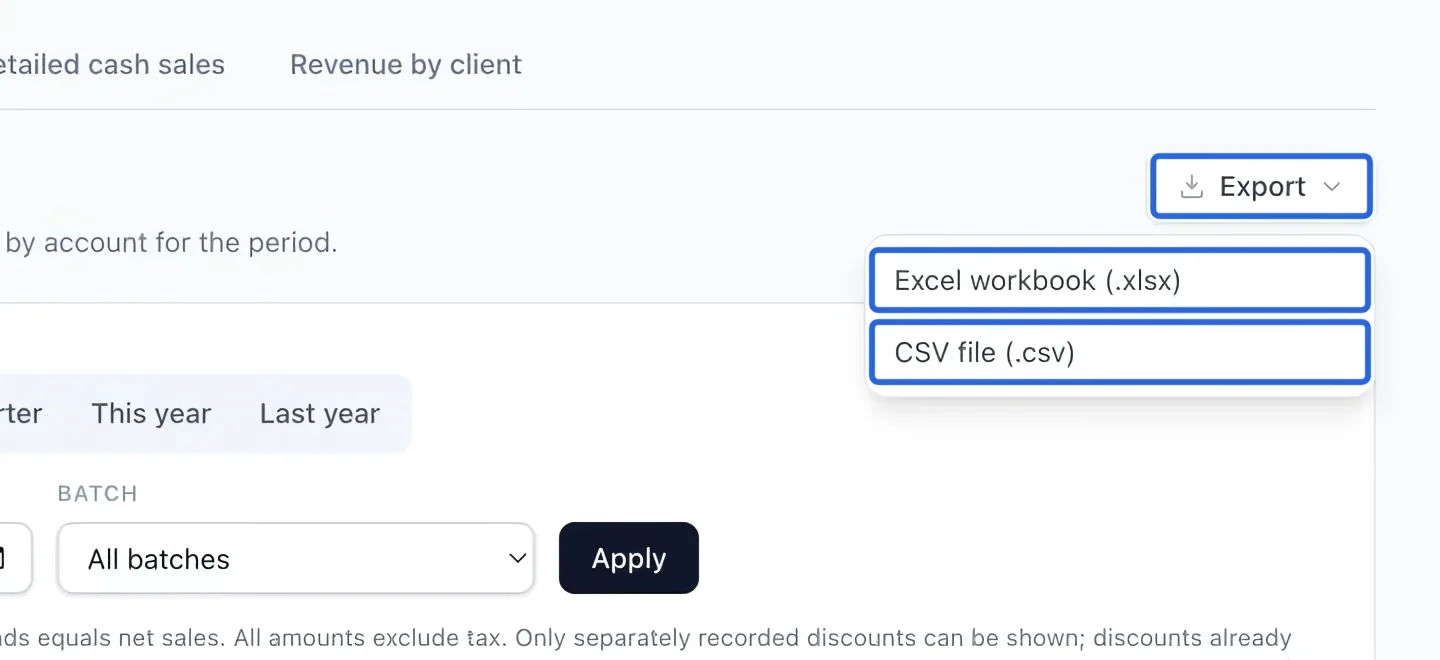
Select the screenshot to enlarge it. The blue outline marks the control to use.
Keep going
Understand gross sales, discounts, credits, refunds and net sales by account.
Accounting & financial reportsIdentify outstanding balances by due date and overdue bucket.
Accounting & financial reportsMatch accounts and clients, then download generic, QuickBooks or Sage/Acomba journals and export summaries.