
Refund with a credit note
Reverse part or all of an invoice (as account credit or a real card refund) with clean books.
- 1
Open the paid or partly paid invoice
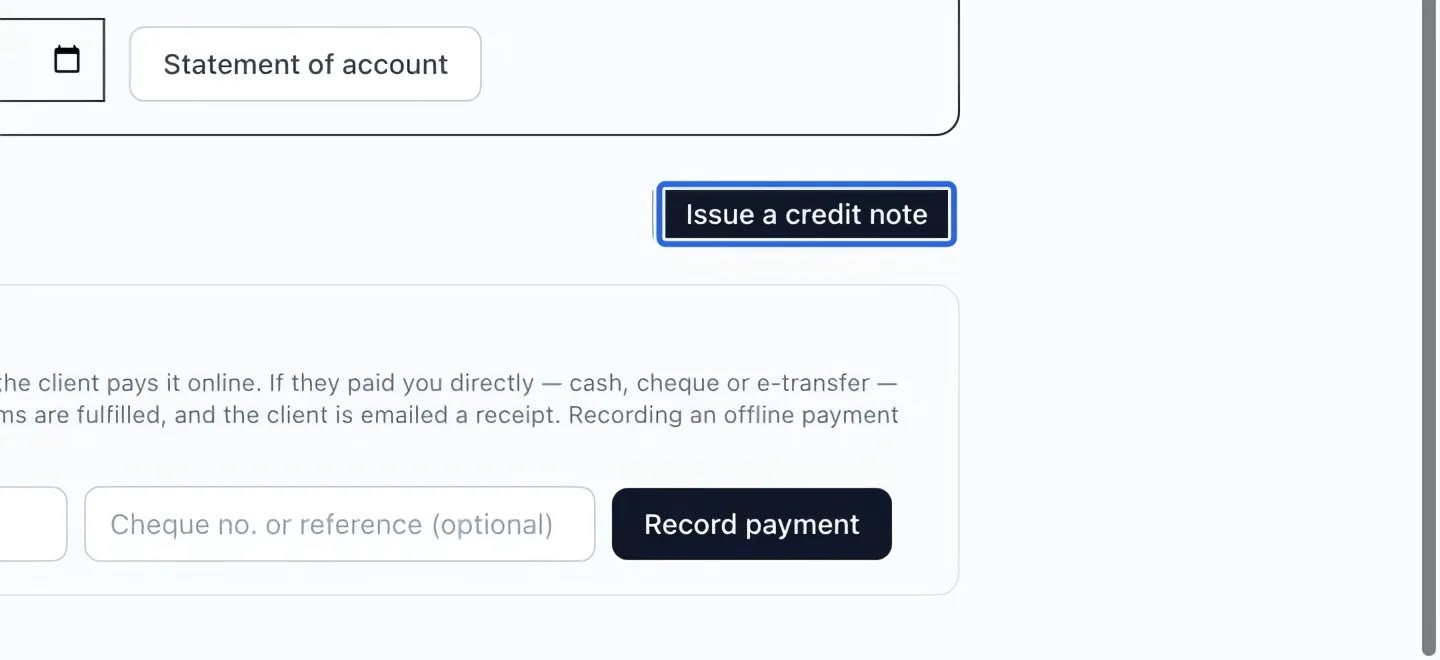
Open the correct invoice in Money → Invoices, check its client, payments and remaining balance, then Issue a credit note. A partly paid invoice can also be eligible. Use the available Void it action for an eligible unpaid manual invoice; use Write off a balance for an uncollectible debt.
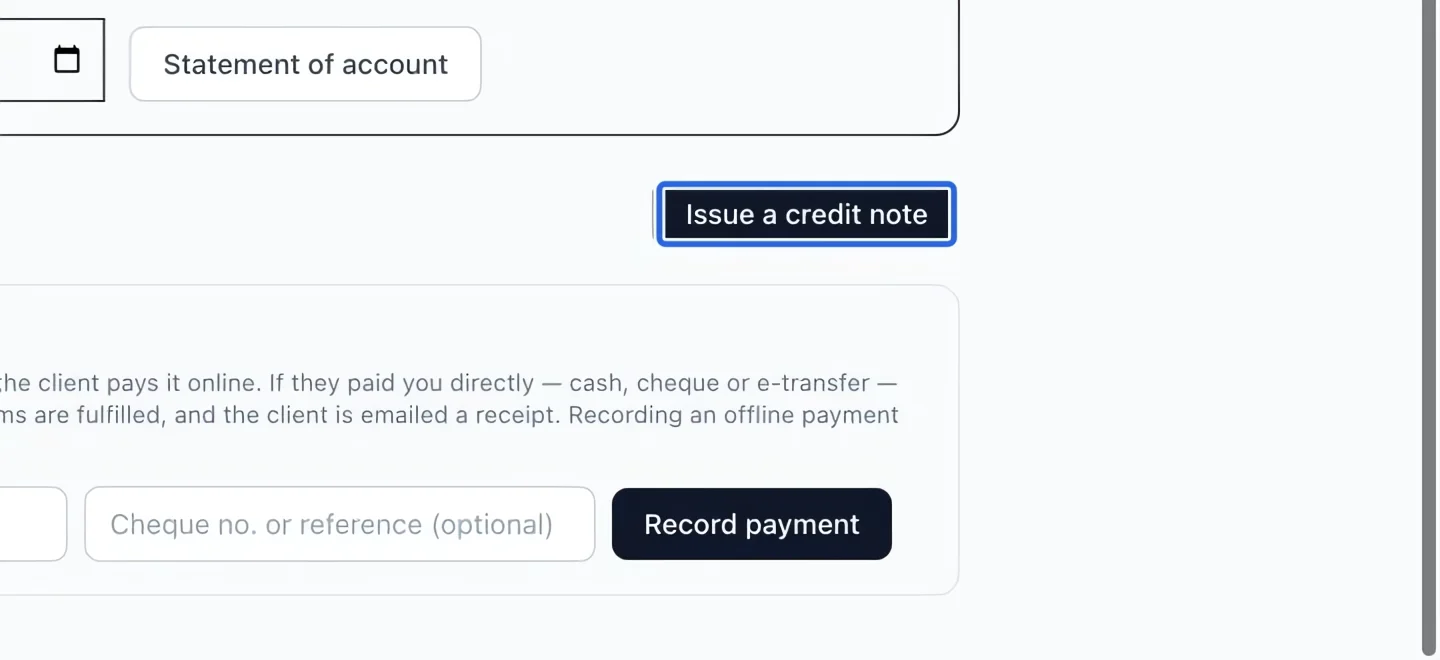
Select the screenshot to enlarge it. The blue outline marks the control to use.
- 2
Choose lines and amounts
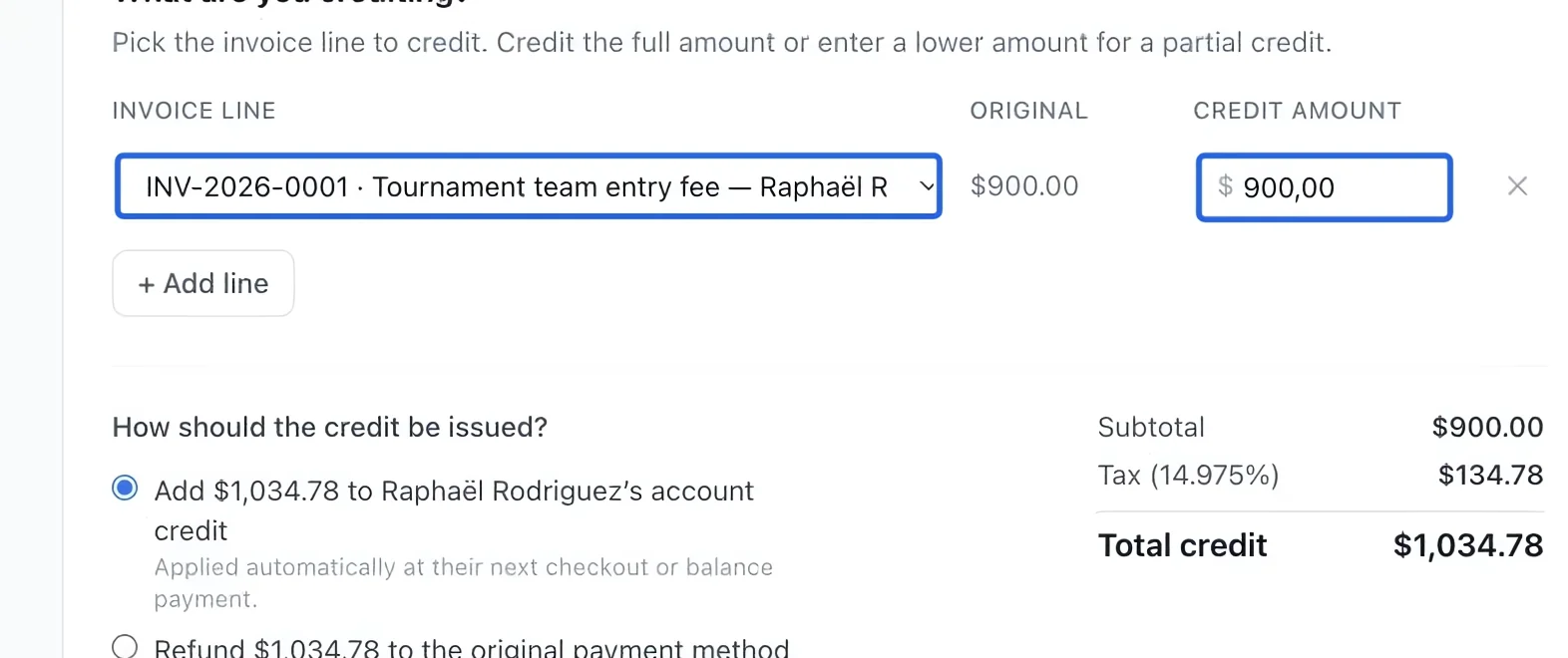
Under What are you crediting?, verify the invoice line and enter the amount to credit. Use + Add line for another eligible line. Check the displayed limit; a partial credit is allowed. Use the saved amount after any multi-course discount. Cancelling a registration does not retroactively remove discounts from other courses already billed.
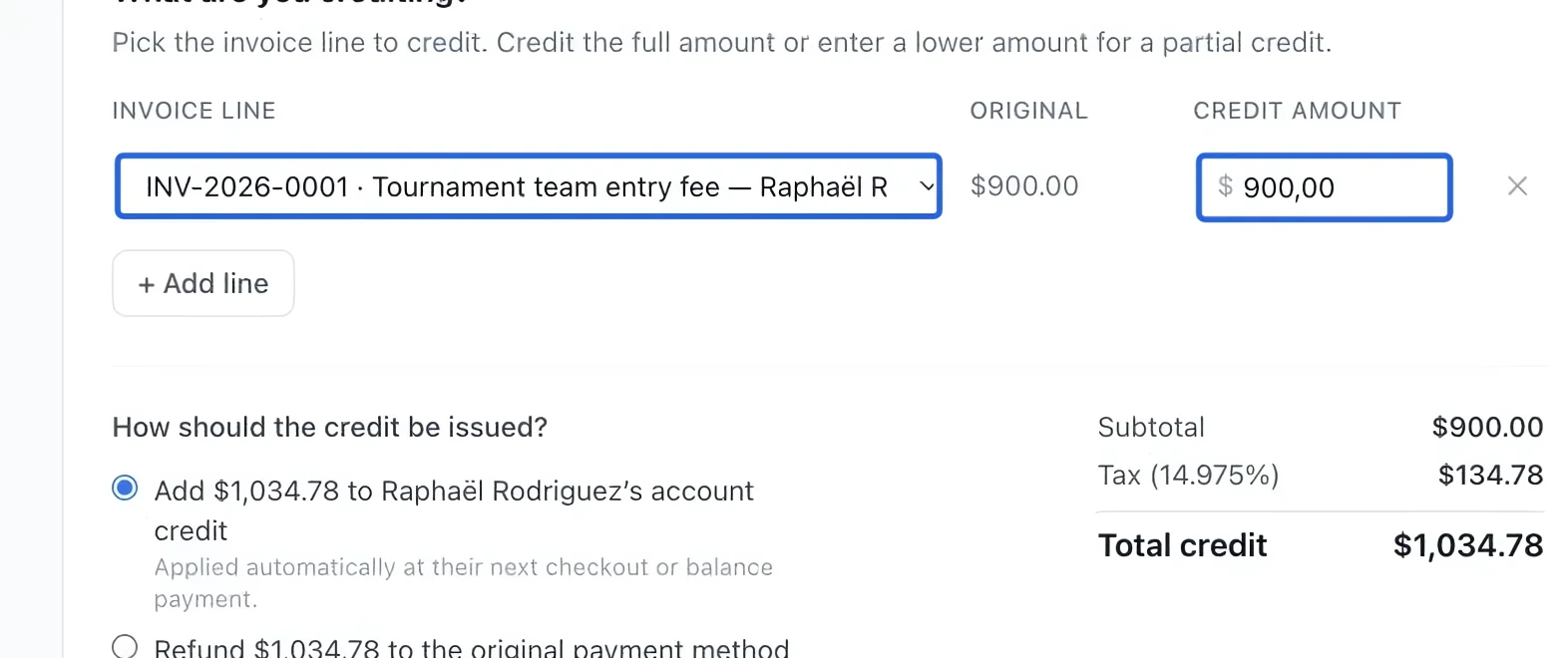
Select the screenshot to enlarge it. The blue outline marks the control to use.
- 3
Choose the destination
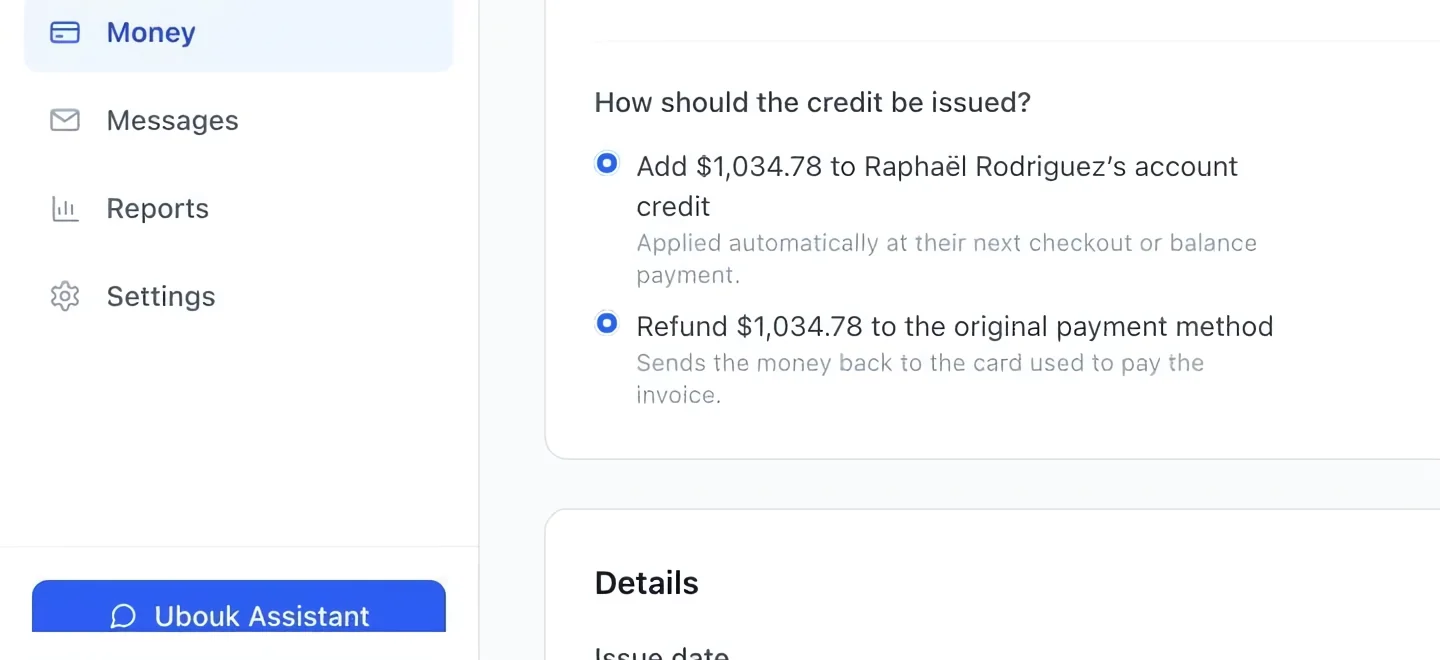
Select Account credit to leave value for the family’s next purchase, or Refund to the original payment method to return eligible payments. Read any unavailable-method explanation before continuing. The accounting treatment depends on the invoice’s settled and unpaid portions. A credit note is not proof that a card refund has completed; verify the refund outcome in Transactions. A recorded payment refund reduces spending used for per-dollar loyalty points. A credit note alone is not a completed payment refund. Cancelled registrations are excluded from both earning modes; already issued loyalty account credit is preserved.
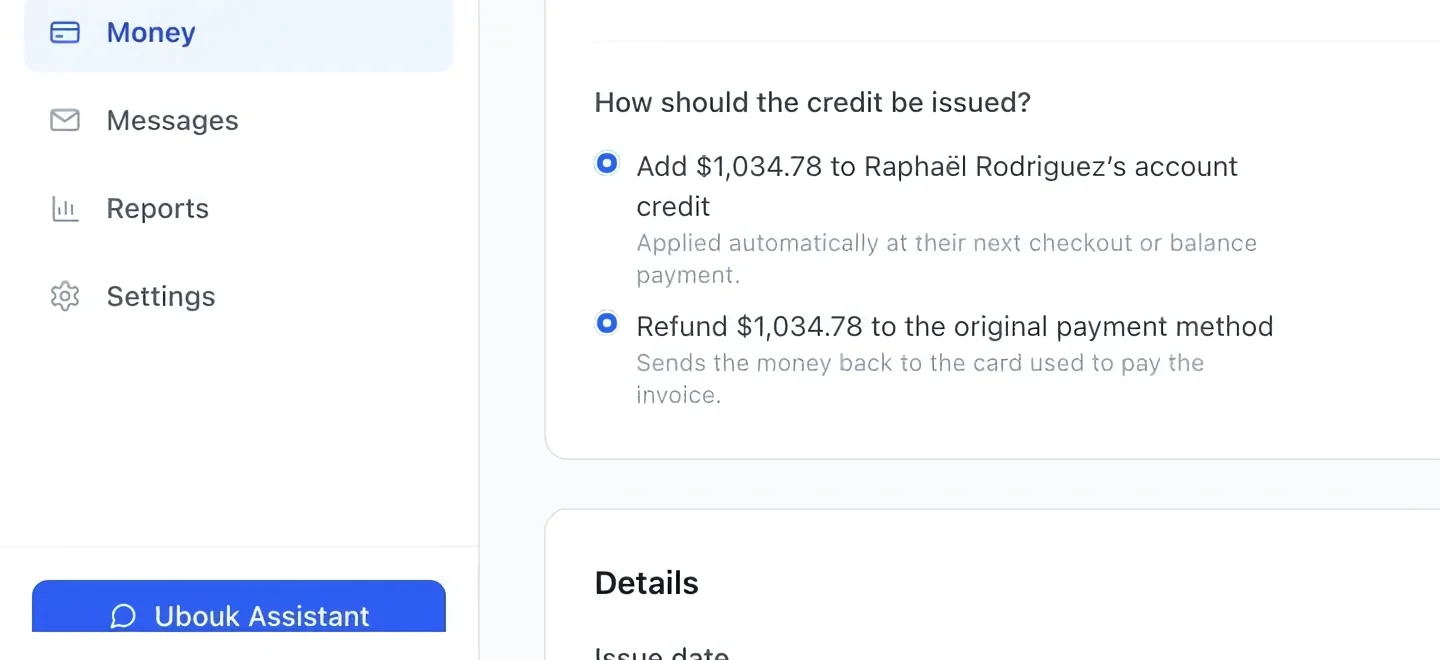
Select the screenshot to enlarge it. The blue outline marks the control to use.
- 4
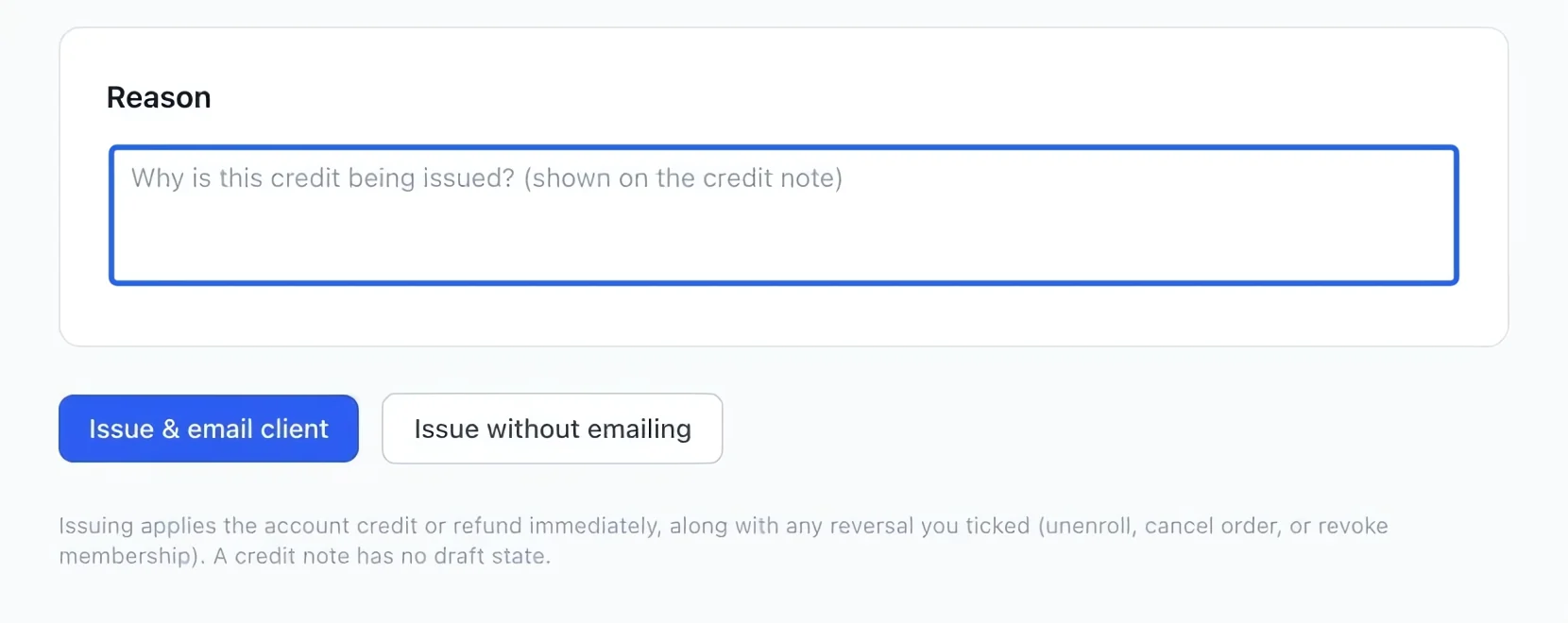
Explain the credit
Enter a clear reason, such as a cancellation or an overcharge. This appears on the credit note, so describe the adjustment in terms the family can understand.
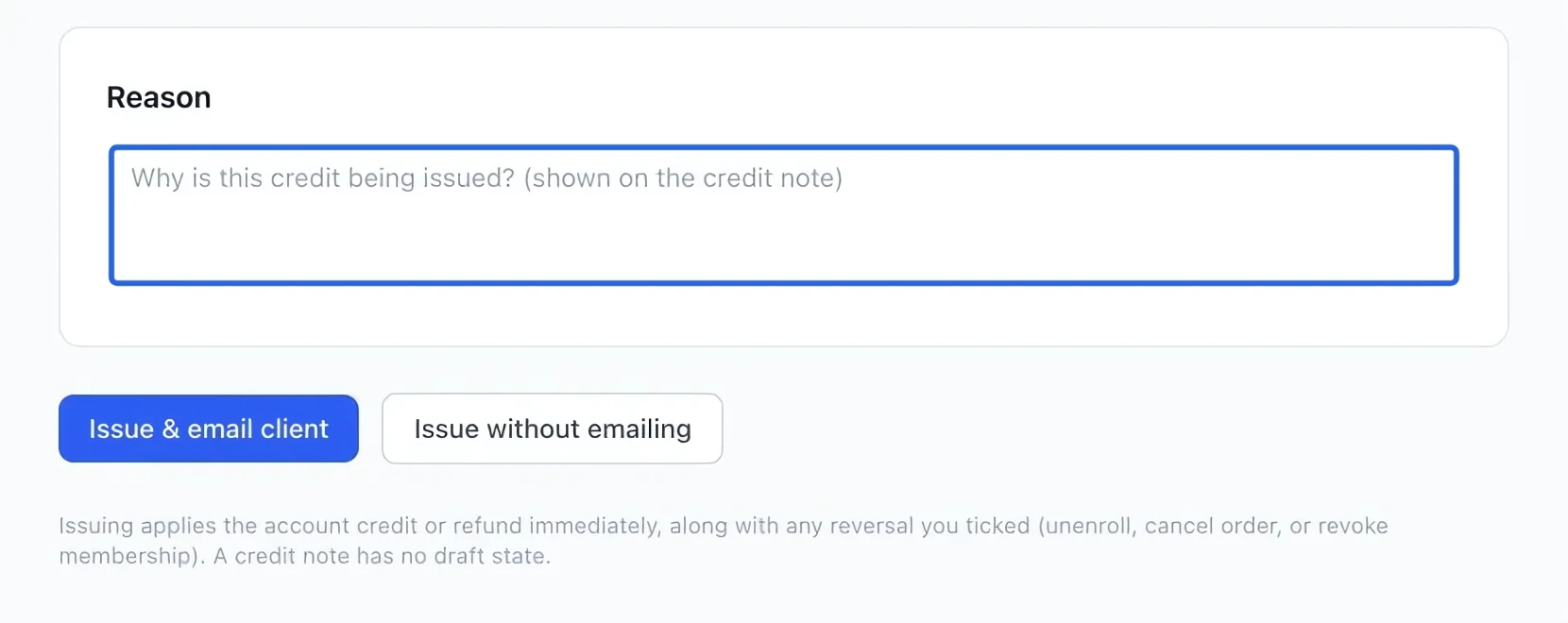
Select the screenshot to enlarge it. The blue outline marks the control to use.
- 5
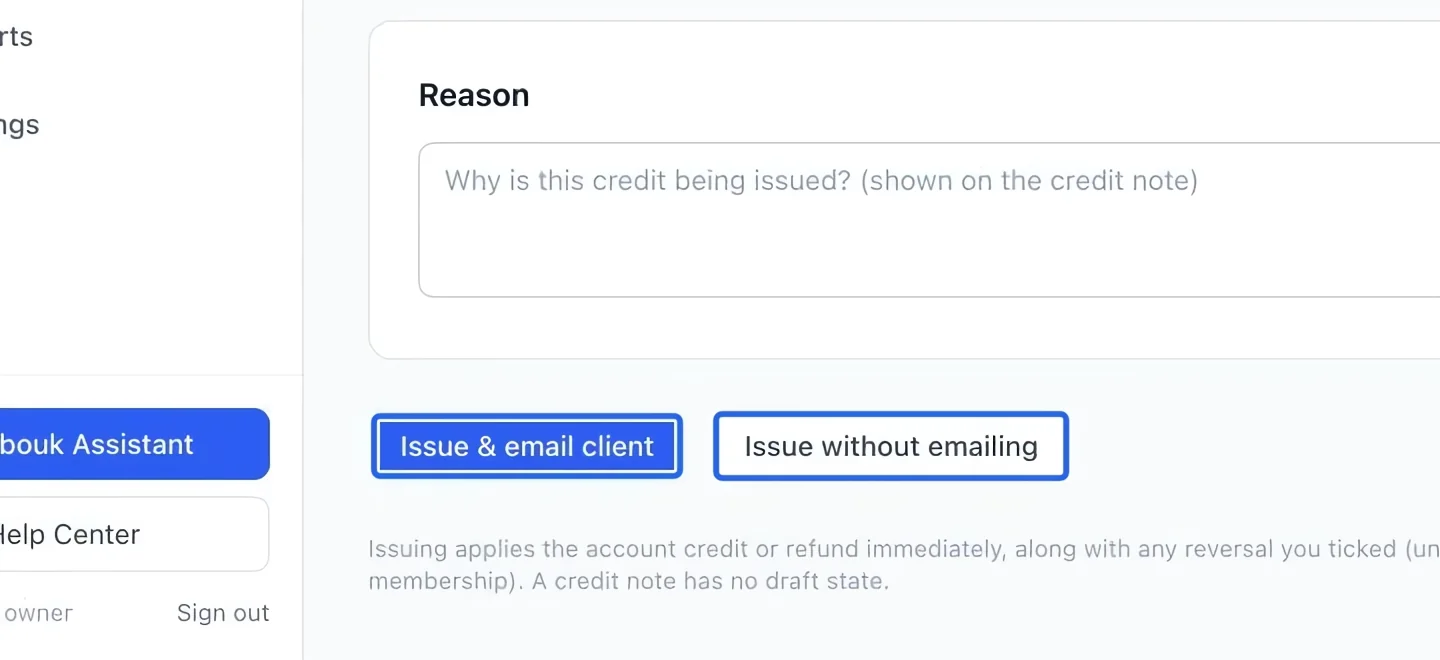
Review and issue
Recheck the client, amount and destination. Choose Issue & email client to issue and notify, or Issue without emailing when appropriate. Read any error before retrying; do not issue a second credit just because an email is delayed.
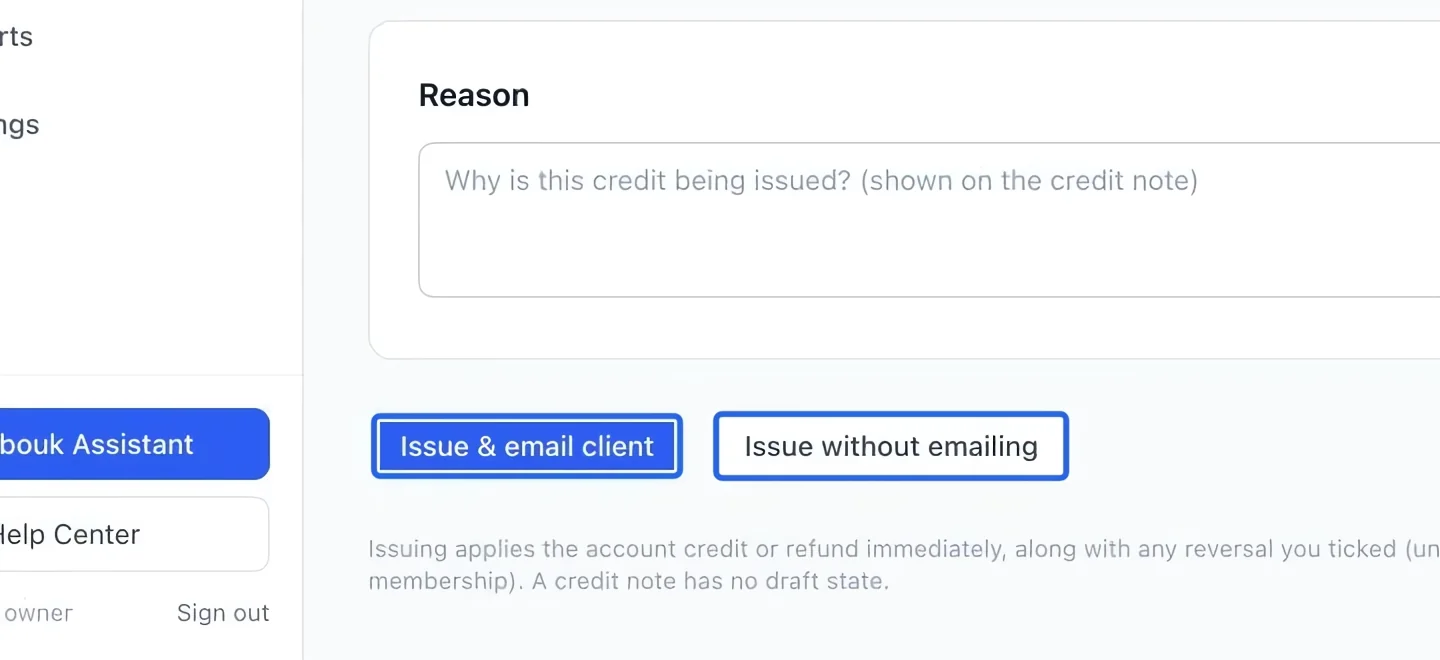
Select the screenshot to enlarge it. The blue outline marks the control to use.
- 6
Review stock returns and grouped credits
A partial credit is limited to the amount still creditable, including applicable taxes. Review any offered stock-return choice separately from the money adjustment. For several programs, use bulk credits and check whether registrations should stay active. A refund is complete only when its payment result confirms it.
Keep going
Reduce an outstanding issued invoice with an expense account, date and audited reason.
Accounting & financial reportsTrace write-offs, credit notes, cancellations, fees and discounts included in prices.
Accounting & financial reportsRead transaction status, method, refunded amounts and failure reasons.