Reward loyalty and referrals
Points that turn into credit, and refer-a-family links that grow your club from the inside.
- 1
Enable loyalty
Open Marketing → Growth → Loyalty. In Program settings, select the loyalty enable option. Review the earning and redemption rules before saving. Loyalty remains separate from multi-course promotions, which count only eligible courses bought together, not earlier purchases.
- 2
Set points and credit value
Choose Per registration for a flat number of points per active registration, or Per dollar spent for points on eligible program payments minus refunds. Set how many points equal one unit of account credit. Both modes wait until the day after the final program date, in the organization’s timezone. The latest program end date, option end date or session date controls this timing. A program ending September 30 earns points from October 1, unless a later option or session extends it. Programs with no end or session date do not earn points yet.
- 3
Save the loyalty rules
Click Save loyalty settings. All active registrations qualify after their program ends, including pending and approved registrations; attendance records are not required. Cancelled, rejected and waitlisted registrations are excluded. Check Top members after programs finish. A purchase or installment paid before the end date does not make points available immediately. In per-dollar mode, a mixed invoice earns only on payments allocated to eligible completed programs; products, memberships and future programs do not add eligible spending.
- 4
Configure referrals
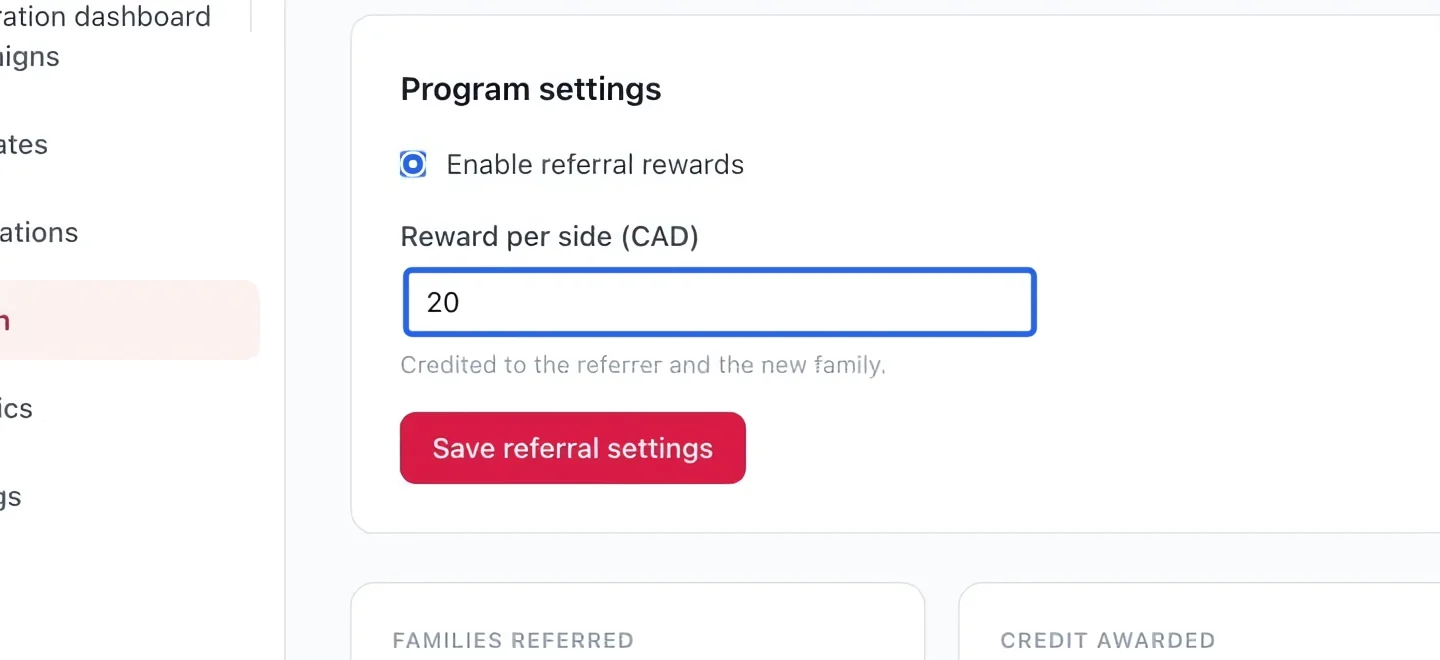
Open Growth → Referrals. Enable the program and enter the referral reward. Read the explanation on this page for when the referring and new families become eligible.
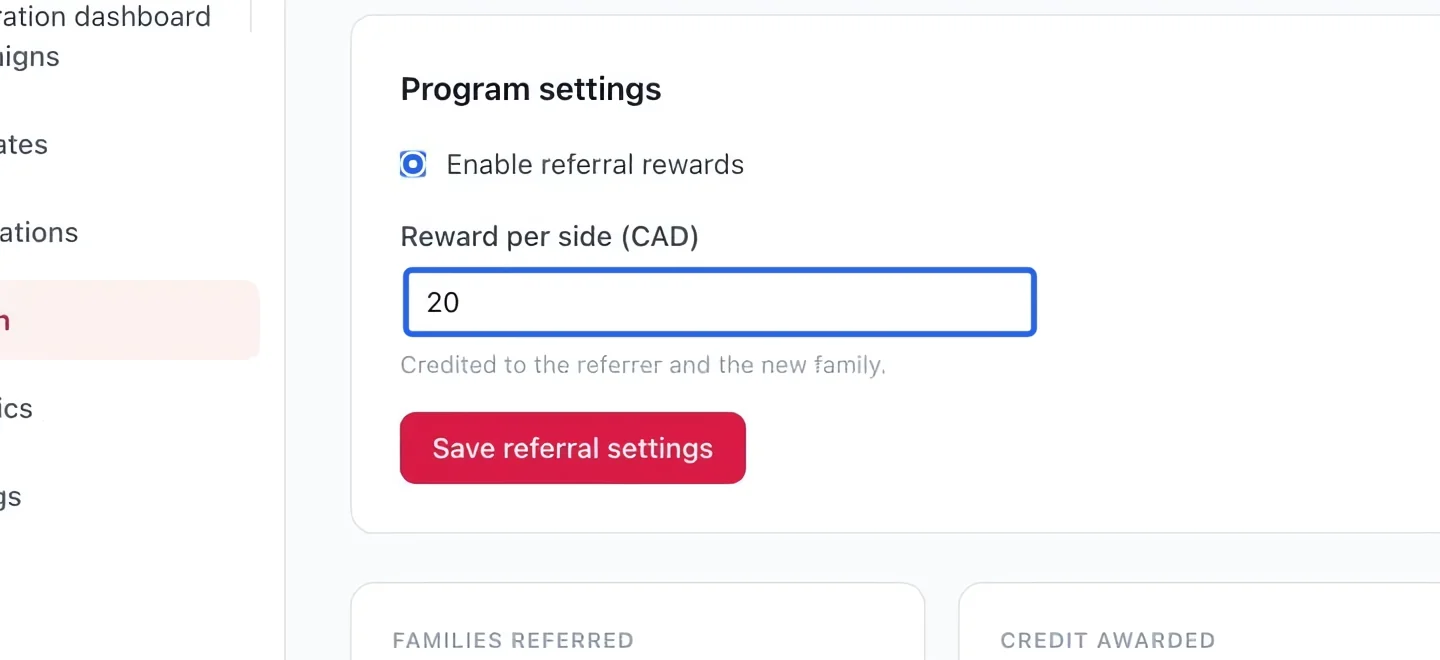
Select the screenshot to enlarge it. The blue outline marks the control to use.
- 5
Save and monitor referrals
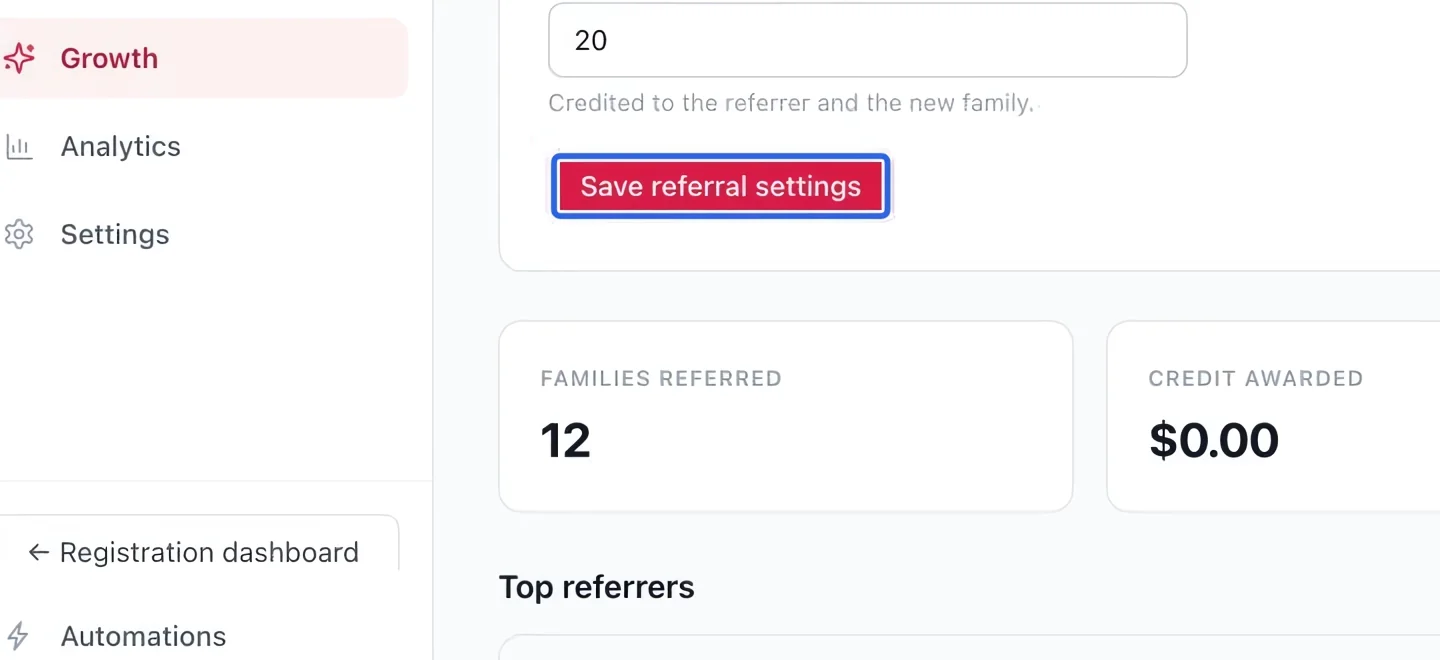
Click Save referral settings. Review the referral totals and Top referrers after families use their referral links. Check the saved reward before promoting the program.
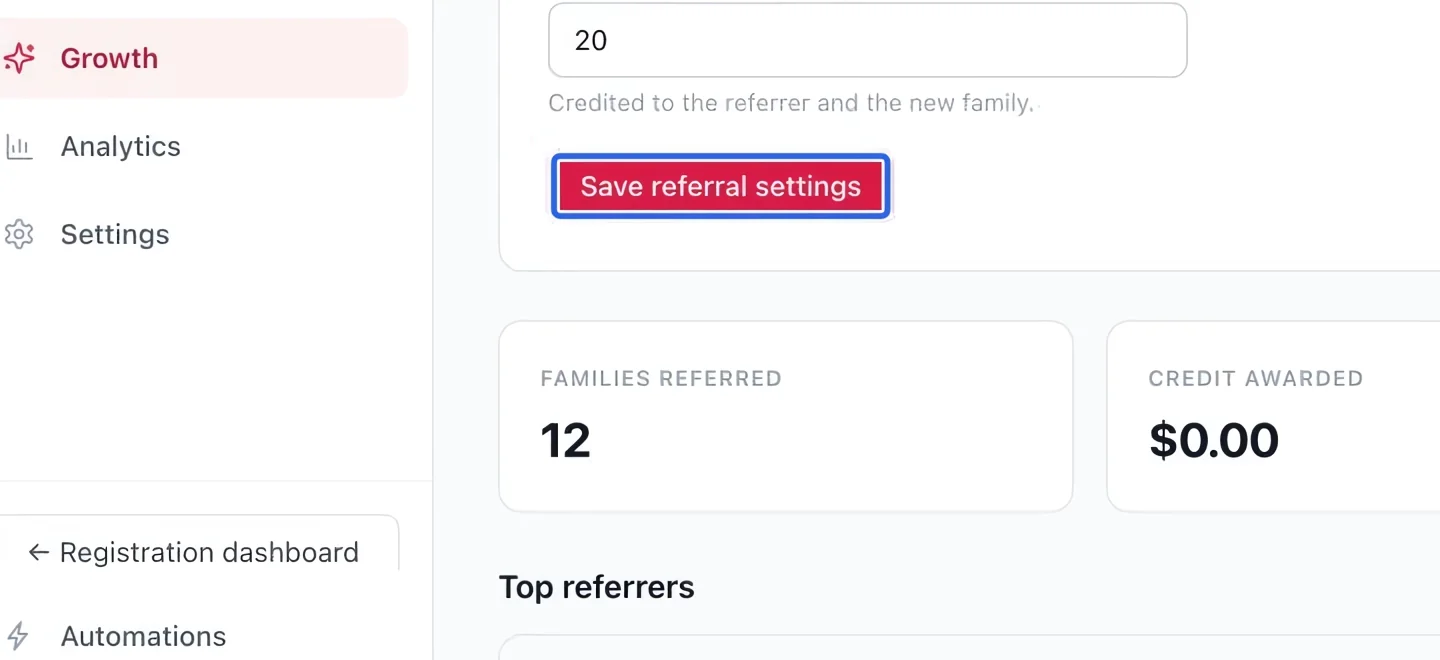
Select the screenshot to enlarge it. The blue outline marks the control to use.
- 6
Help families redeem available points
Families open Earn credits to see their available balance and redeem enough points into account credit. For example, at 100 points per dollar of credit, 500 available points redeem for $5. The resulting credit can then apply at checkout. If the balance is lower than expected, check the final program, option and session dates, registration status and refunds. Moving the final date later delays the points. Balances recalculate under these rules, while account credit already issued from earlier redemptions is preserved. Referral rewards follow their separate rules on the Referrals page.