
Sell membership plans
Annual club memberships and passes: perks, member pricing and members-only programs.
- 1
Start a membership
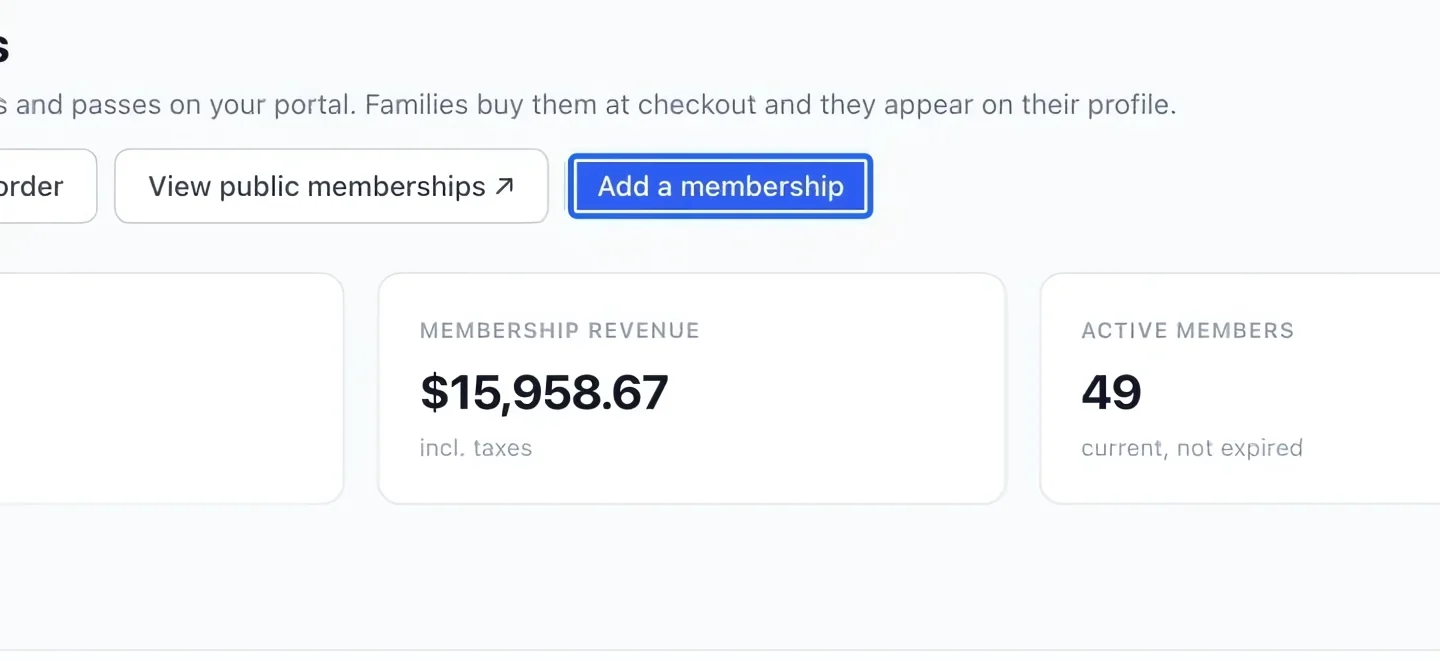
Open Programs → Memberships and click Add a membership. Decide the price, validity period and benefits before filling in the form.
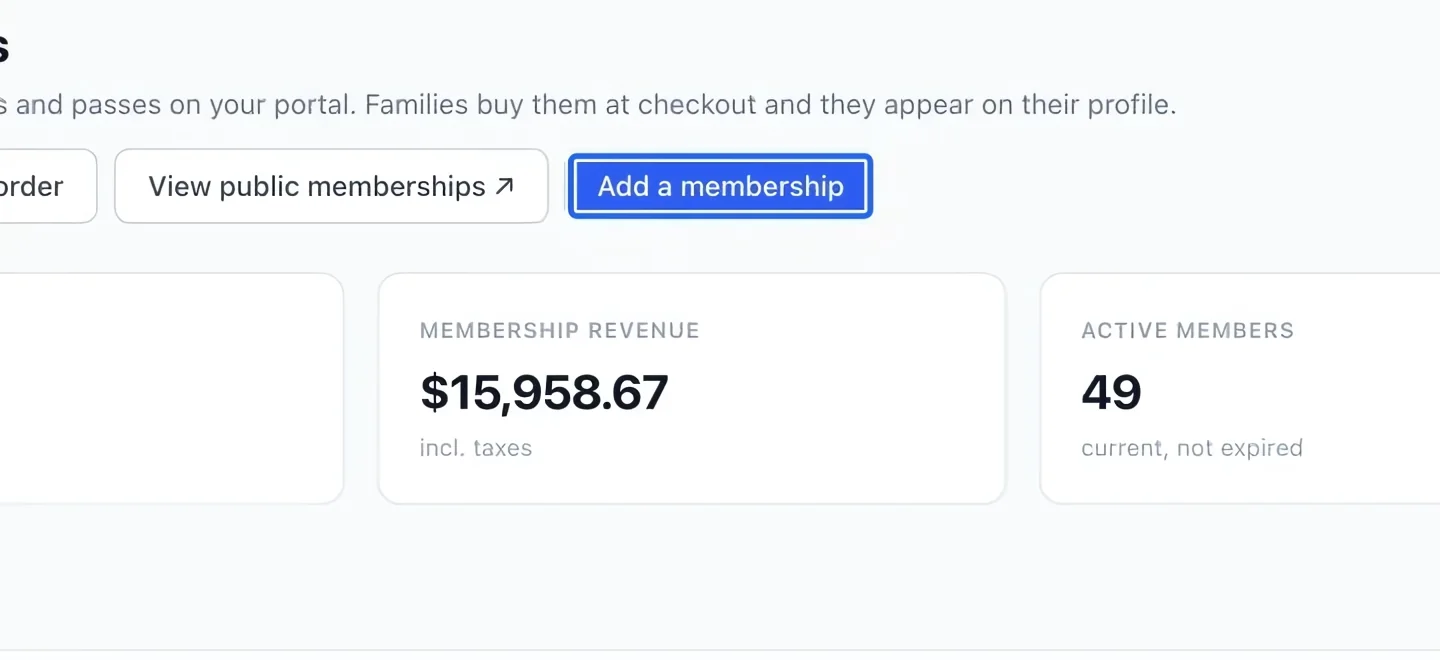
Select the screenshot to enlarge it. The blue outline marks the control to use.
- 2
Set the name, price and validity
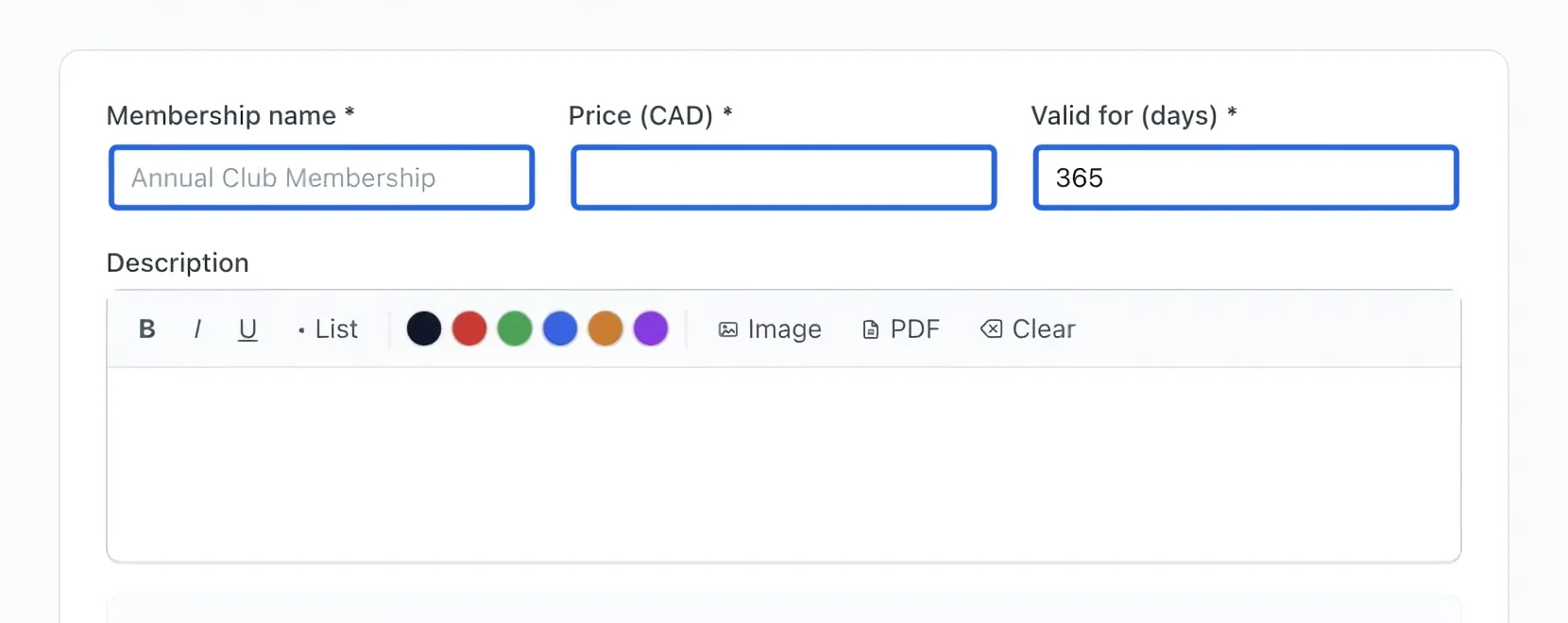
Enter Membership name, Price, and Valid for (days). For a one-year membership, enter 365 days. Describe the included benefits in the description editor.
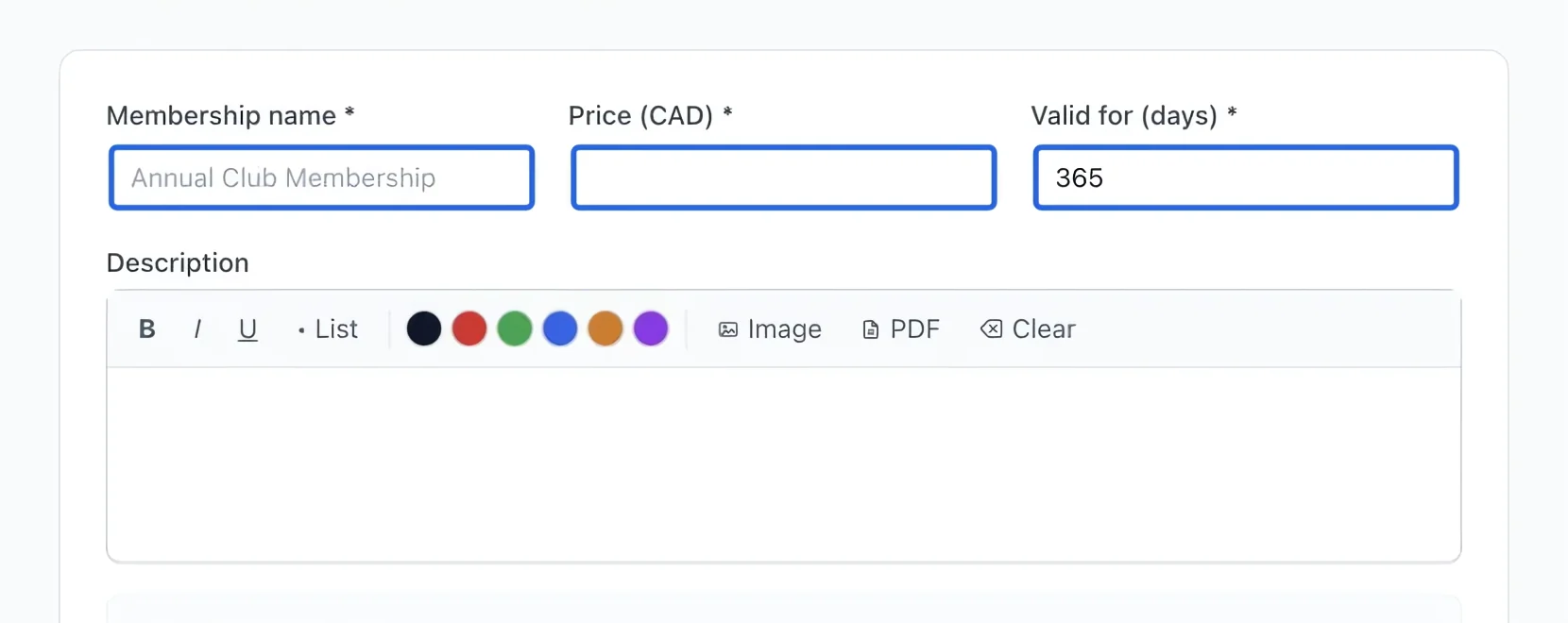
Select the screenshot to enlarge it. The blue outline marks the control to use.
- 3
Configure benefits
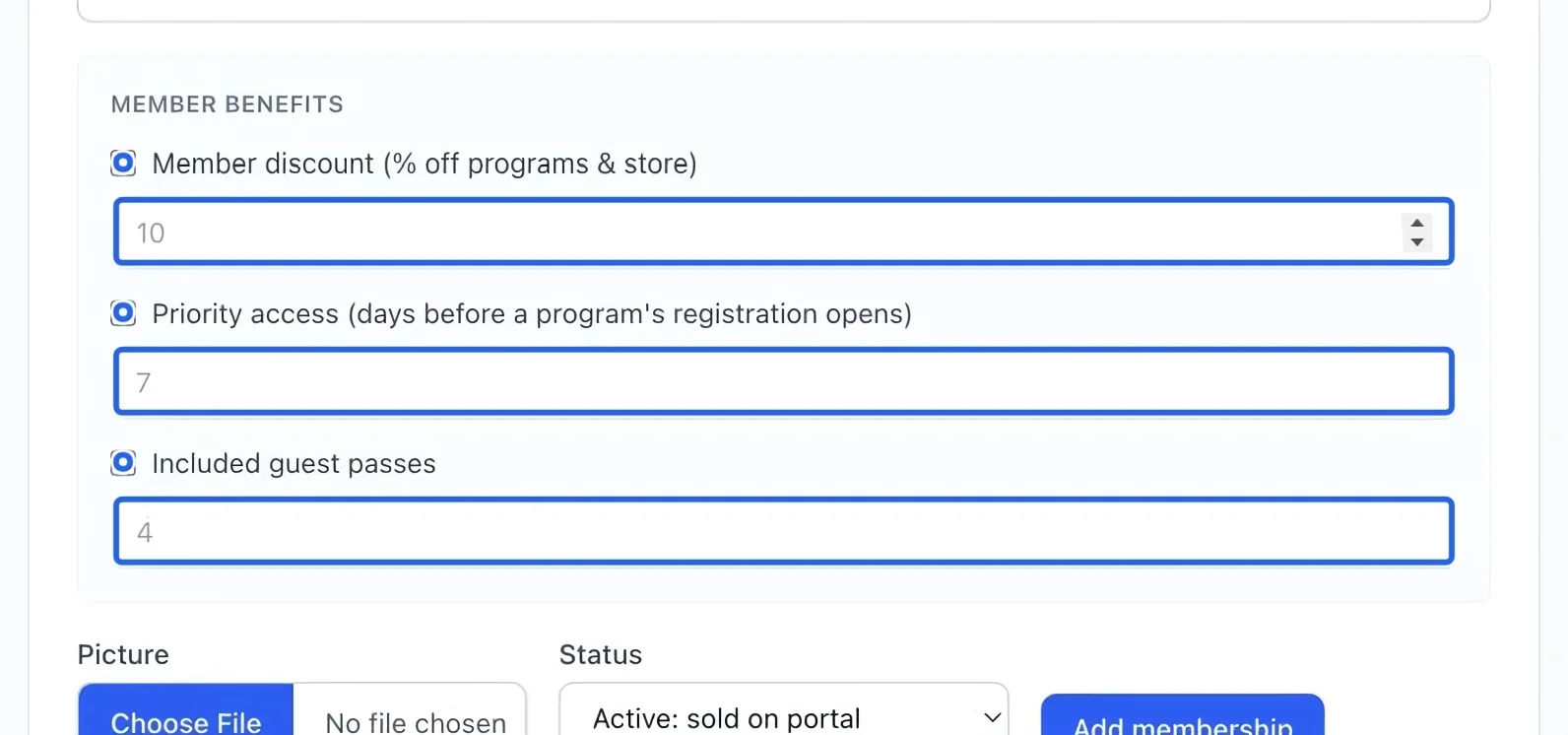
Enable only the benefits you offer: discount percentage, advance access or guest passes. Enter the corresponding number beside each enabled option. Check the combined cost before promising these benefits.
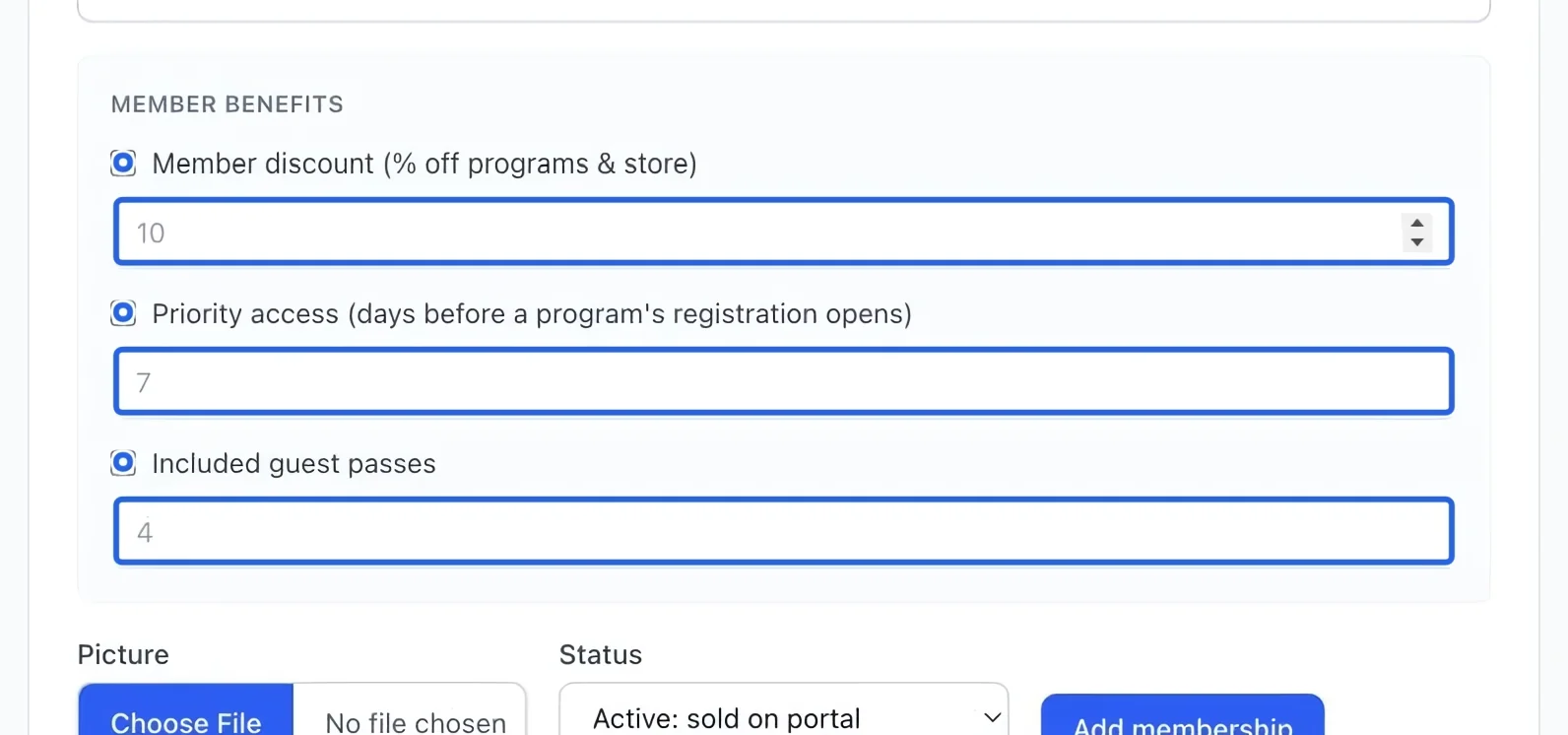
Select the screenshot to enlarge it. The blue outline marks the control to use.
- 4
Save the plan
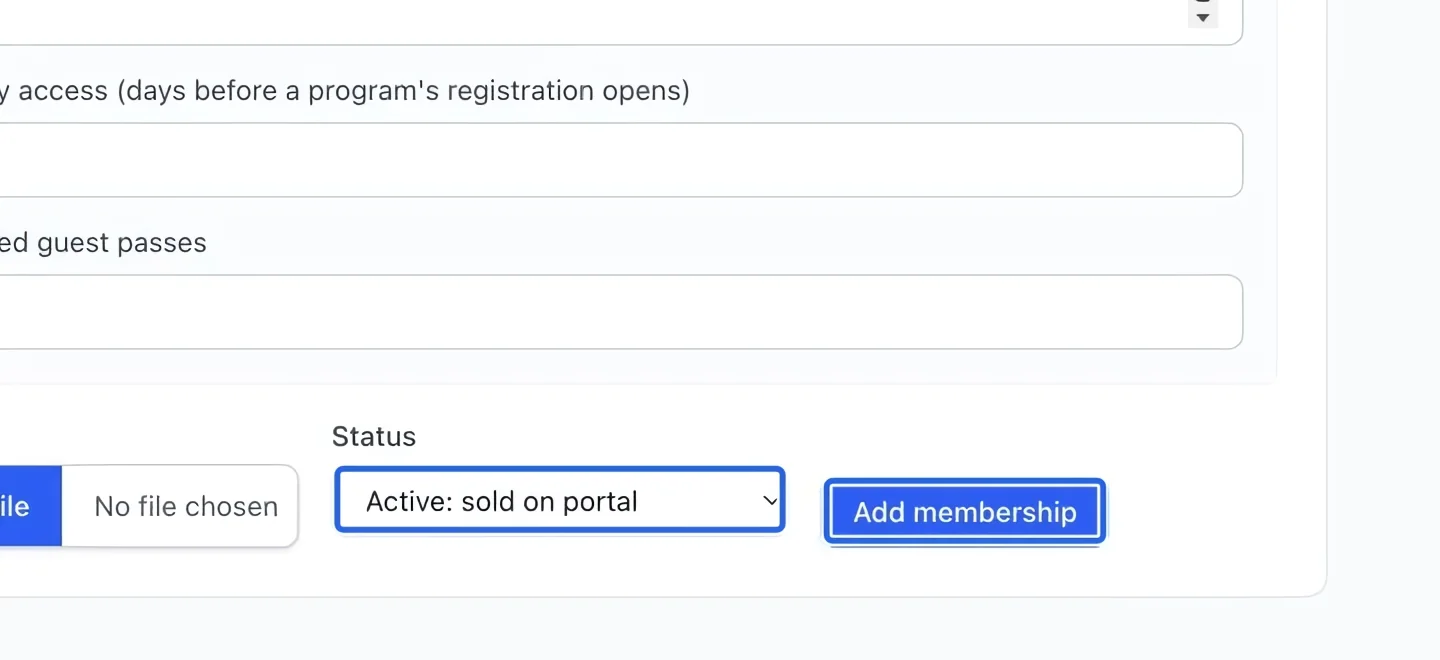
Select Active: sold on portal to offer the membership, or Hidden while preparing it. Click Add membership. Check the saved plan’s price and duration before sharing it with families. Before selling it, map the membership to its accounting account if a specific revenue or deferred account is needed. Existing posted sales retain their accounts. Membership purchases do not count toward multi-course thresholds. Existing membership discounts apply after course promotions in registration checkout. Review discount combinations. Membership purchases do not earn program loyalty points. Program registration rewards become available after the program’s final date.
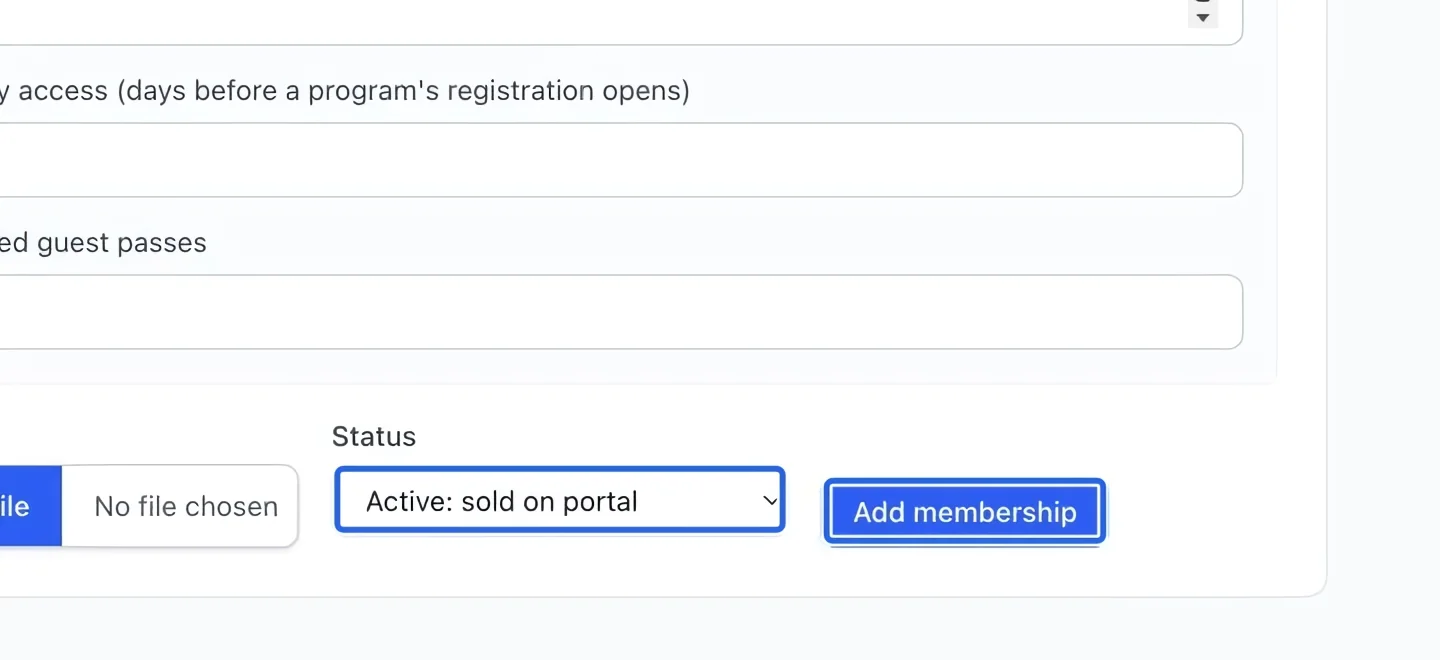
Select the screenshot to enlarge it. The blue outline marks the control to use.
- 5
Review member purchases
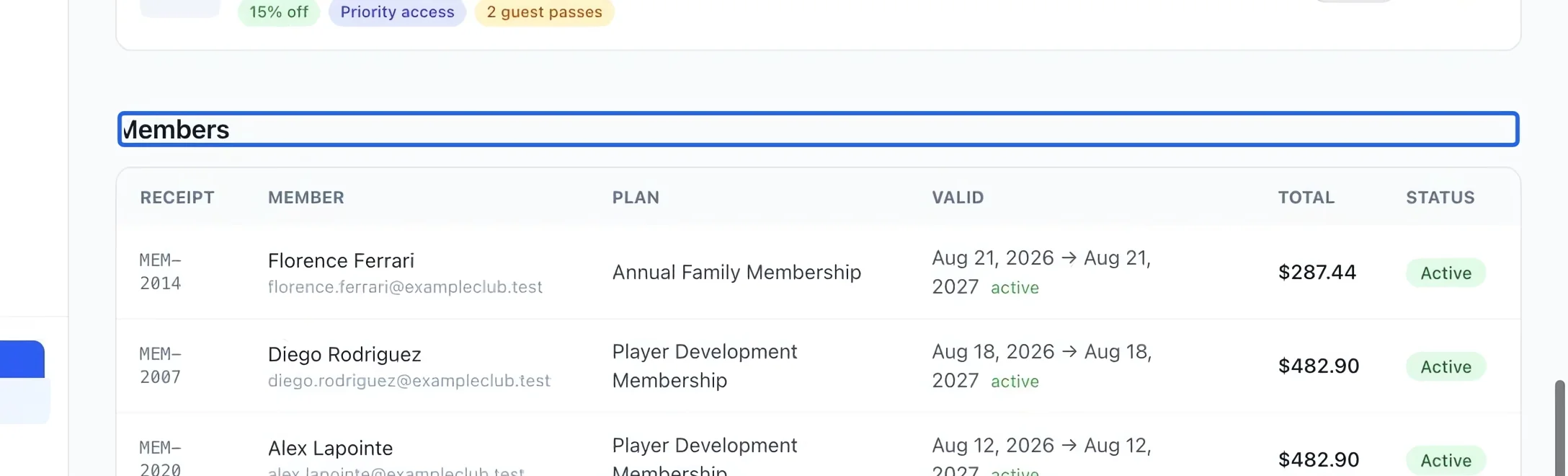
In the membership page’s member list, check who holds each plan and its expiry date. Families can buy a new membership from the portal when needed; a manually invoiced membership is granted when that invoice is paid.
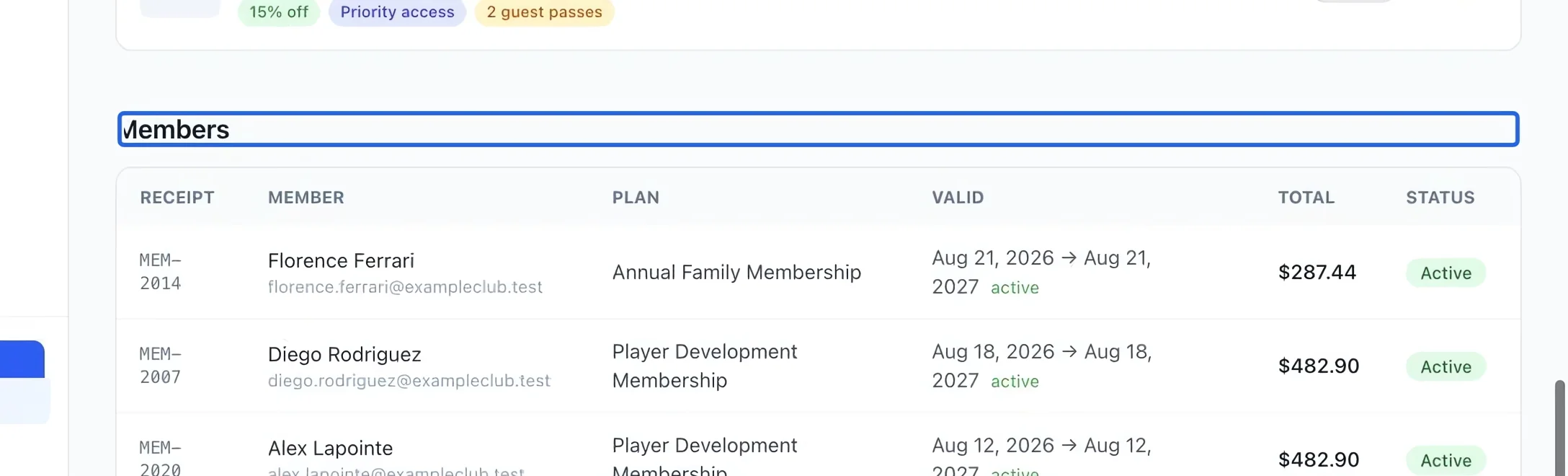
Select the screenshot to enlarge it. The blue outline marks the control to use.
Keep going
Select a client and catalog items, review the total, then save or send an invoice.
Accounting & financial reportsRoute programs, rates, memberships, products and payment methods to the right accounts.
Accounting & financial reportsInspect invoice lines, credit notes, receipts, participants and form answers.