
Map sales and payment accounts
Route programs, rates, memberships, products and payment methods to the right accounts.
- 1
Map program revenue
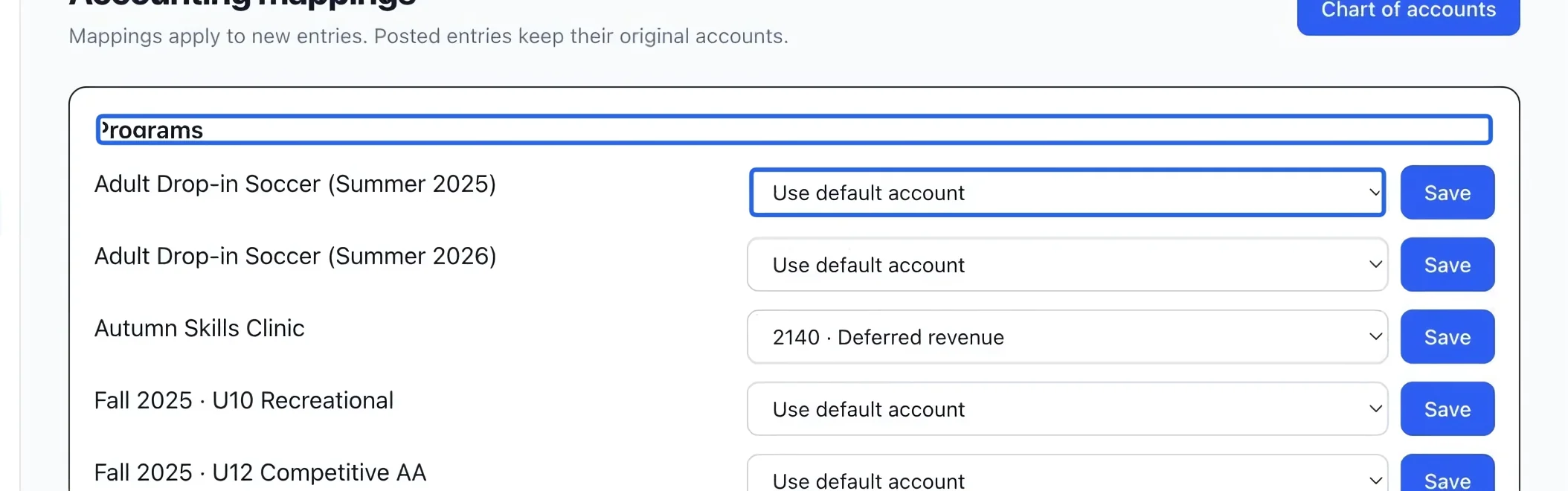
Open Accounting mappings. Under Programs, choose an active revenue or deferred-revenue account beside the program and save that row. Use default account falls back to the standard sales account when the program has no specific mapping.
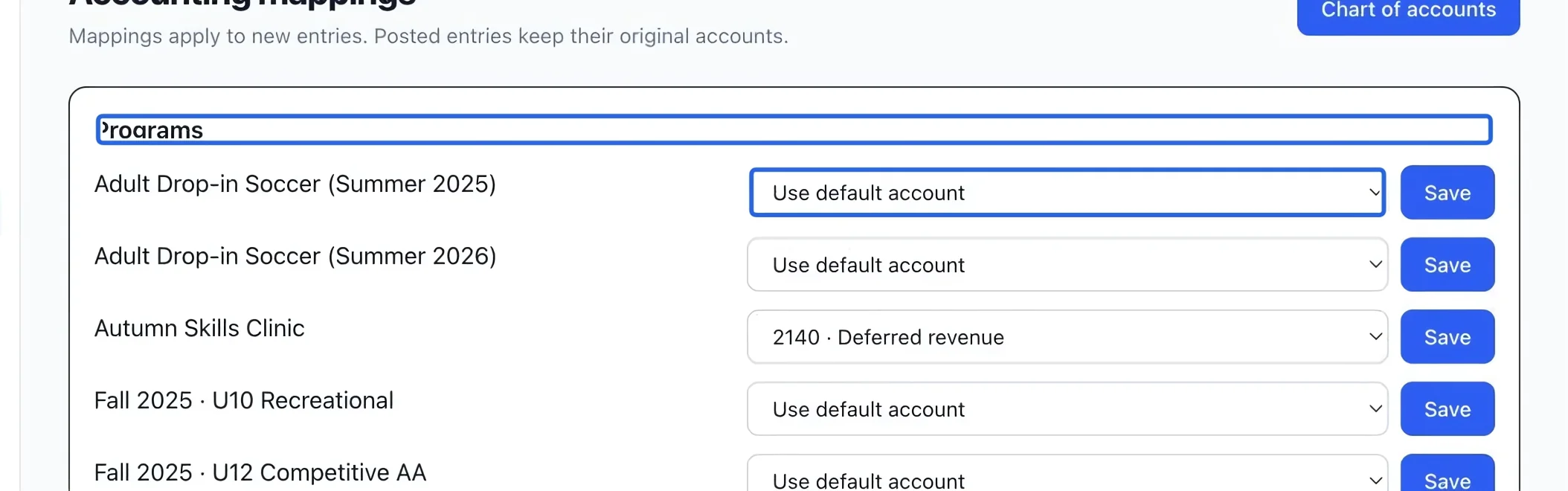
Select the screenshot to enlarge it. The blue outline marks the control to use.
- 2
Override a rate or map another catalog item
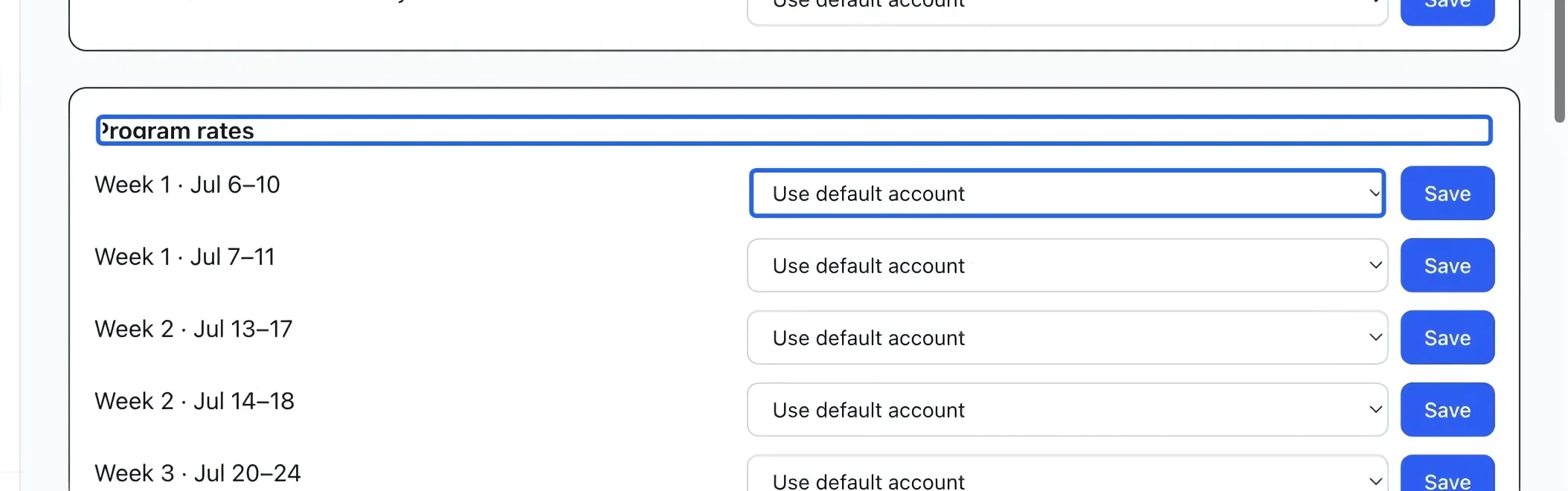
Use Program rates for a rate-specific account. A rate set to Use default account inherits its program’s account, then the standard sales account. In Memberships and Products, save each item’s account separately. These mappings change future postings; they do not move existing revenue.
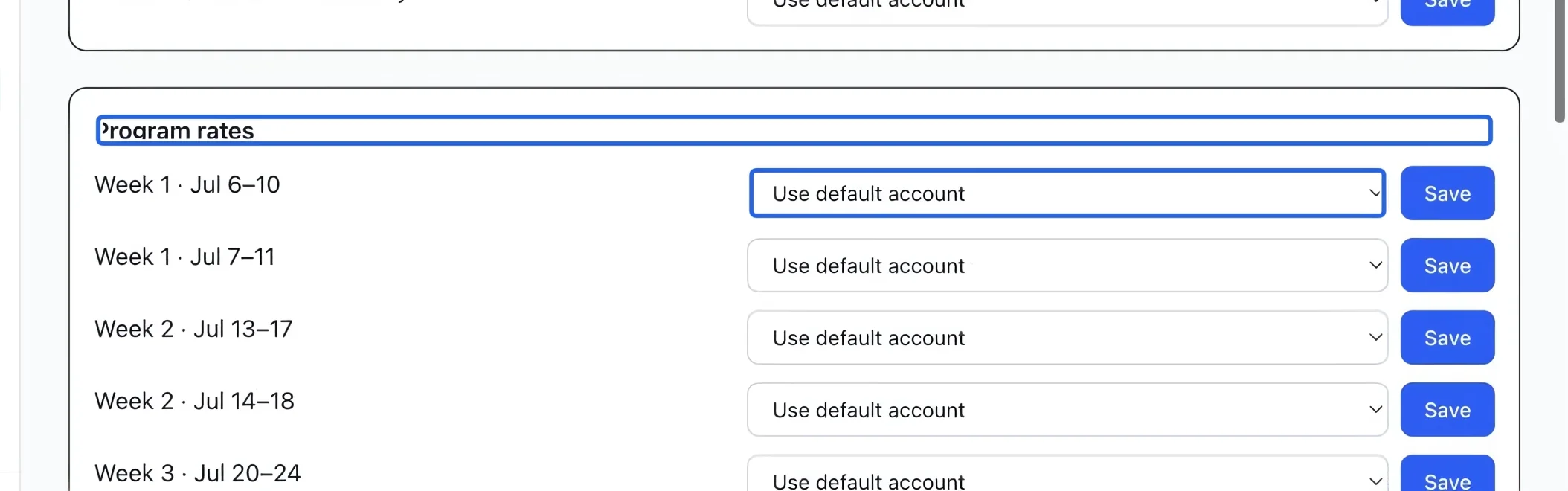
Select the screenshot to enlarge it. The blue outline marks the control to use.
- 3
Map memberships and products
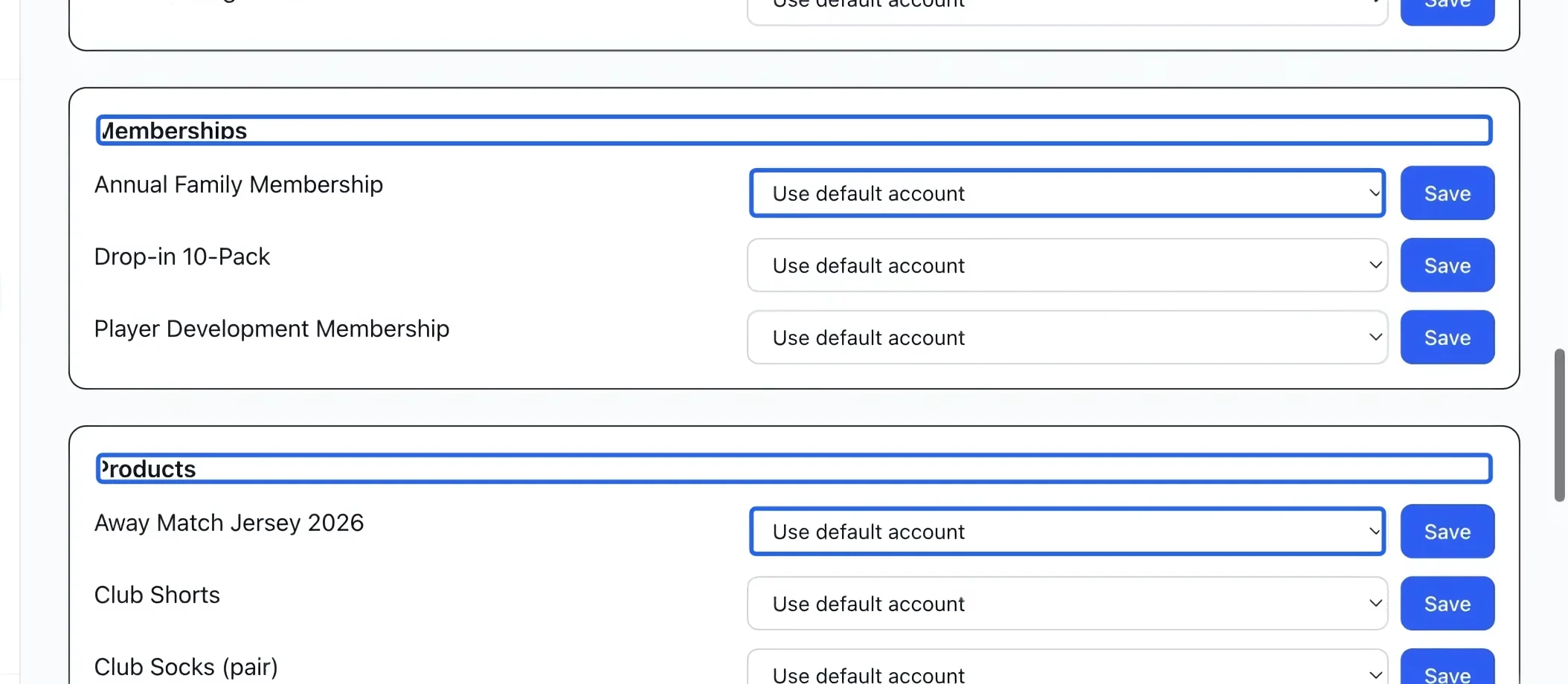
Select the account beside each membership or product, then save its row. Use an active revenue account for an ordinary sale or a deferred account when appropriate. Use default account uses standard sales revenue. Revisit these rows when adding catalog items or retiring an account.
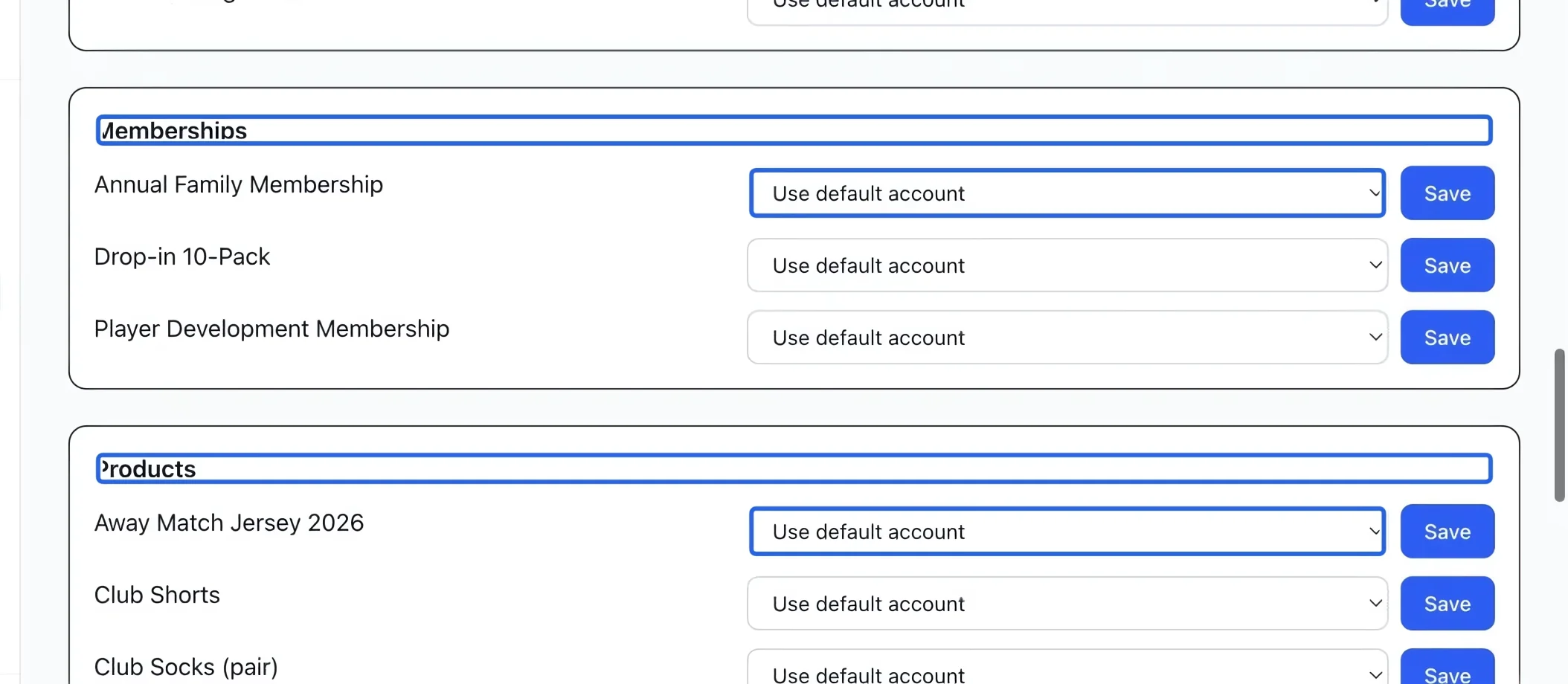
Select the screenshot to enlarge it. The blue outline marks the control to use.
- 4
Map each payment method
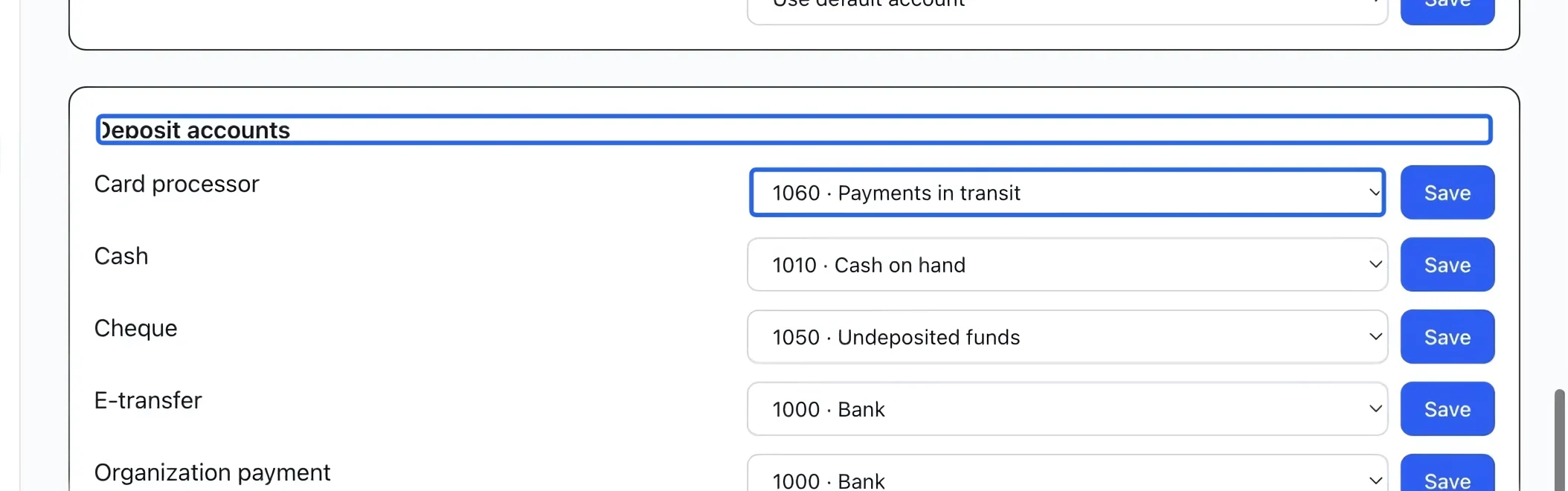
Under Deposit accounts, choose the bank-type account for Cash, Cheque, E-transfer, Organization payment and Card processor. Save each row. For example, cheques can go to undeposited funds while card collections go to payments in transit until a verified payout reaches the bank.
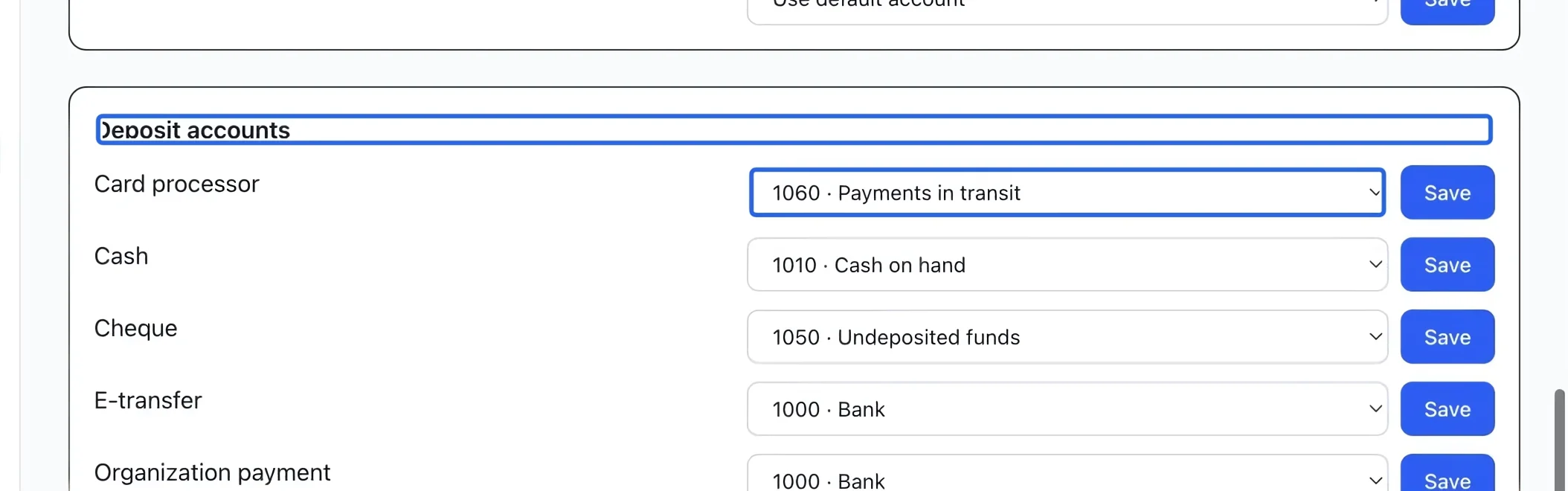
Select the screenshot to enlarge it. The blue outline marks the control to use.
Keep going
Choose your accounting basis, add accounts, and maintain the accounts used by your financial reports.
Accounting & financial reportsSet the tax account, agency, registration number and bilingual invoice description for each component.
Accounting & financial reportsRelease earned program revenue, or schedule recognition from the program’s sessions.