Organize types and locations
Maintain the two dropdowns every program uses: your program types and your venues.
- 1
Add a program type
Open Planning → Program types. Enter a short category name in the add-type field, then use the add button. Reuse categories such as camp or clinic across programs.
- 2
Add a venue
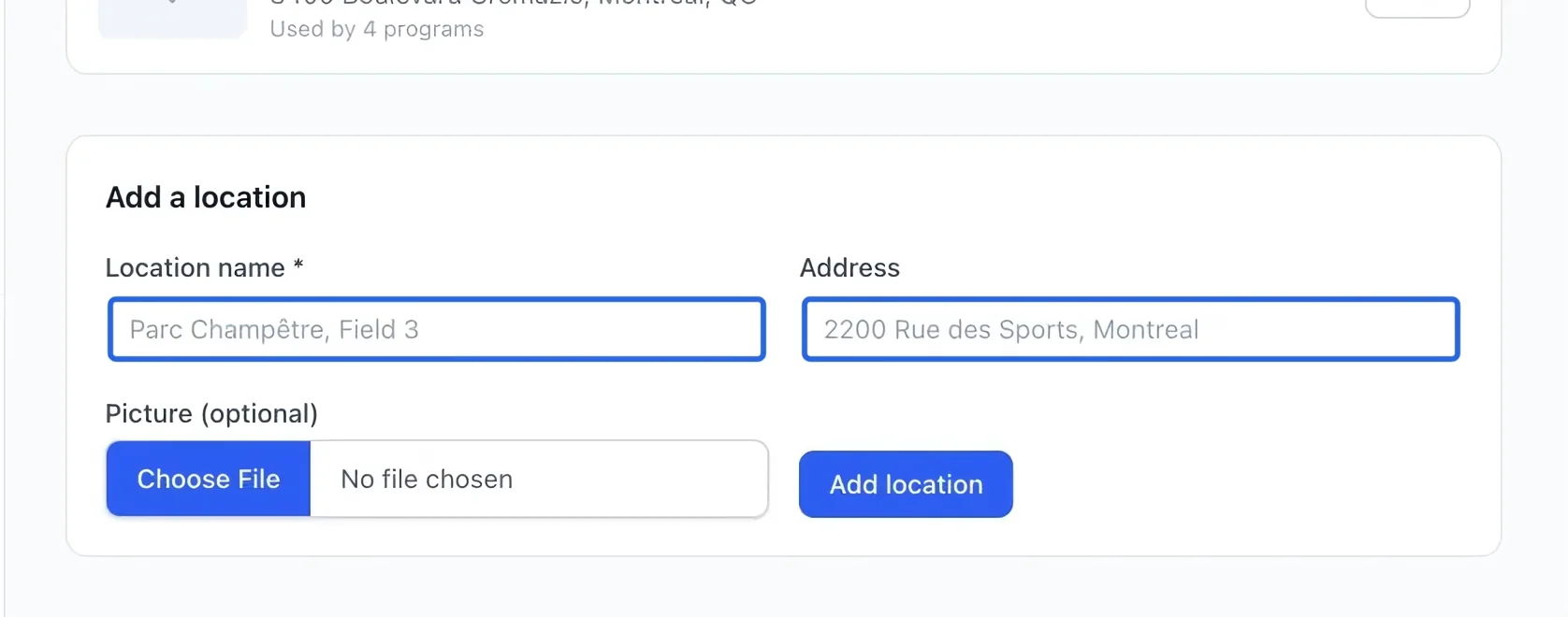
Open Planning → Locations. In the new-location form, enter the venue name and full street address. Use a name staff and families will recognize.
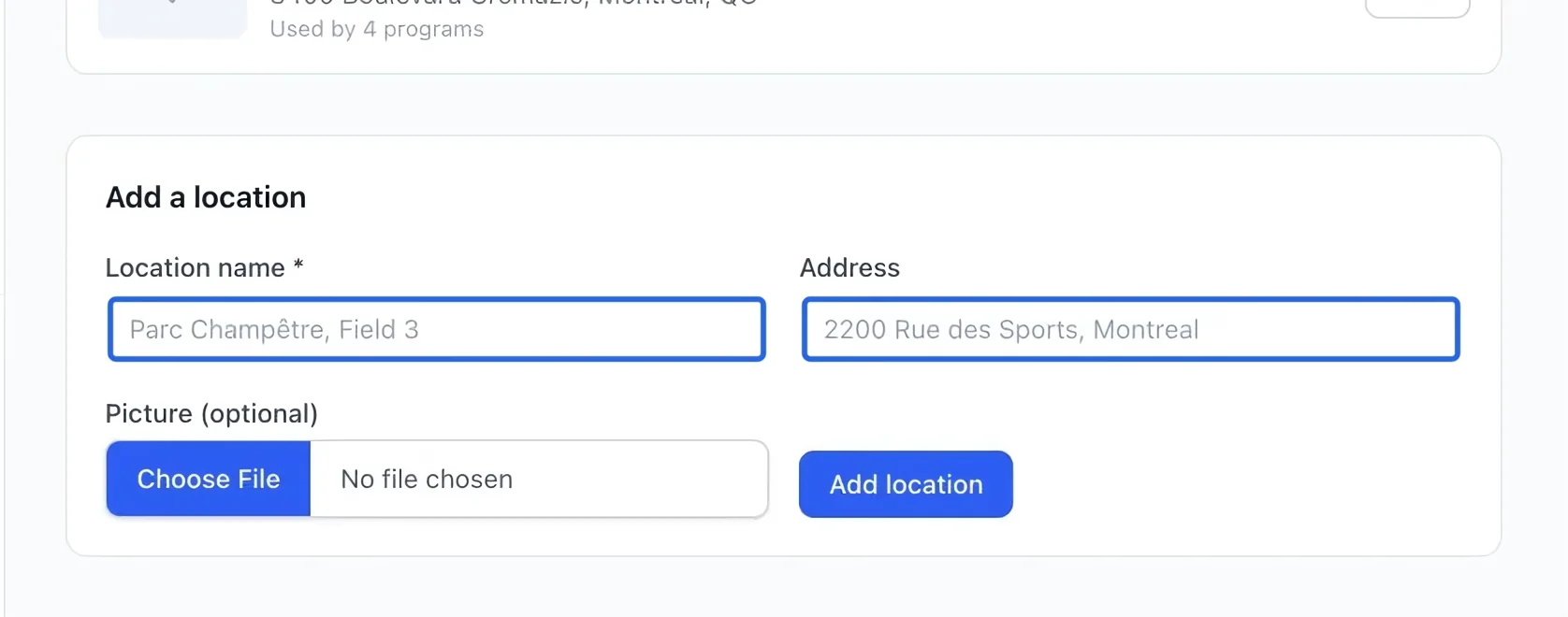
Select the screenshot to enlarge it. The blue outline marks the control to use.
- 3
Save the location
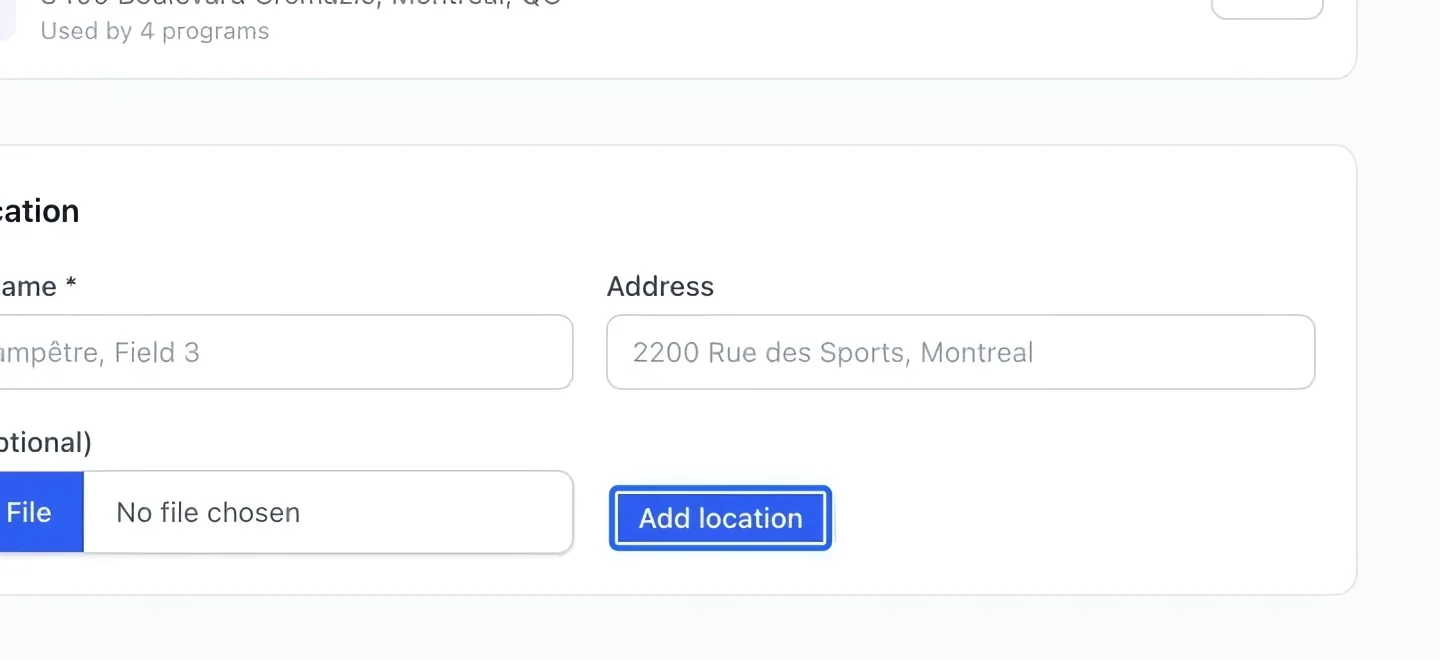
Click Add location and check that the new venue appears in the list. Review its spelling and address before assigning it to an activity.
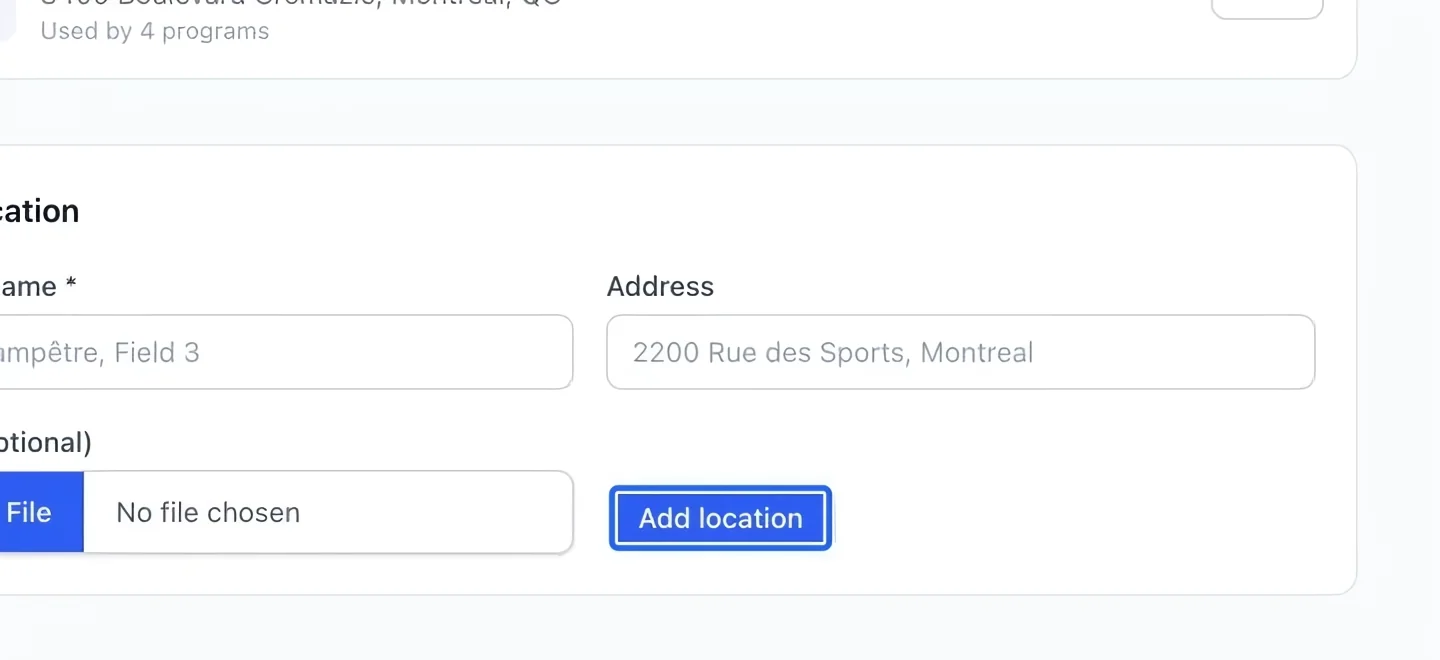
Select the screenshot to enlarge it. The blue outline marks the control to use.
- 4
Use the saved choices
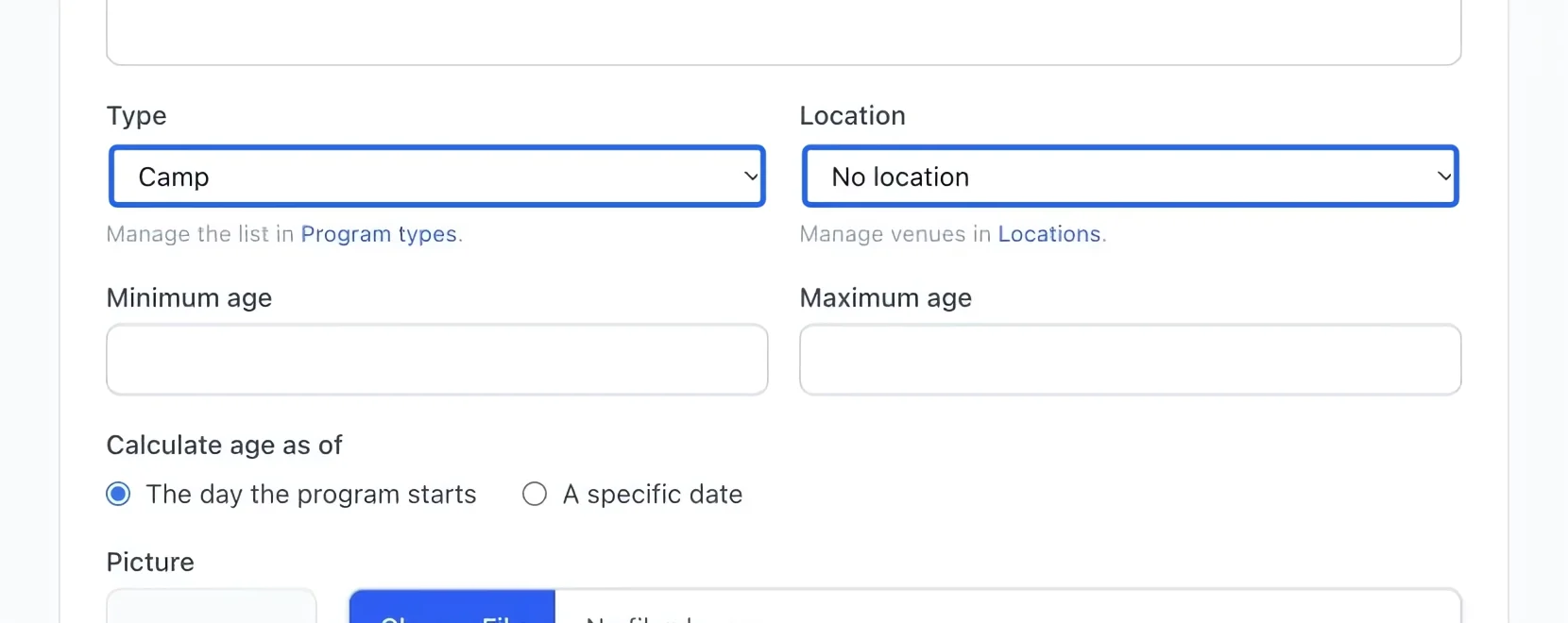
Return to a program’s Information section. Select the new type and location from their dropdowns. Keep venue details in Location rather than adding an address to the program name.
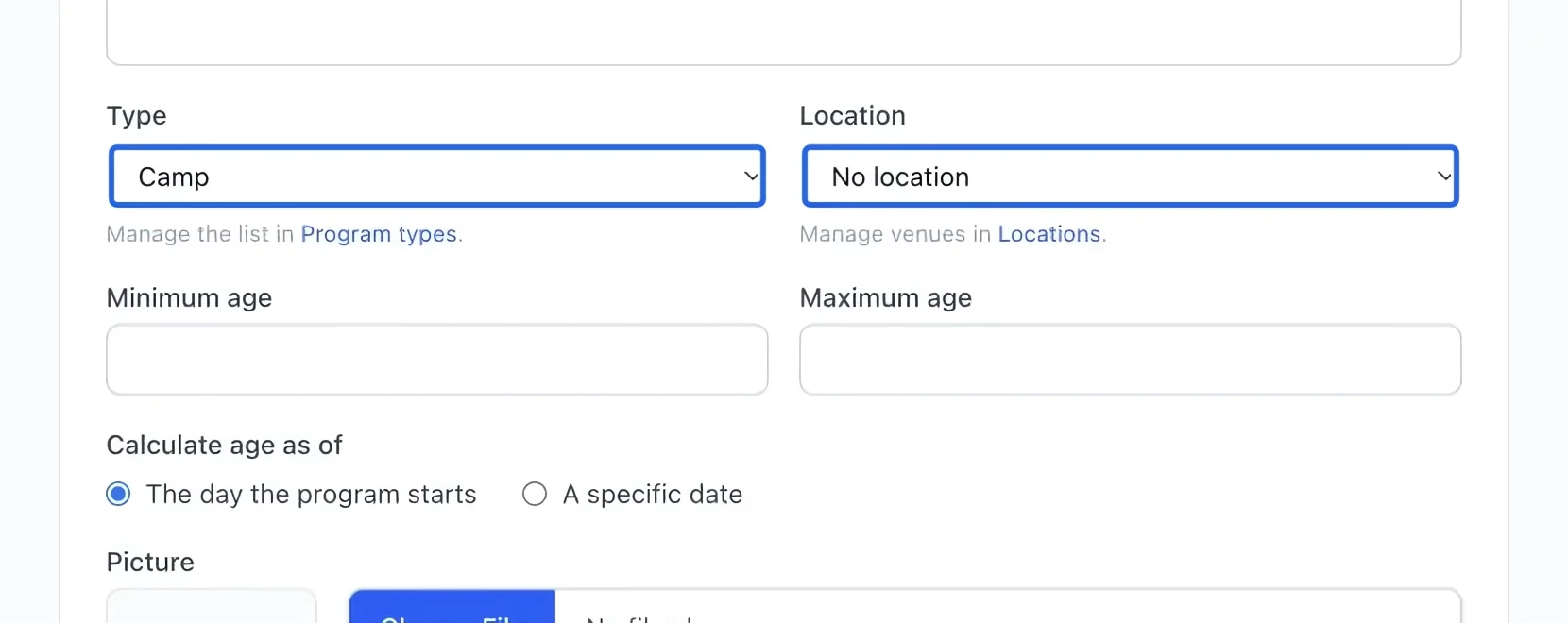
Select the screenshot to enlarge it. The blue outline marks the control to use.