Run a payroll period
Review the period, resolve readiness checks, verify totals and prepare the payroll export.
- 1
Select the payroll period
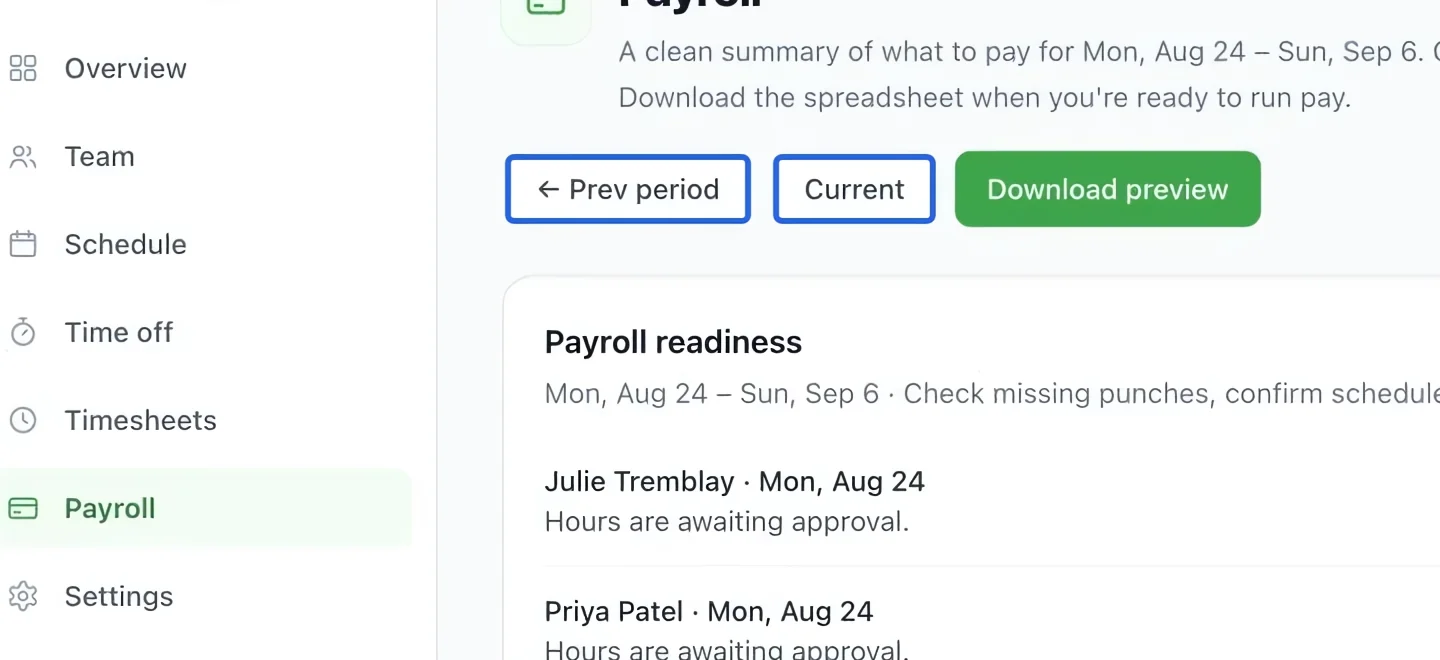
Open Workforce → Payroll and check the selected period. Payroll uses approved hours and your configured salary, overtime and leave rules.
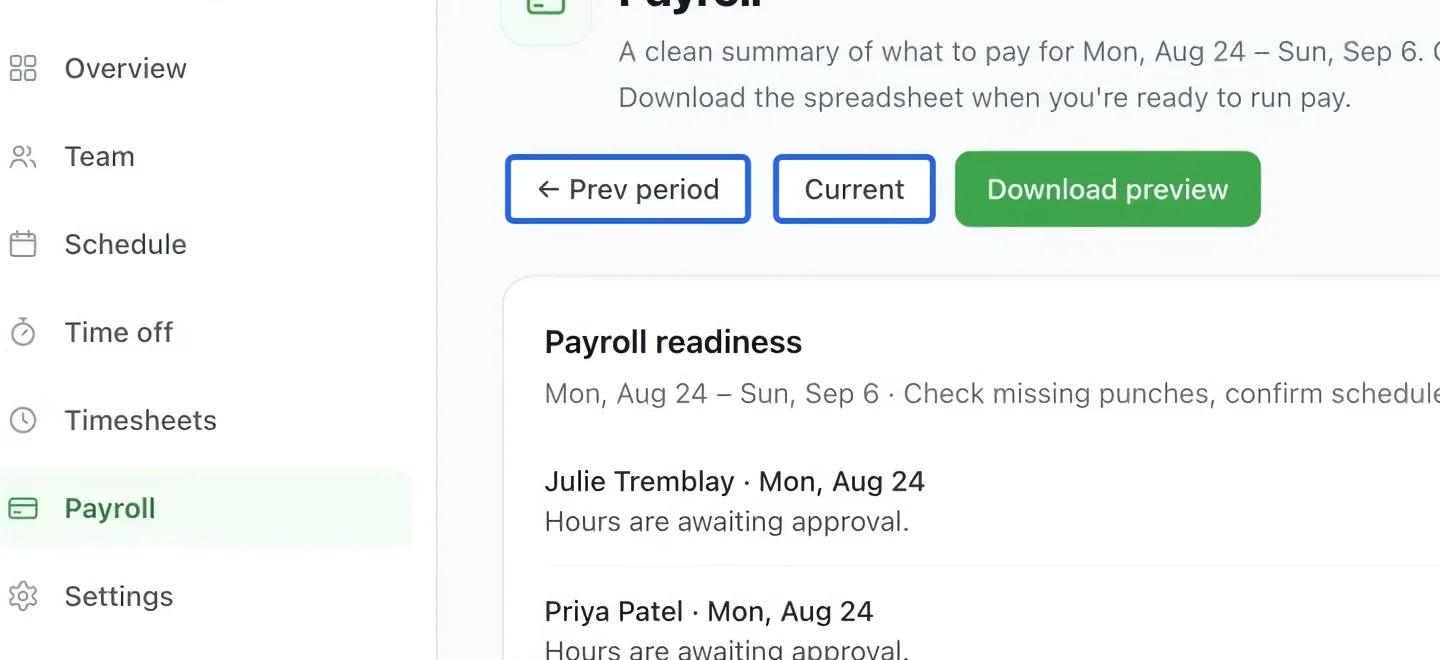
Select the screenshot to enlarge it. The blue outline marks the control to use.
- 2
Resolve readiness issues
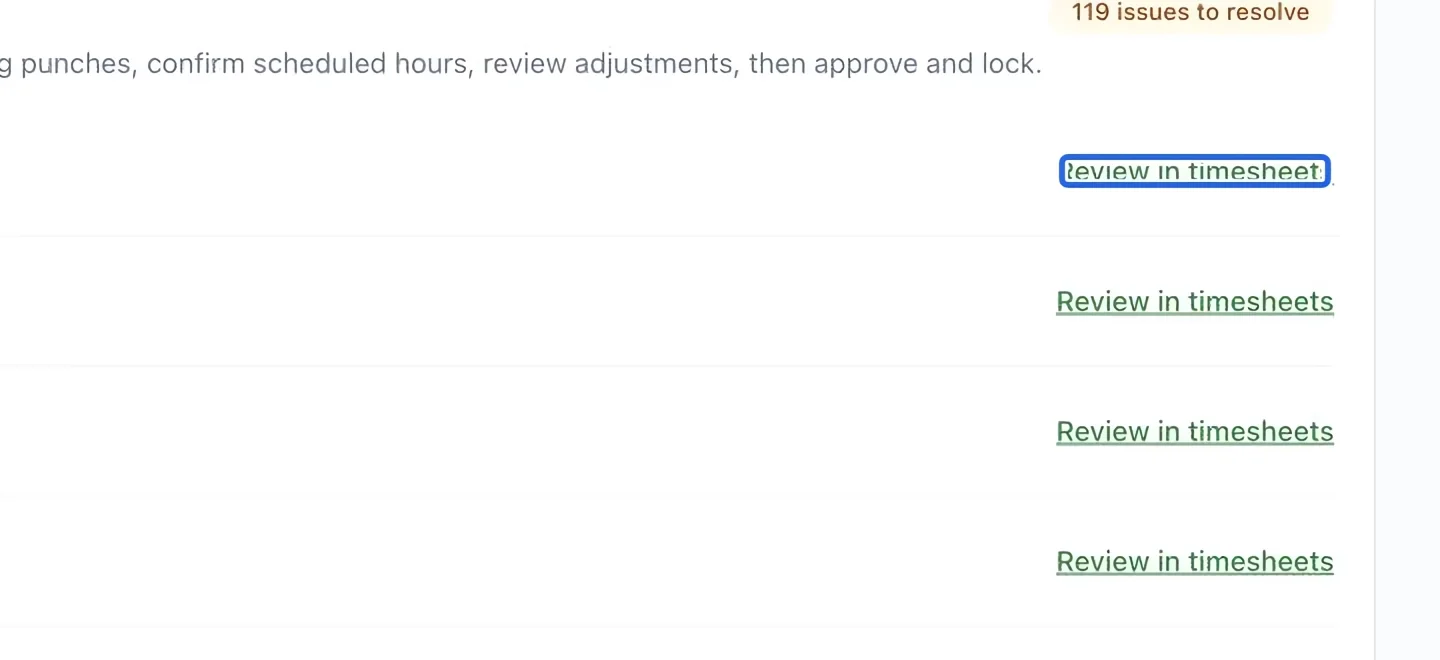
If Payroll readiness lists issues, use Review in timesheets to correct and approve the affected entries. A preview with unresolved issues is not a final payroll export.
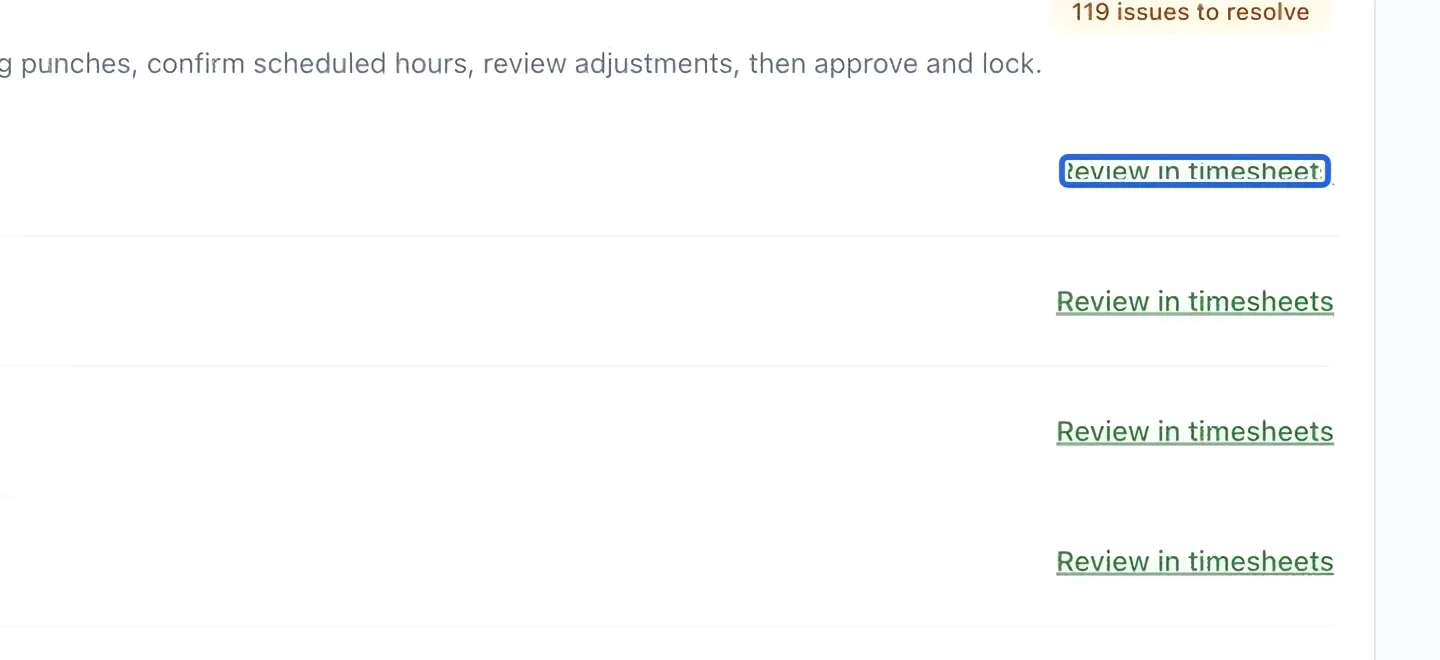
Select the screenshot to enlarge it. The blue outline marks the control to use.
- 3
Verify pay rules
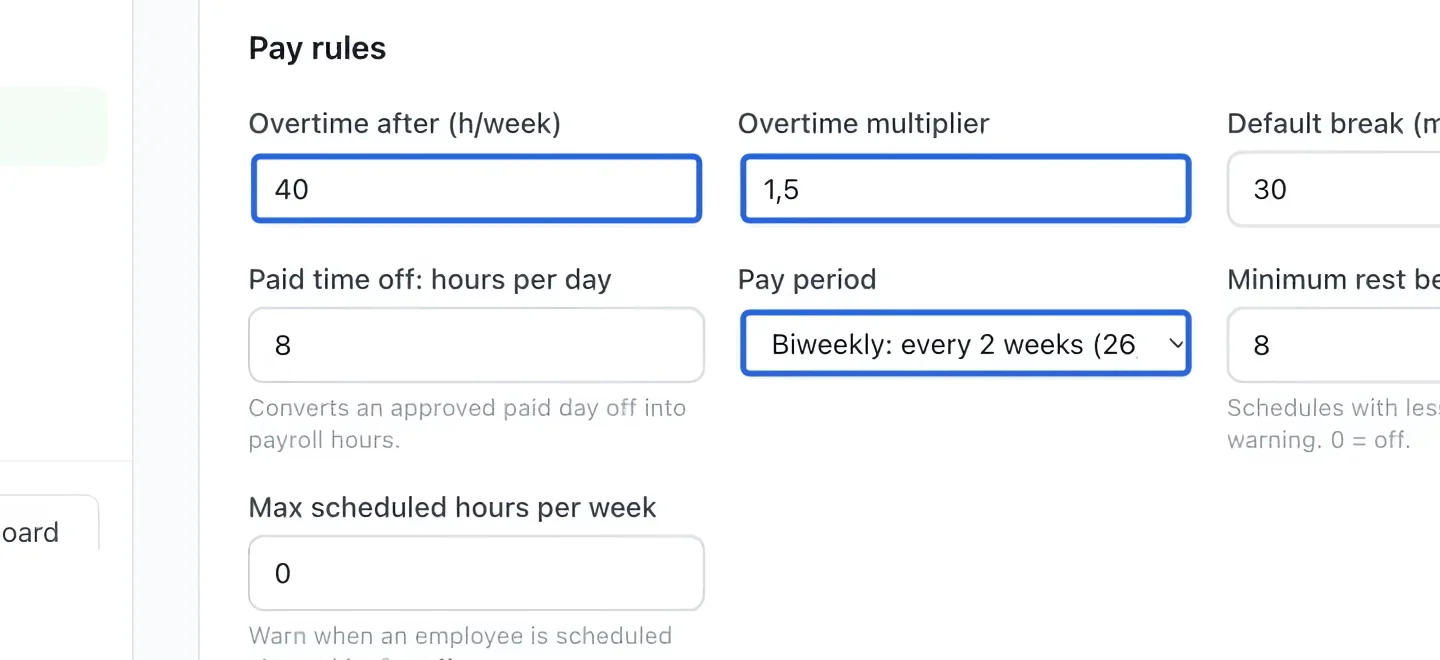
Before your first run, review pay-period and overtime settings with the person responsible for payroll. These settings drive the calculations; do not assume the default rules match your organization.
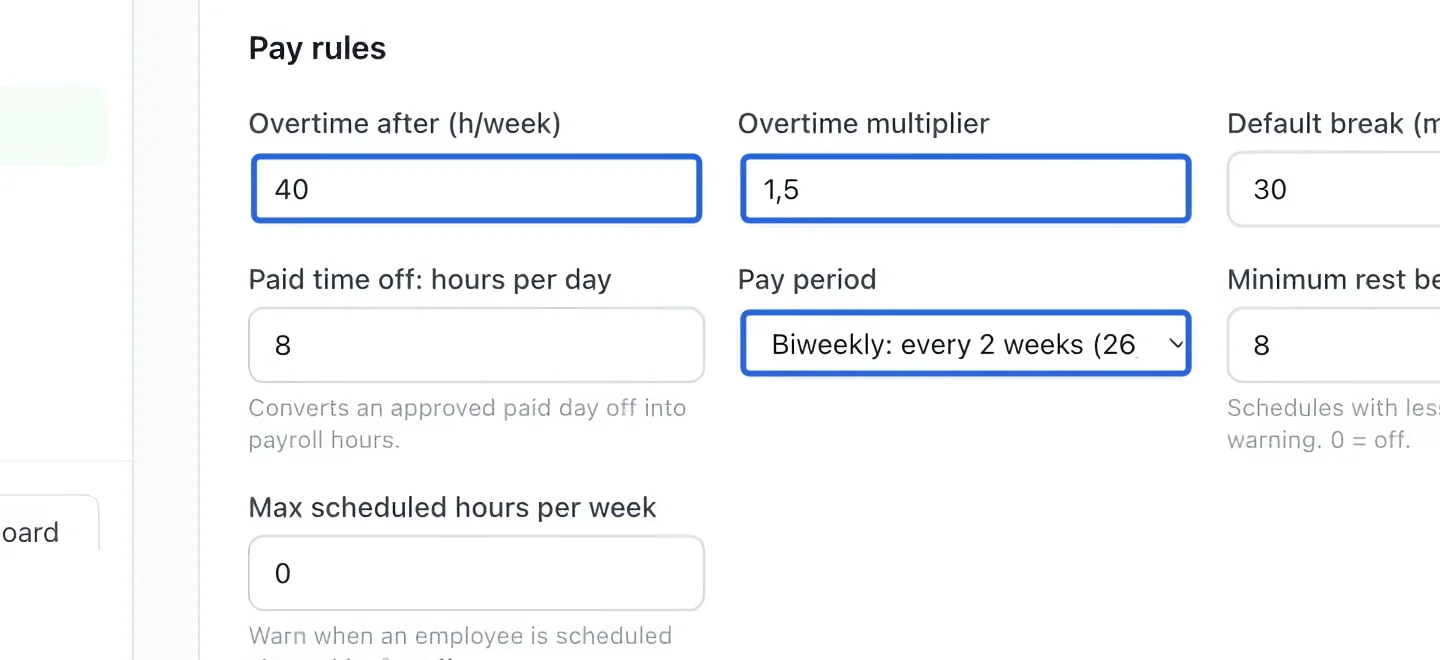
Select the screenshot to enlarge it. The blue outline marks the control to use.
- 4
Check the totals
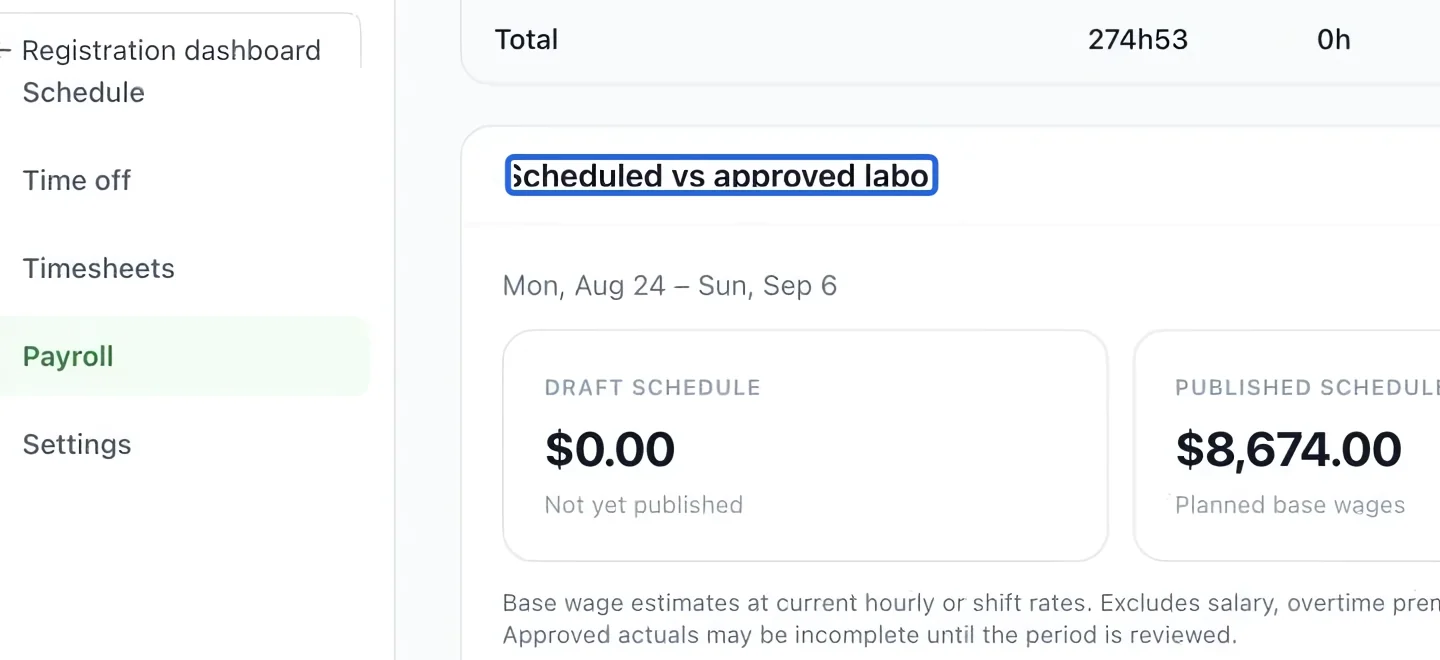
Compare the employee totals and Scheduled vs approved labor with your records. Investigate unexpected differences before exporting. Estimated labor cost is not net take-home pay.
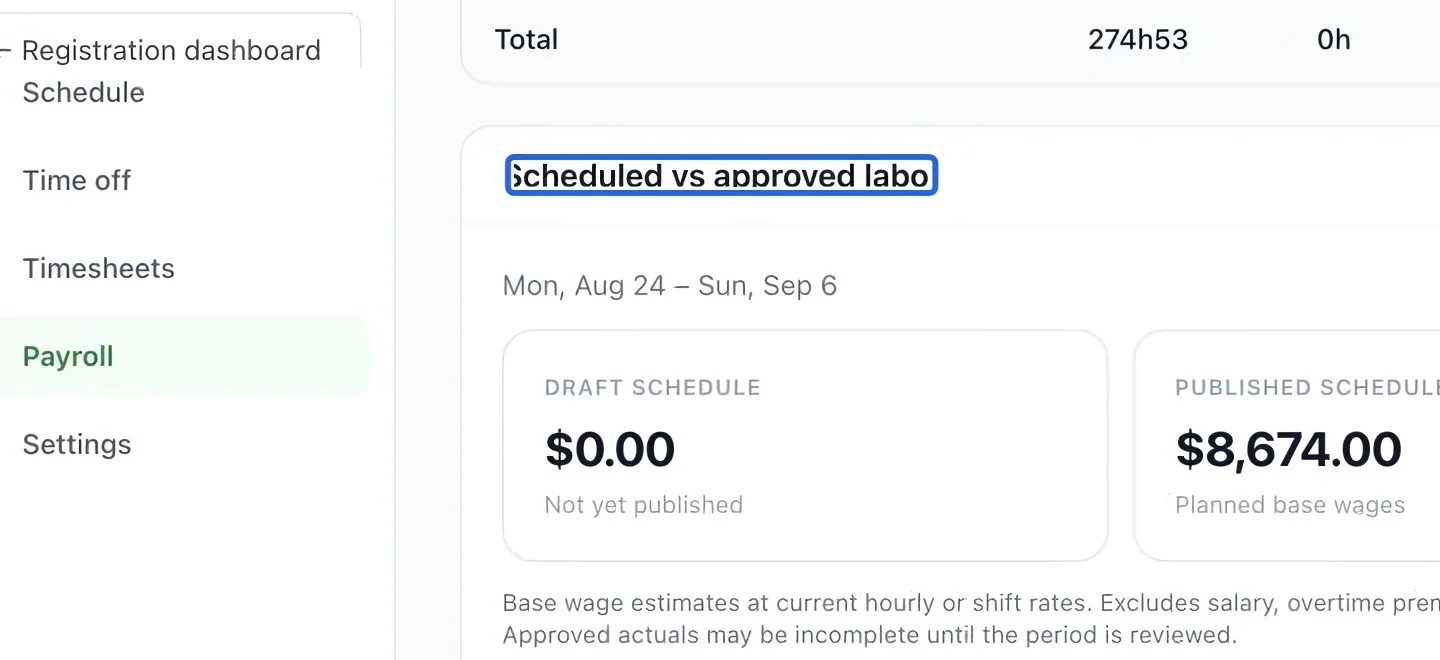
Select the screenshot to enlarge it. The blue outline marks the control to use.
- 5
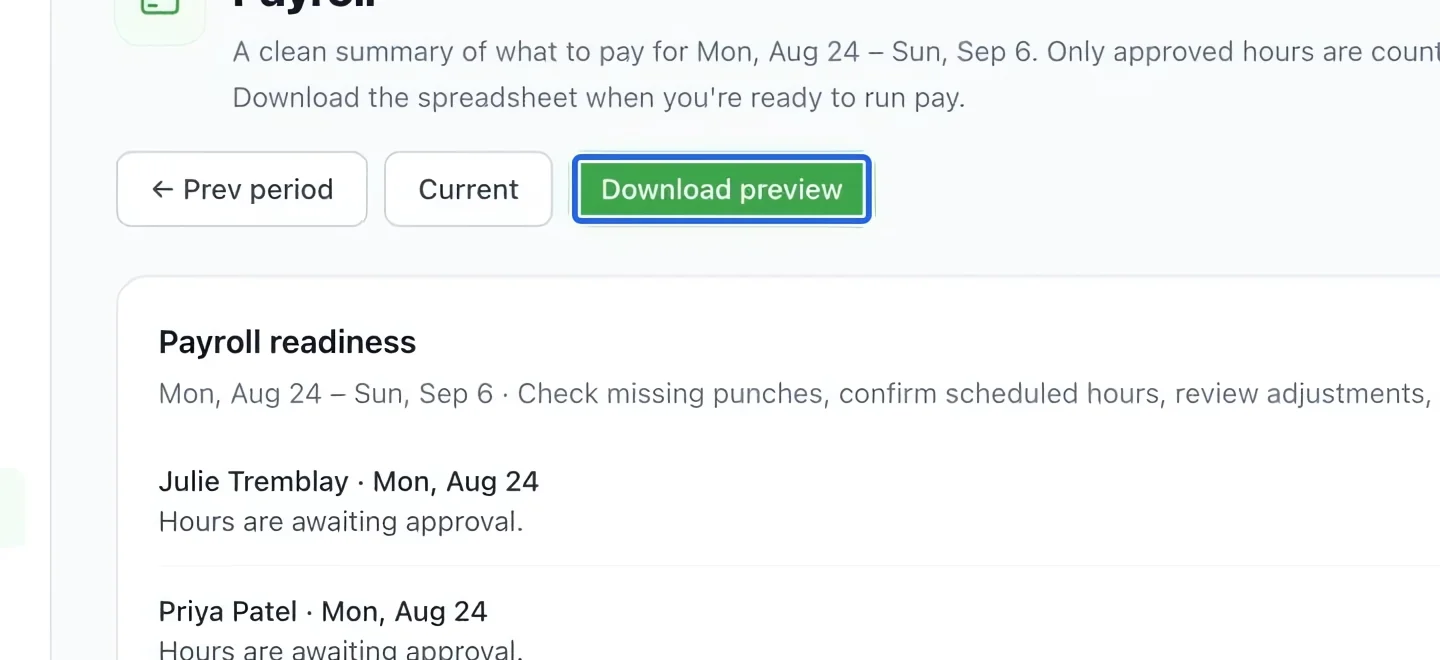
Export when ready
The screenshot shows Download preview while checks remain. Resolve them before using the final export or locking controls shown for a ready period. Send the final figures to your payroll provider; this page does not itself transfer wages.
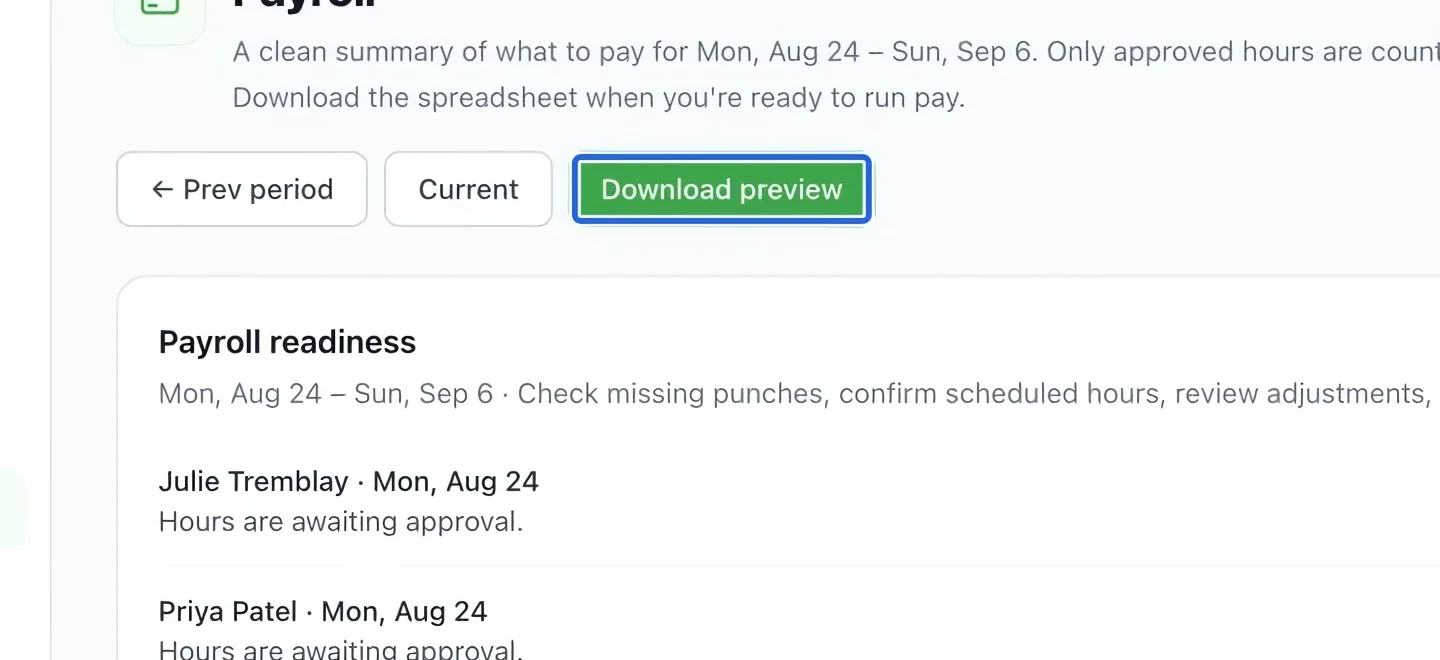
Select the screenshot to enlarge it. The blue outline marks the control to use.
- 6
Use the reviewed totals and preserve closed periods
Resolve readiness issues and verify the period, included hours, employee rates, premiums, leave and currency before closing. Closed payroll periods keep their recorded values; changing today’s settings does not rewrite them.