
Review the audit log
Every staff action, recorded as it happens: who changed what, and when.
- 1
Open the audit log
Open Settings → Audit log. Use an account with permission to view it. The log records sensitive staff actions such as role changes, refunds and request decisions. Accounting events also include write-offs, deferred recognition and month closing or reopening with their reasons. Use period controls when a correction needs an owner’s reopening.
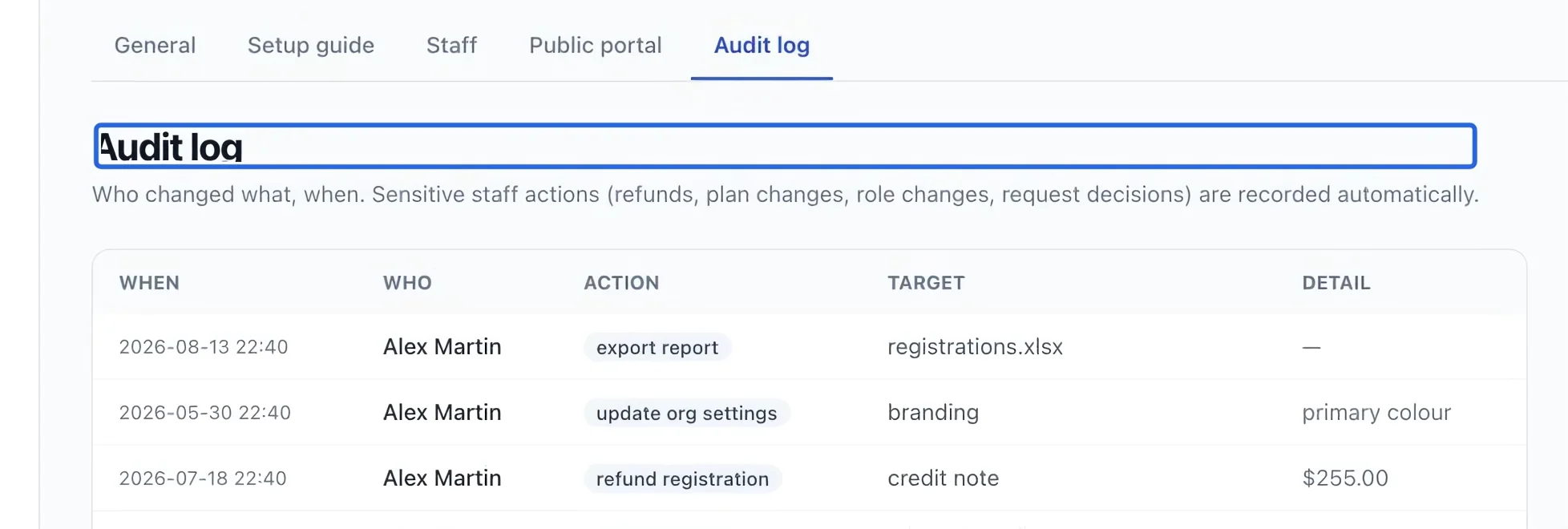
Select the screenshot to enlarge it. The blue outline marks the control to use.
- 2
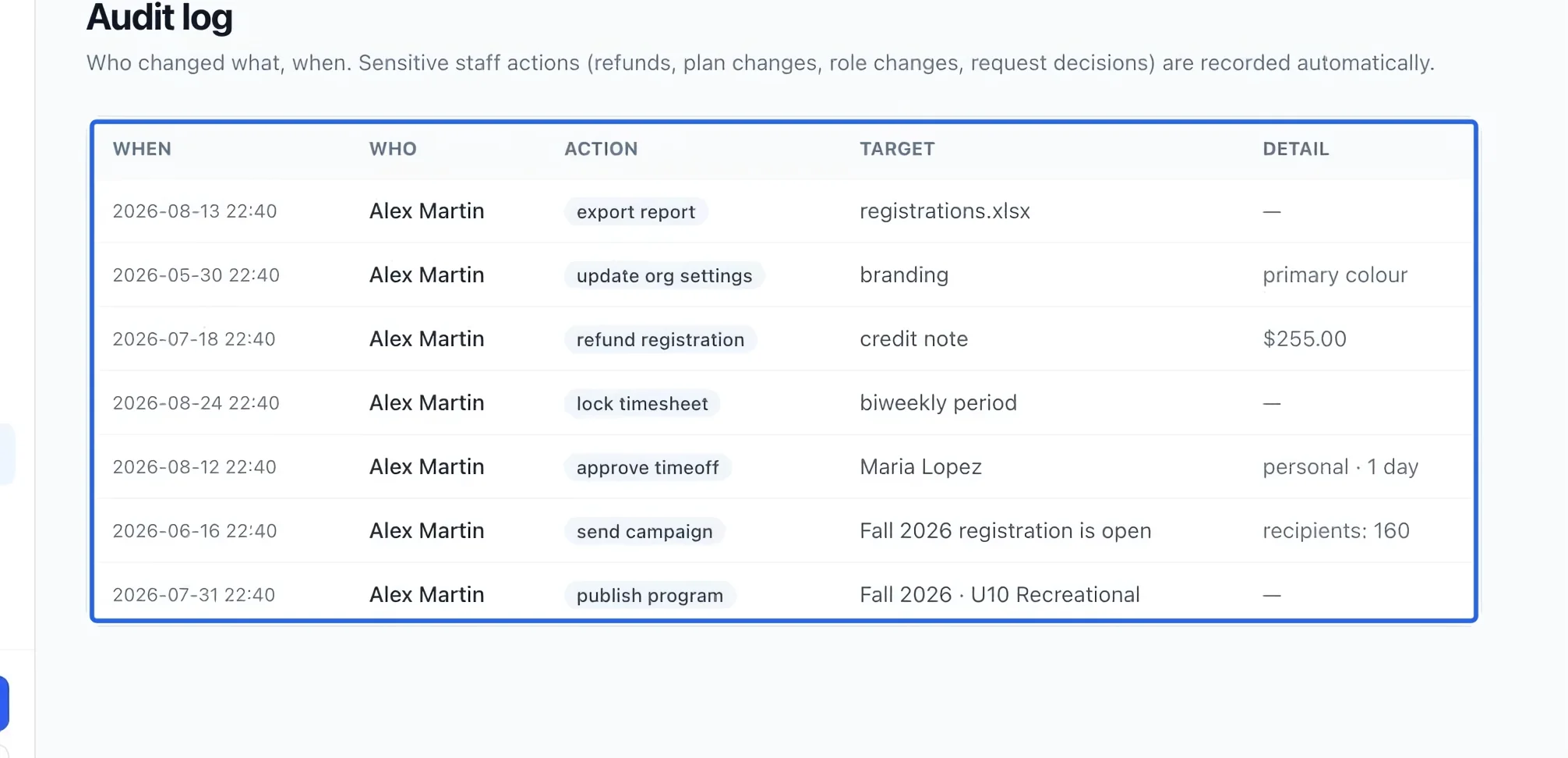
Read the event details
Check When, Who, Action, Target and Detail together. Match the target to the program, invoice or person you are investigating instead of relying only on the action name.
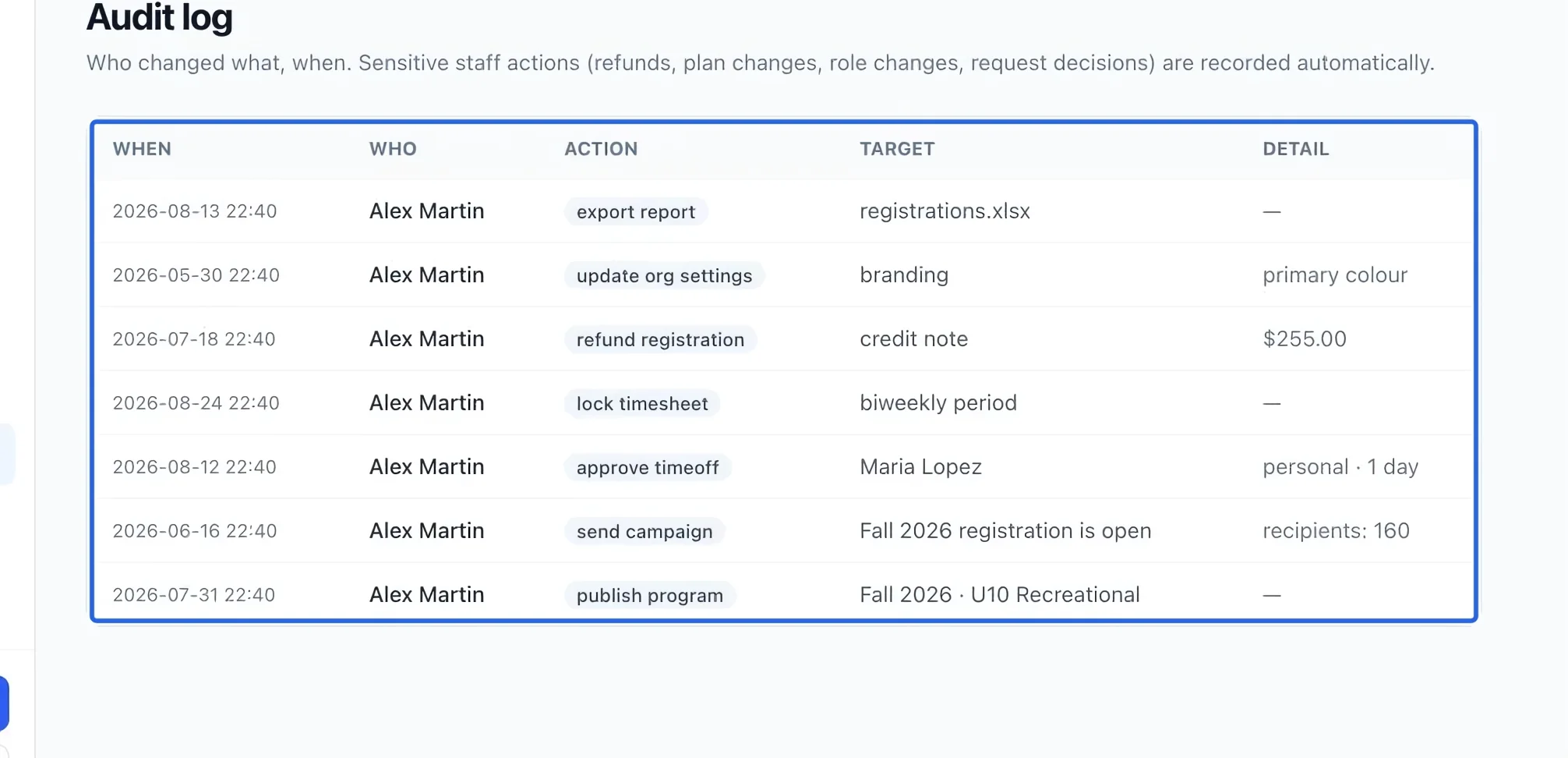
Select the screenshot to enlarge it. The blue outline marks the control to use.
- 3
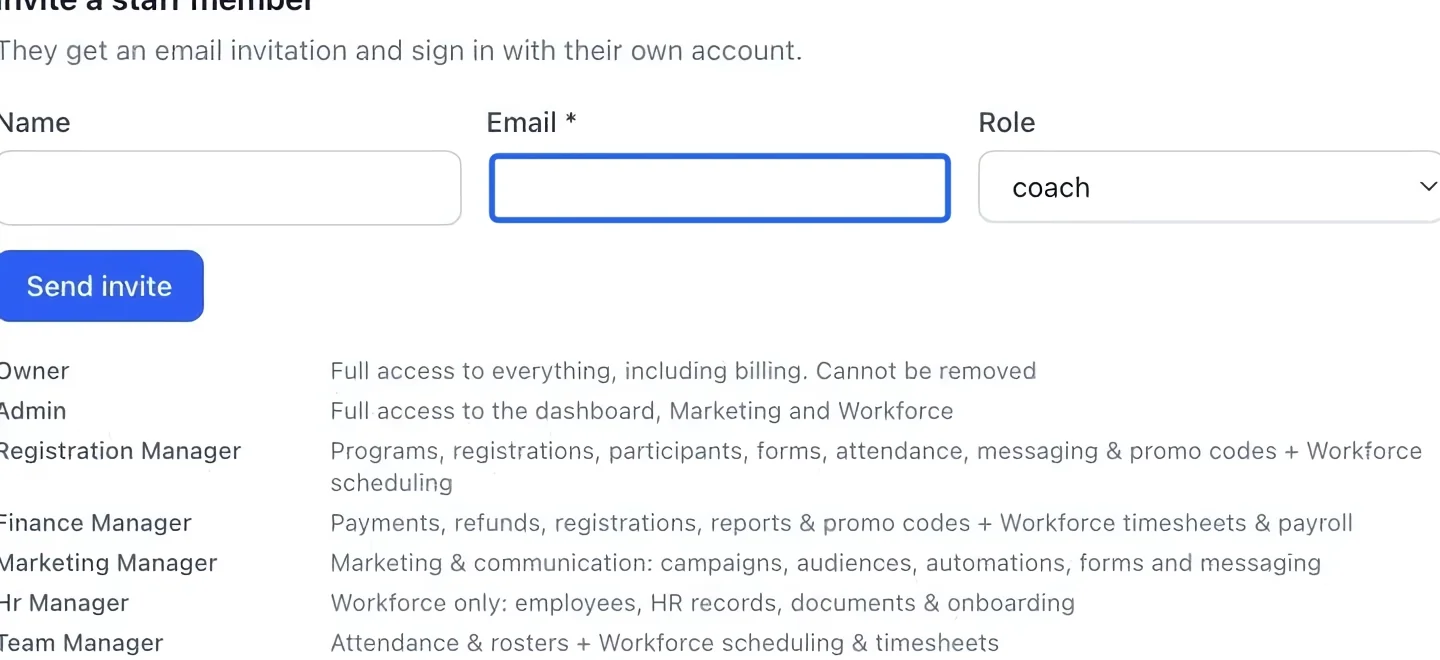
Keep actions attributable
Use Settings → Staff to invite each staff member with their own email address. Shared accounts make it impossible to tell which person performed an action.
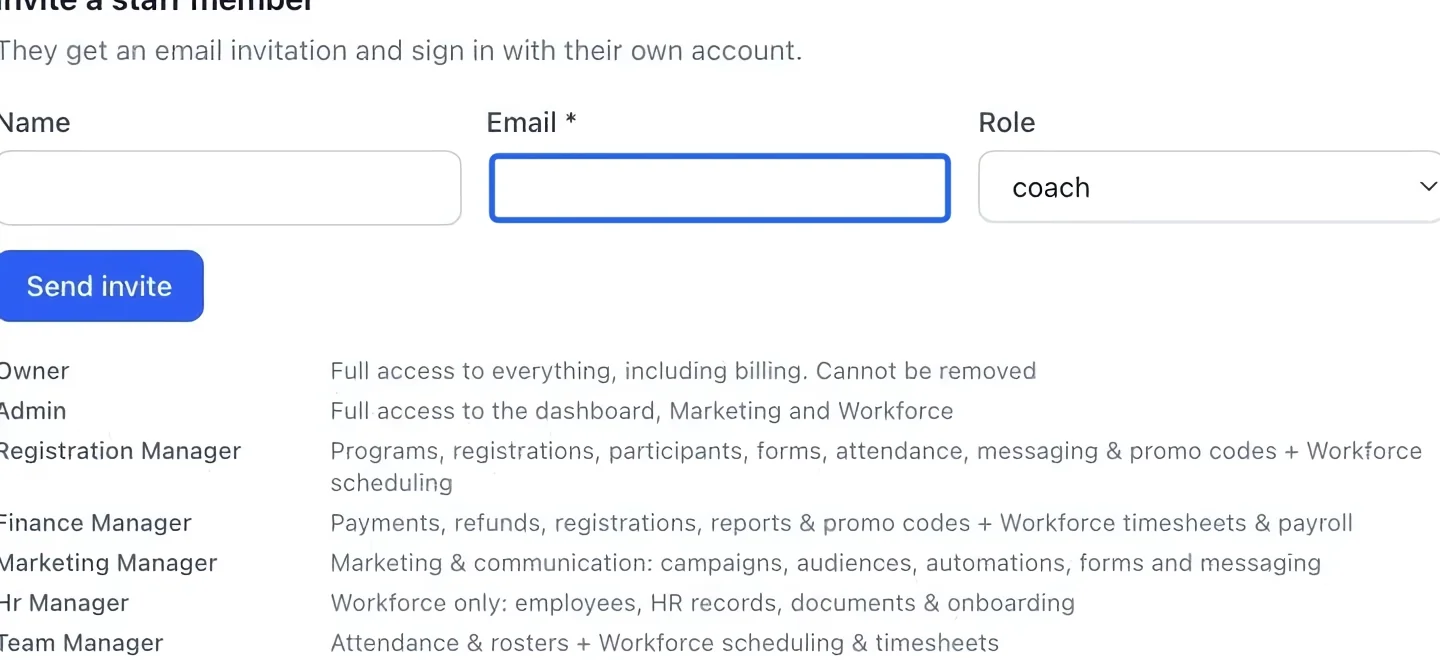
Select the screenshot to enlarge it. The blue outline marks the control to use.
Keep going
Protect a reviewed month from new postings and use an owner override when corrections are required.
Money & invoicingReduce an outstanding issued invoice with an expense account, date and audited reason.
Settings & securityTwo-step verification, step-up checks on sensitive actions, and good account hygiene for staff.