
Read detailed cash sales and fees
Trace settled sales, allocated tax, refunds and processing fees by invoice line.
- 1
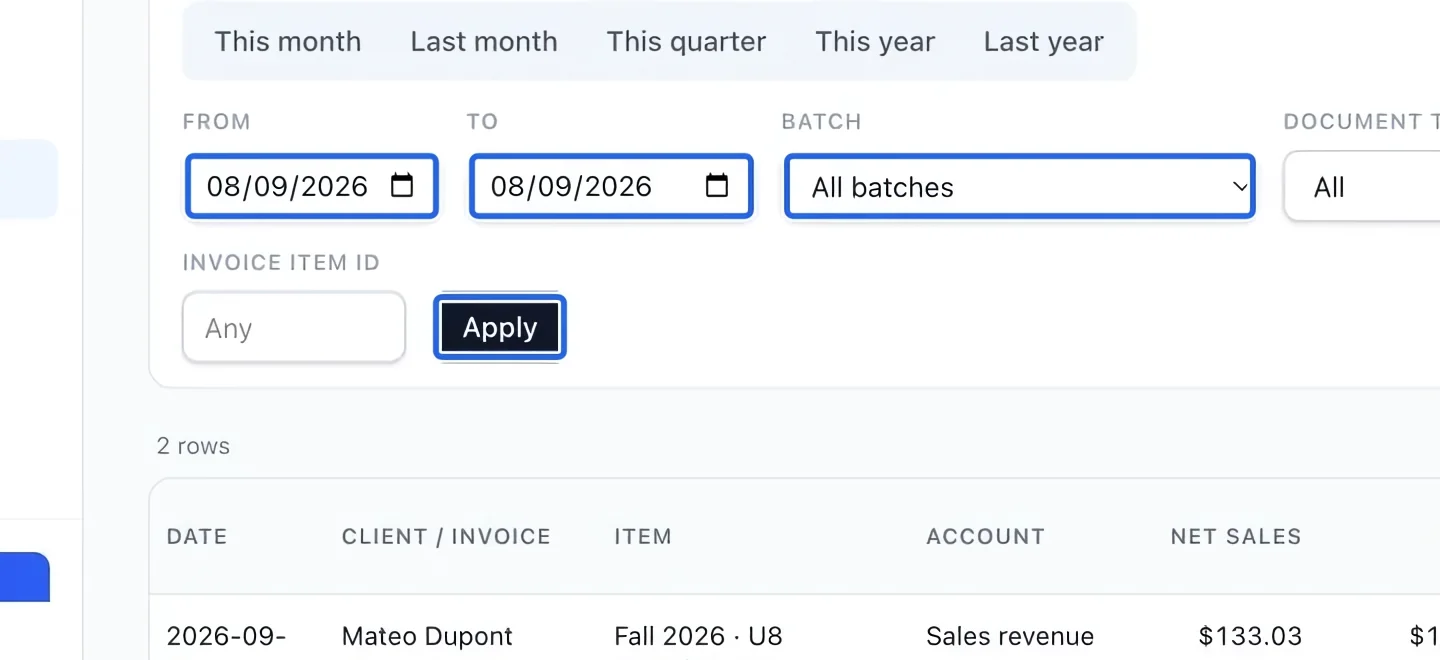
Choose the report period
Open Read detailed cash sales and fees from Reports. Choose a period preset or enter From and To. Optionally select a Batch, then Apply. Dates and batch work together, so widen the period if a batch appears incomplete. Financial reports require owner, administrator or finance manager access.
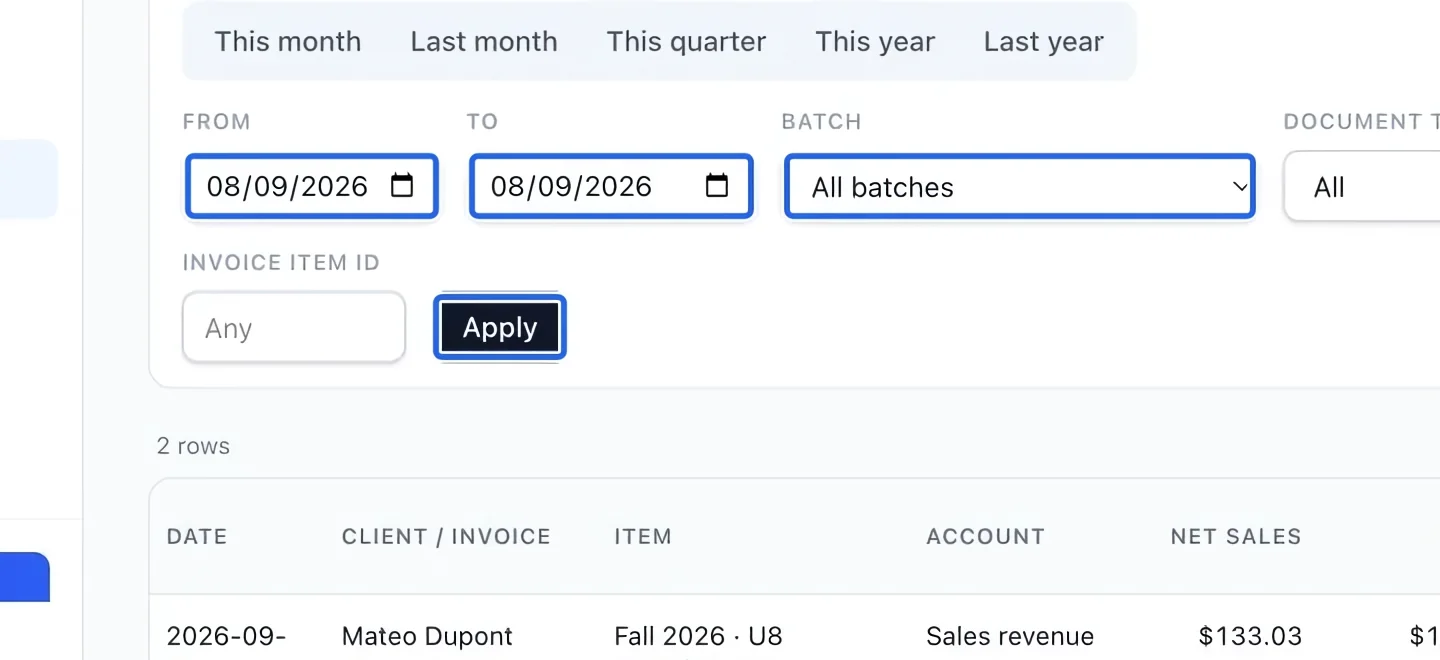
Select the screenshot to enlarge it. The blue outline marks the control to use.
- 2
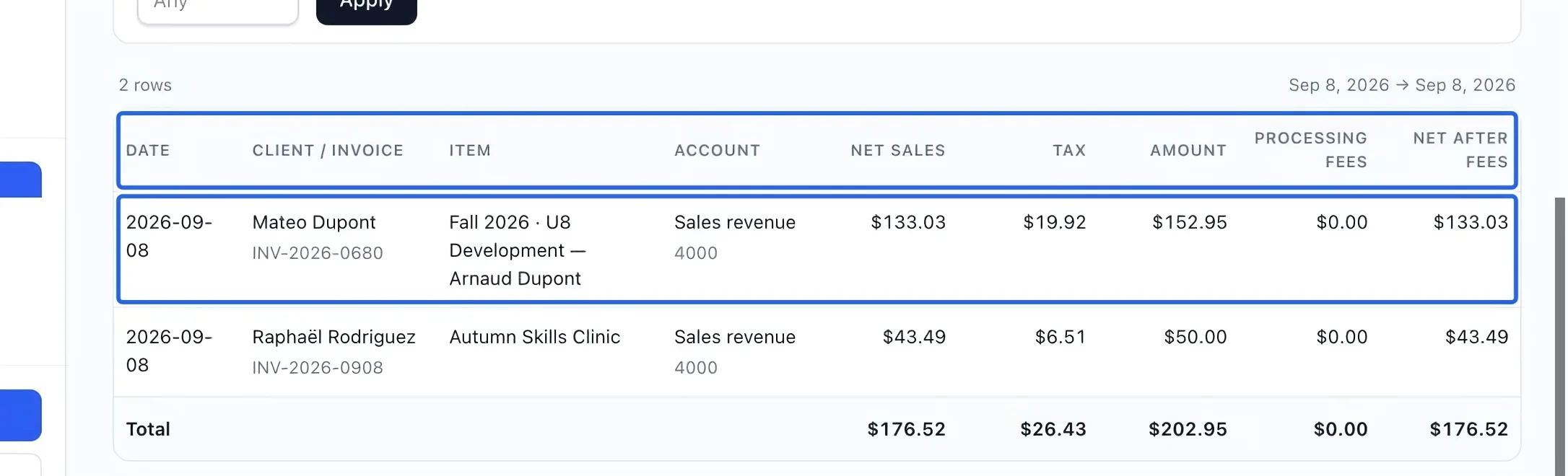
Separate net sales, tax and fees
Read Net sales, Tax and Amount for the cash allocated to each invoice line. Partial payments include only their allocated share. Refunds reduce cash sales; account-credit transfers are not new external collections. Confirmed processing fees appear on separate rows. Net after fees is net sales excluding tax minus processing fees, so it is not the bank payout amount.
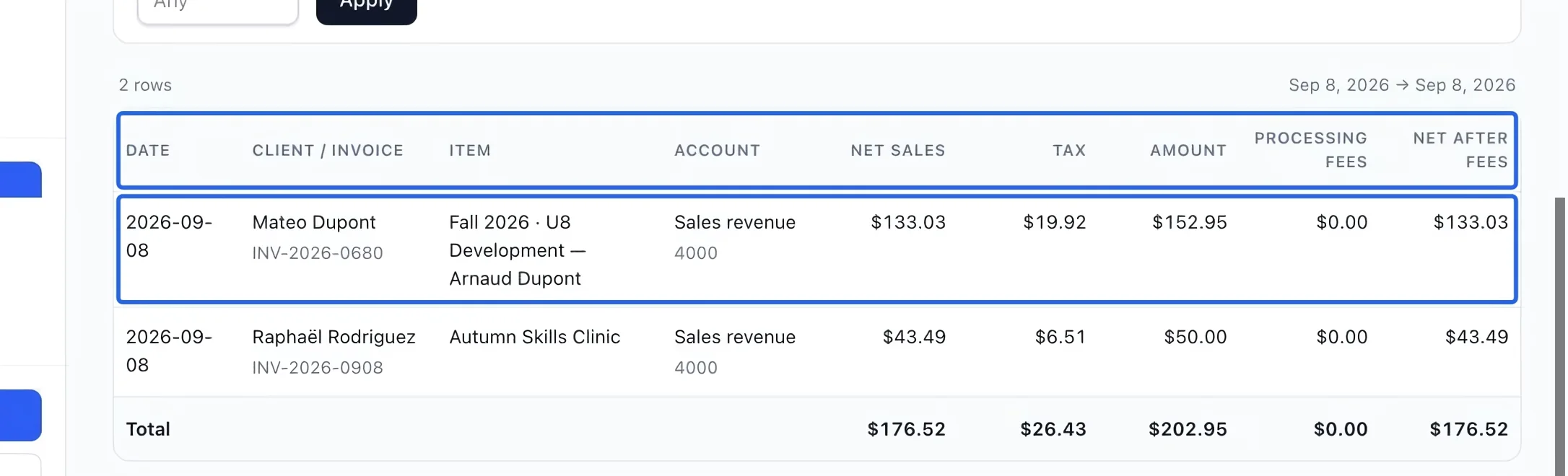
Select the screenshot to enlarge it. The blue outline marks the control to use.
- 3
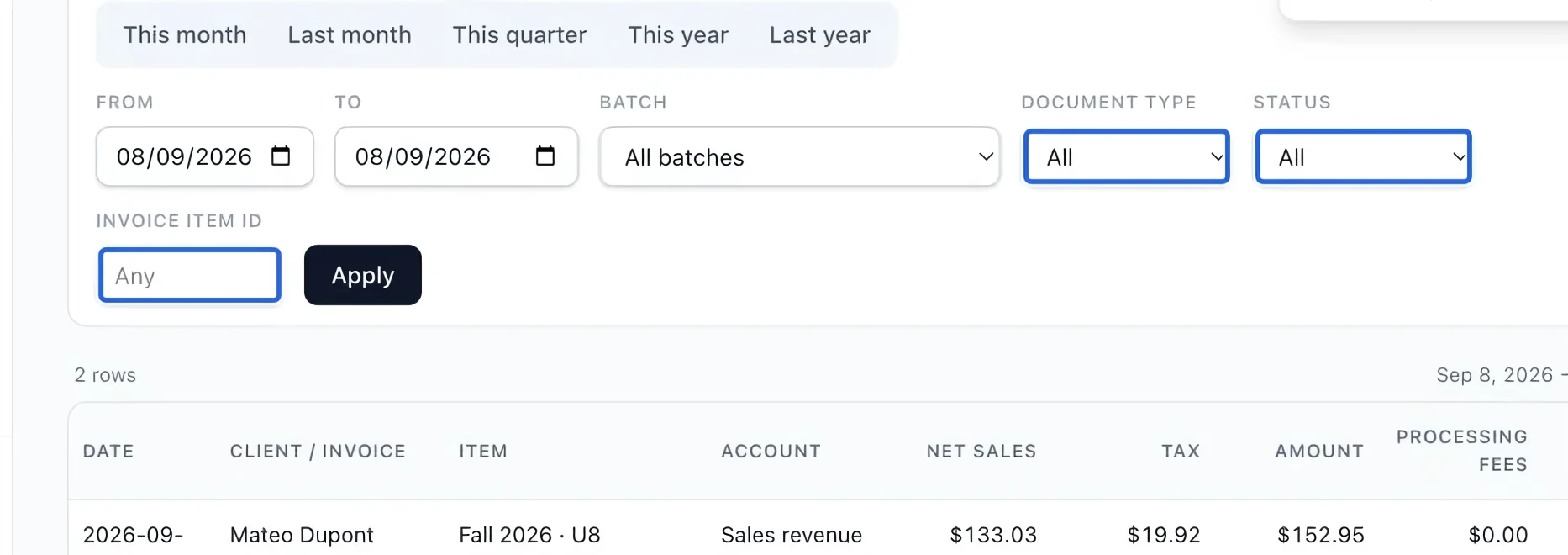
Narrow the cash allocation detail
Use Document type, Status or Invoice item ID, then Apply, to narrow the allocations. Use an invoice-line ID rather than a catalog item ID. Return to the full period and batch view when reconciling overall processing fees and net totals.
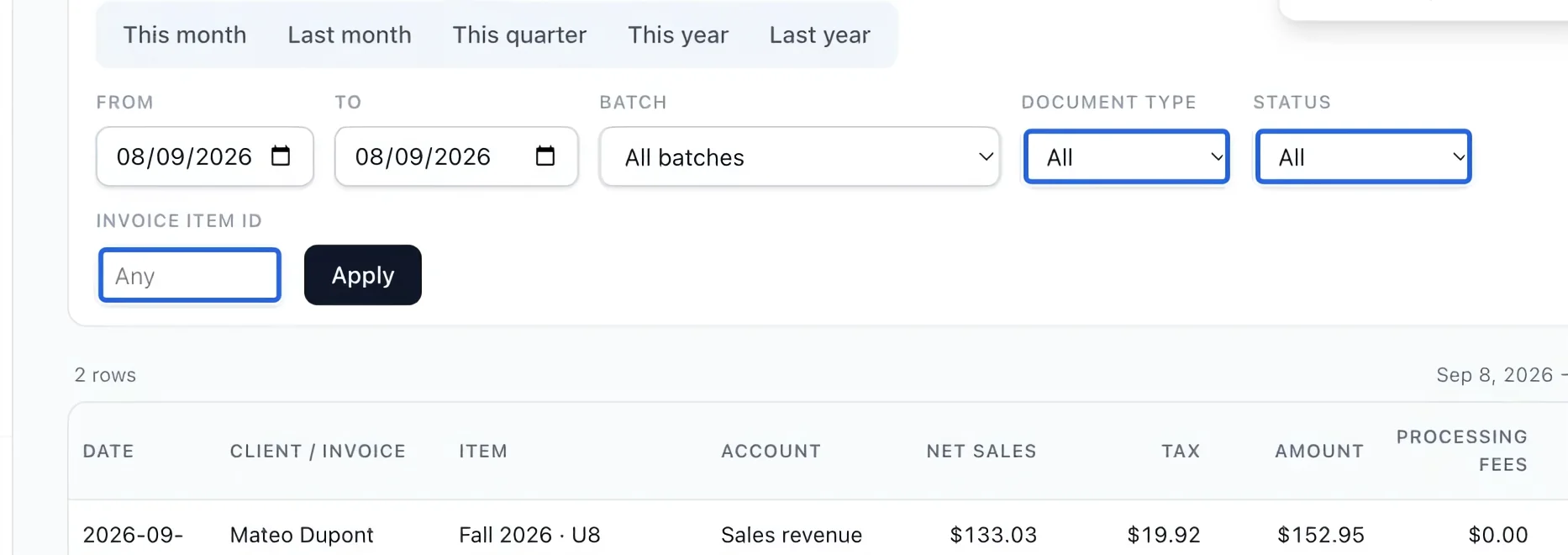
Select the screenshot to enlarge it. The blue outline marks the control to use.
- 4
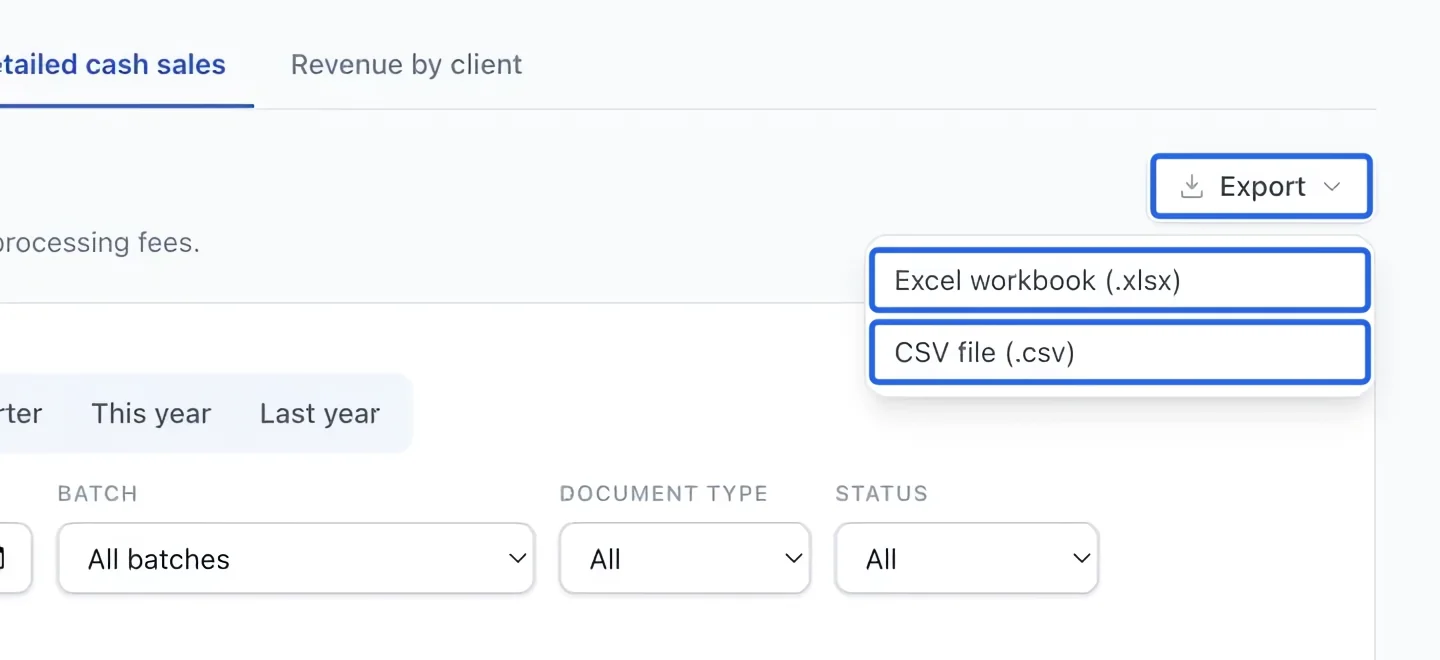
Export the filtered report
Open Export and choose Excel workbook (.xlsx) or CSV file (.csv). The file uses the active filters and current language. The screen shows at most 500 rows; exports include every matching row. If there are no results, check the date and clear restrictive filters. If a historical journal backfill warning appears, have the missing history completed before treating totals as complete.
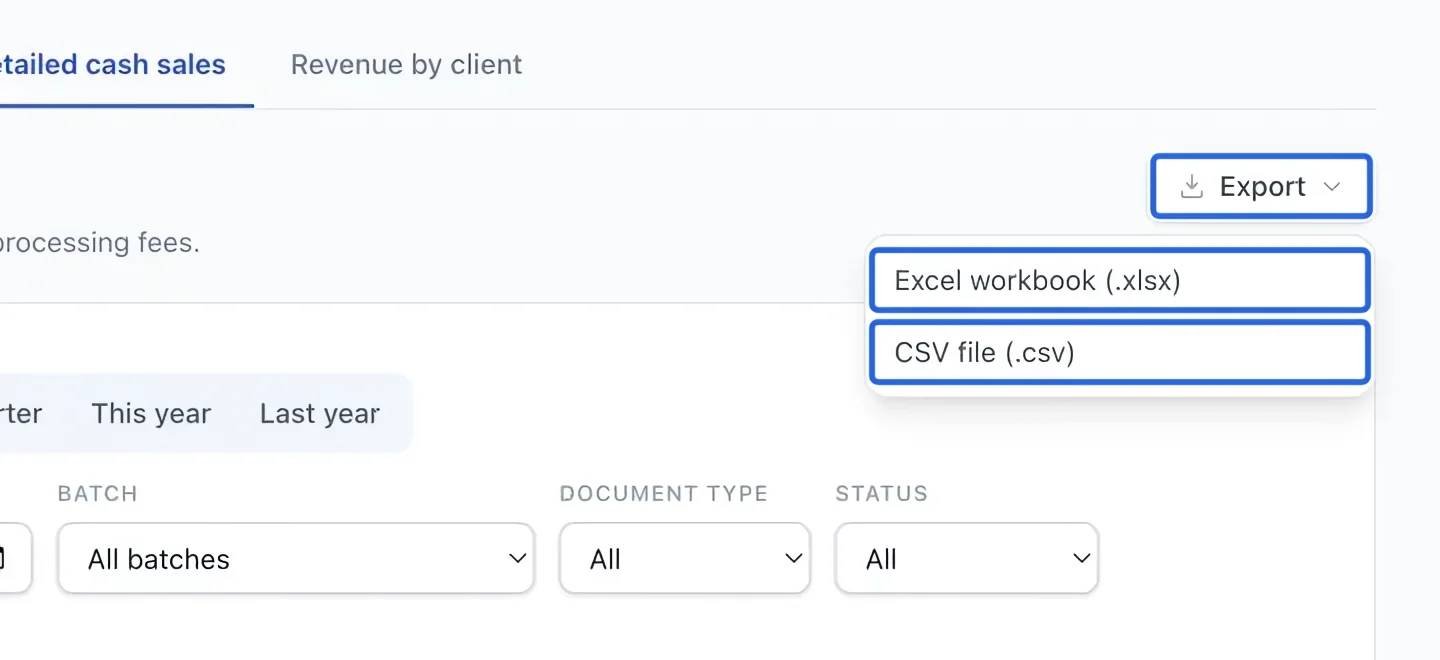
Select the screenshot to enlarge it. The blue outline marks the control to use.
Keep going
Understand gross sales, discounts, credits, refunds and net sales by account.
Accounting & financial reportsRead transaction status, method, refunded amounts and failure reasons.
Accounting & financial reportsReview open totals, close batches manually or on a schedule, and track verified payout lots.