
Organization settings and taxes
Country, sales taxes, timezone, your subscription plan and plan billing: the foundation everything sits on.
- 1
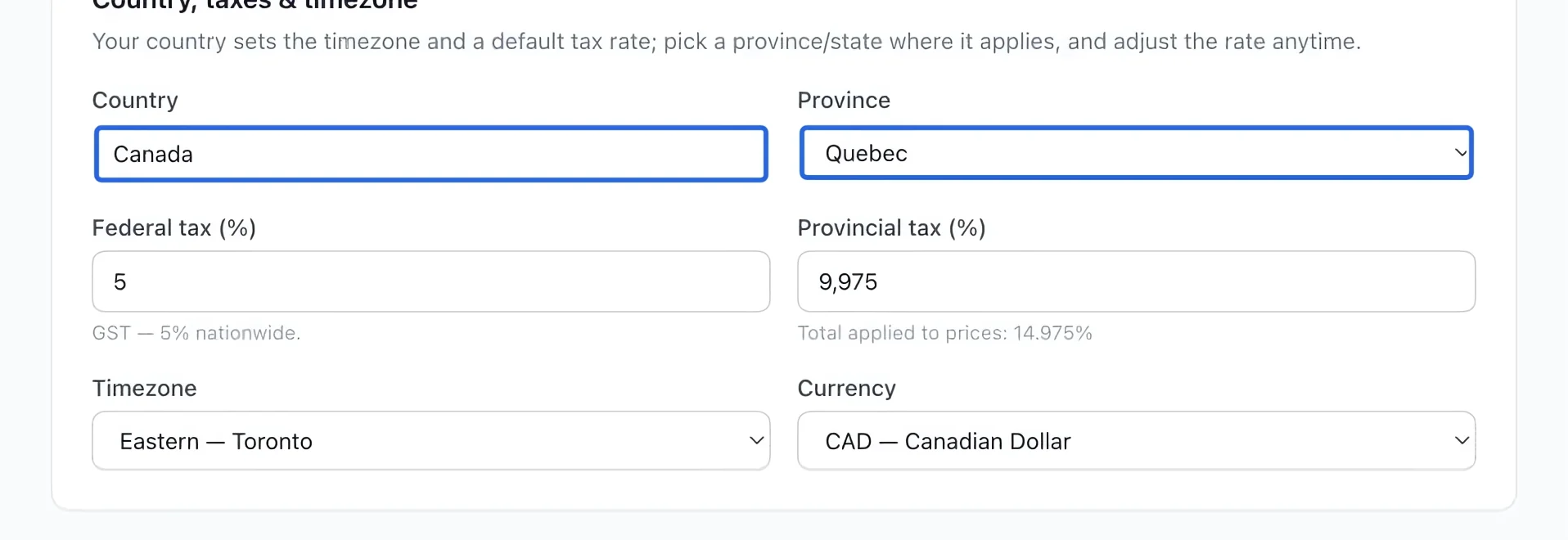
Set the country and region
Open Settings → General. Under Country, taxes & timezone, choose your country and province/state. Review the resulting tax rates with your organization’s tax administrator. The total applied to prices includes the federal and provincial/state portions. Country and region selections suggest defaults; review both rates before saving. An existing zero federal rate stays zero. To change the country shown on the public portal, use these General settings. Saving new settings does not rewrite historical invoices.
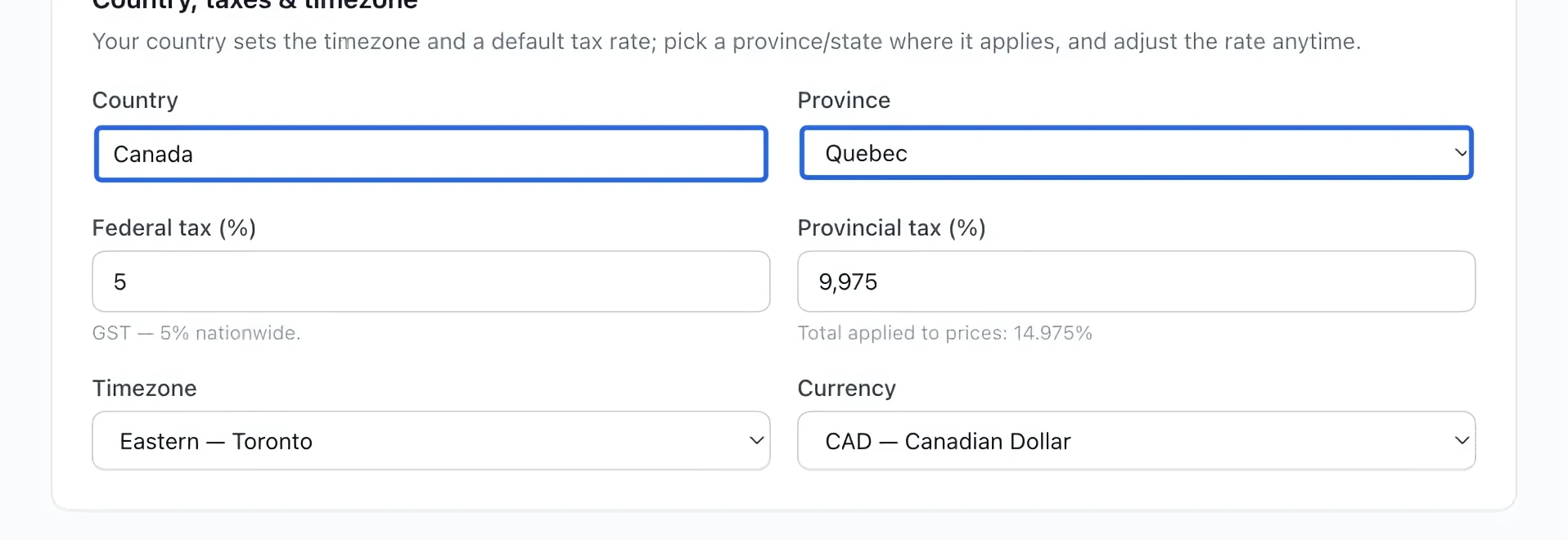
Select the screenshot to enlarge it. The blue outline marks the control to use.
- 2
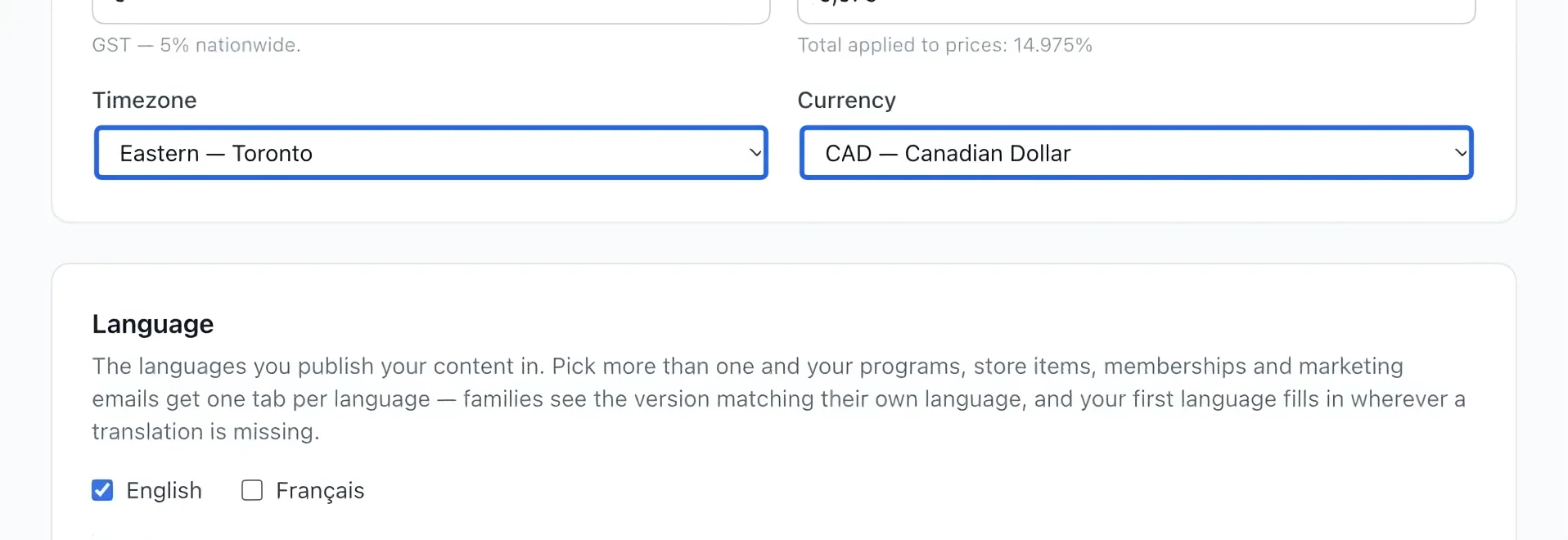
Set timezone and currency
Choose the timezone used for your activities and the currency for prices. Do this before publishing paid activities. Changing a currency does not convert existing price amounts. The organization timezone also controls daily, weekly and monthly accounting batch boundaries.
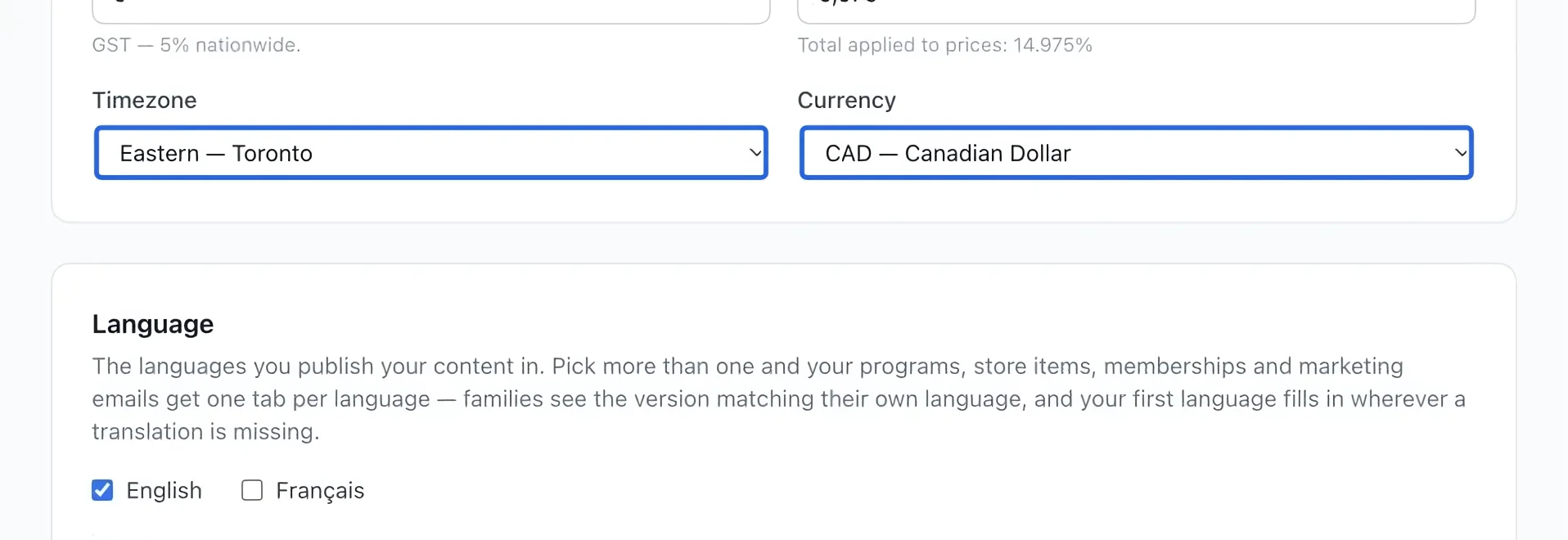
Select the screenshot to enlarge it. The blue outline marks the control to use.
- 3
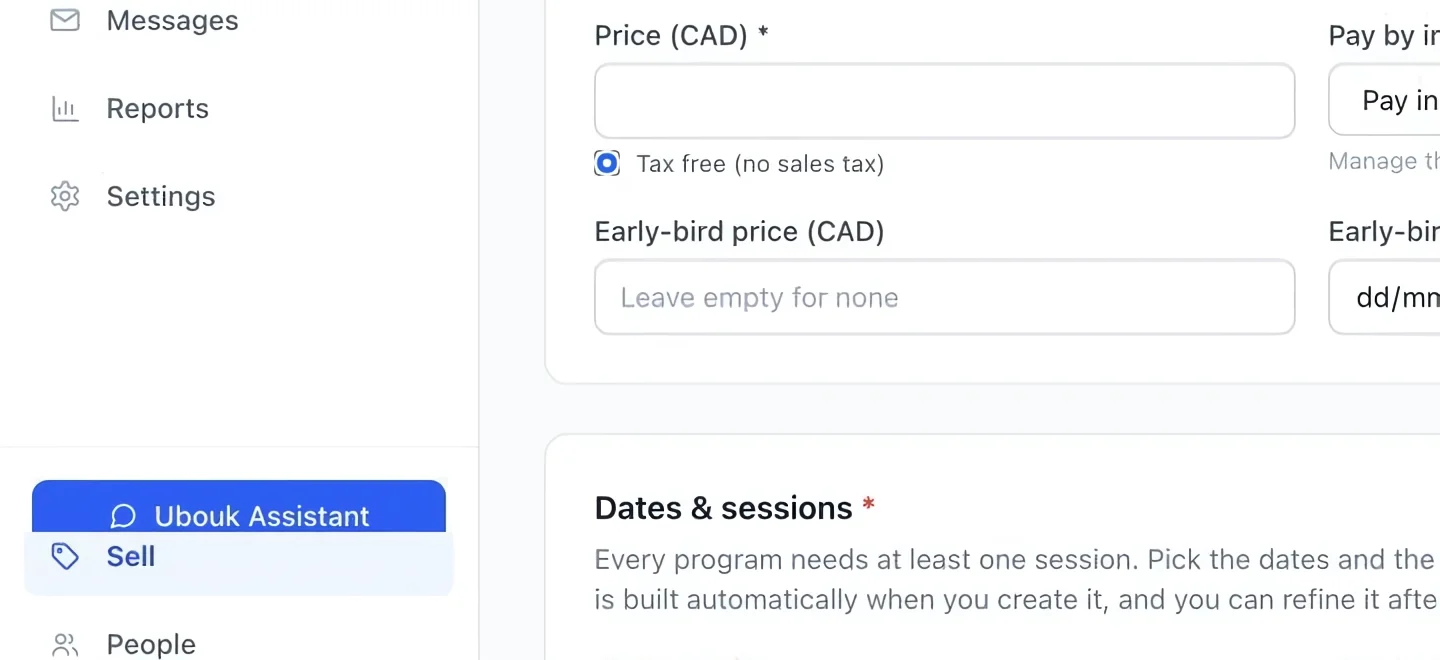
Set item-specific tax treatment
If the program should be exempt according to your organization’s tax rules, use Tax free in its Pricing section. Do not assume every youth activity is exempt; have the correct treatment confirmed.
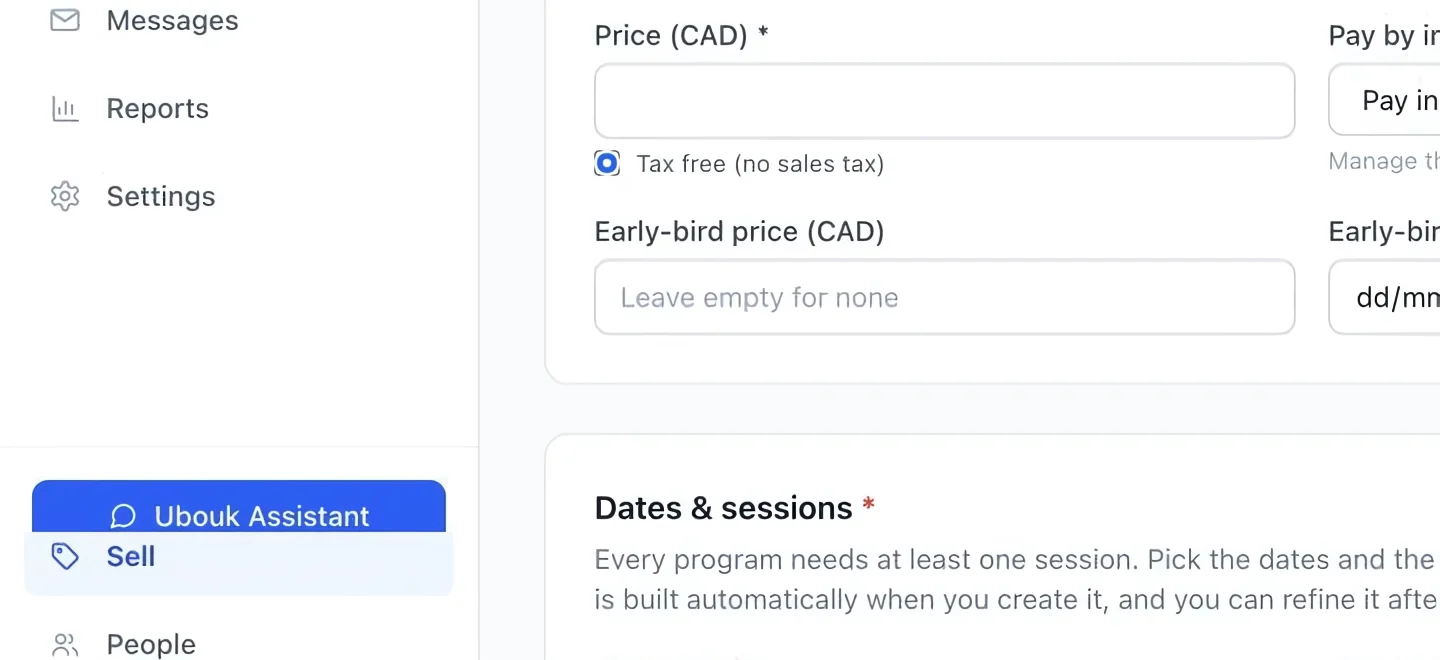
Select the screenshot to enlarge it. The blue outline marks the control to use.
- 4
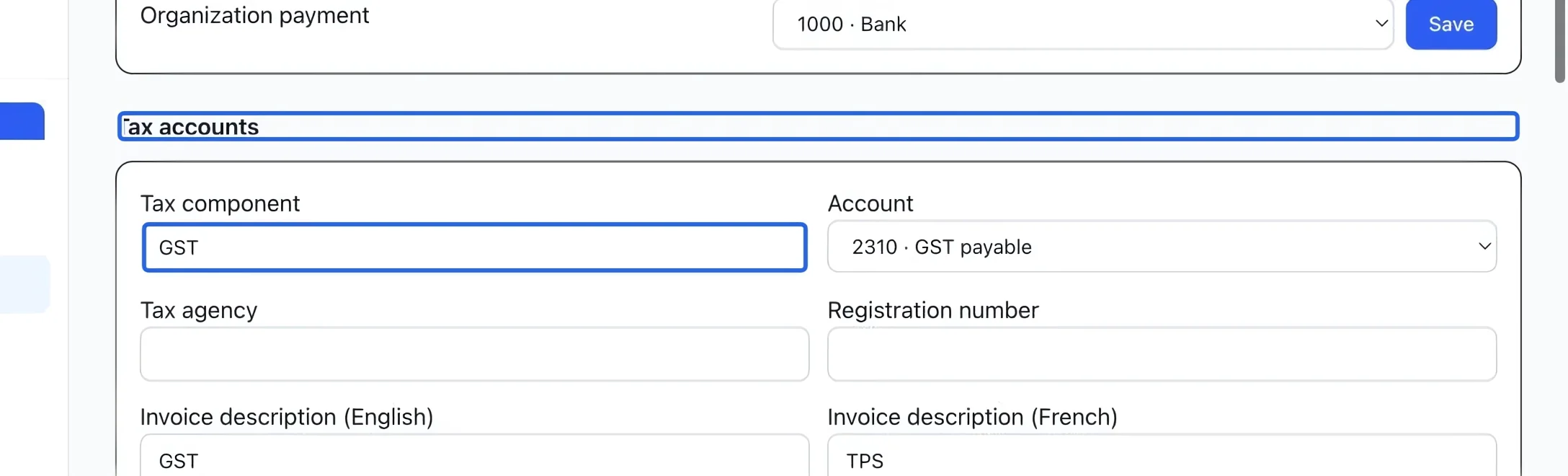
Connect taxes to accounting
Use Tax account mappings for tax ledger accounts, agencies, registration numbers and English/French invoice labels. These settings complement the tax rates above. Verify settled tax with Taxes collected and compare invoiced versus collected tax in the remittance worksheet.
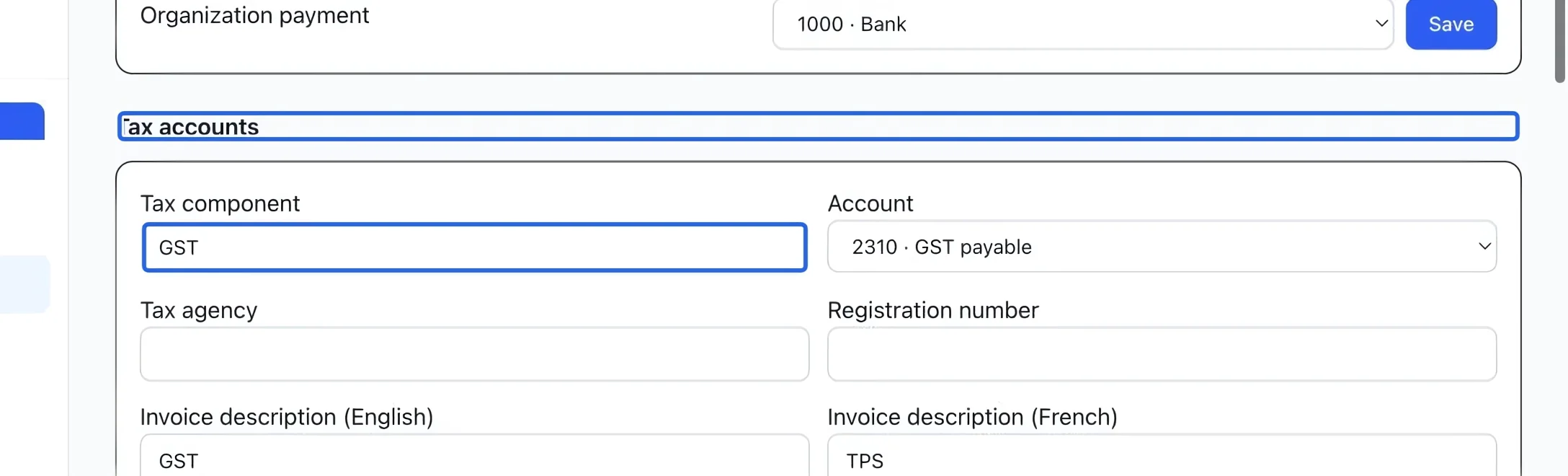
Select the screenshot to enlarge it. The blue outline marks the control to use.
- 5
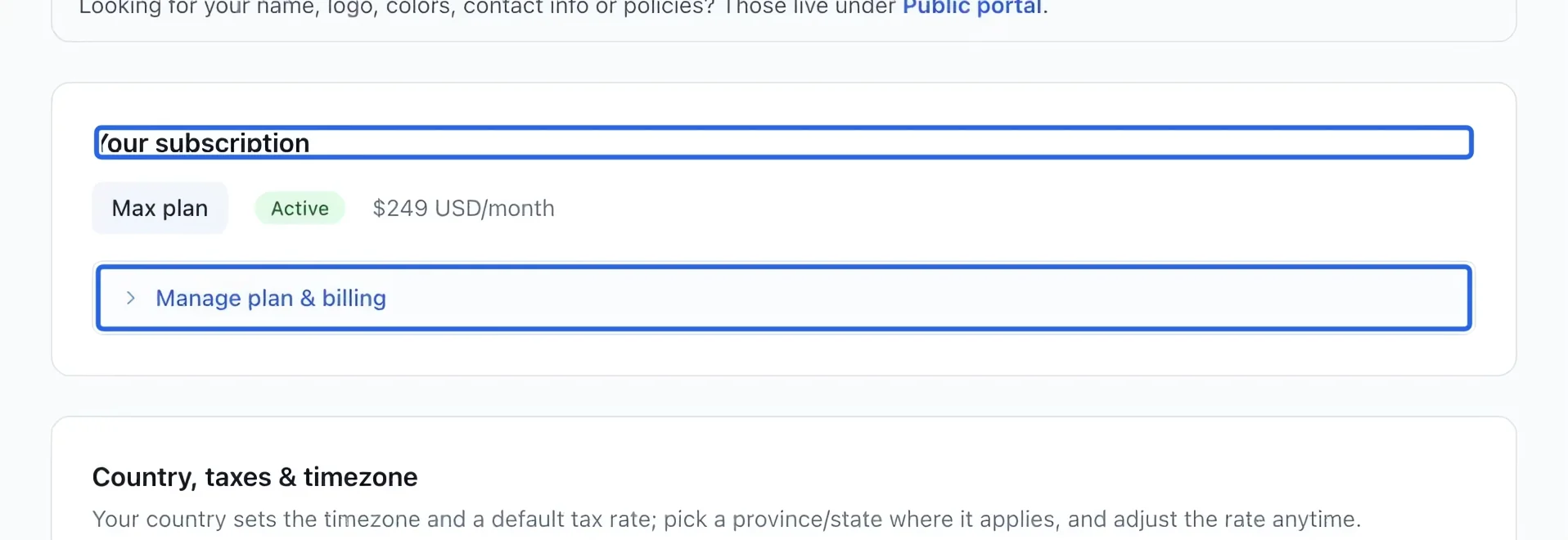
Review subscription and billing
Under Your subscription, review the plan and included modules. Expand Manage plan & billing for its controls. Review the price and terms before choosing a plan change; platform billing is separate from payments families make to you.
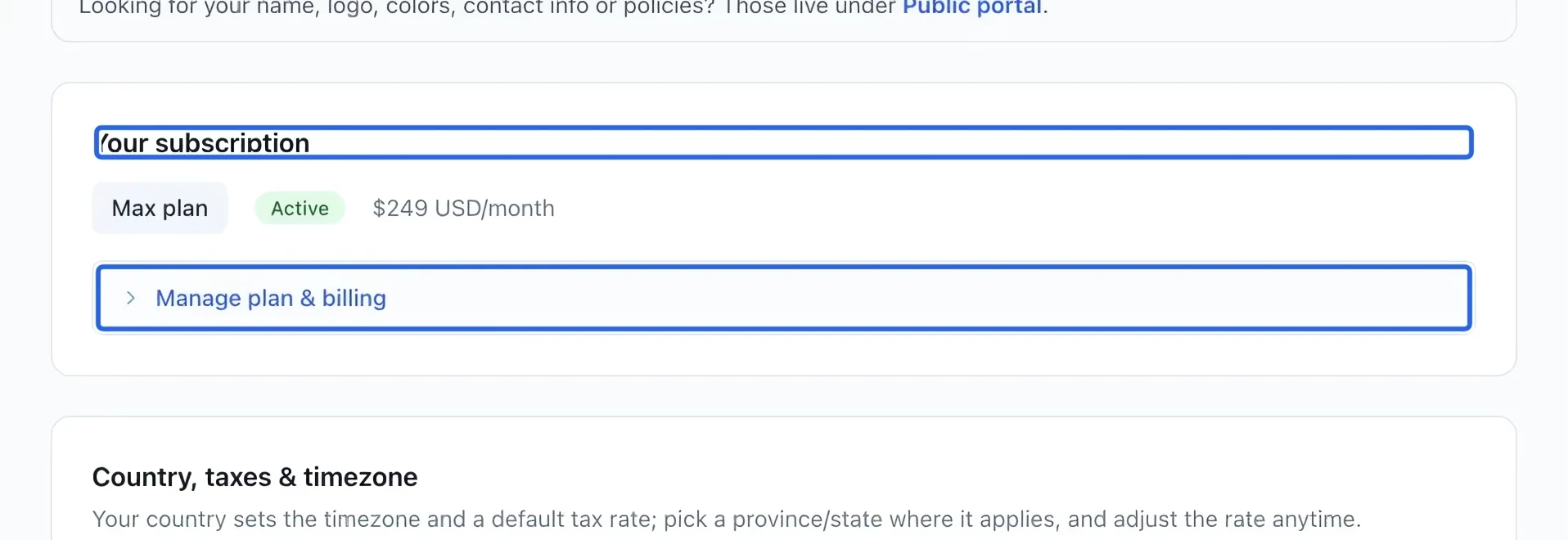
Select the screenshot to enlarge it. The blue outline marks the control to use.
Keep going
Set the tax account, agency, registration number and bilingual invoice description for each component.
Accounting & financial reportsCompare output tax invoiced and credited with tax collected and refunded for a filing period.
Accounting & financial reportsReview open totals, close batches manually or on a schedule, and track verified payout lots.