
Read unpaid invoices
Find due invoices with no successful payment as of a selected date, and distinguish them from all outstanding balances.
- 1
Choose the unpaid-invoice report and cutoff
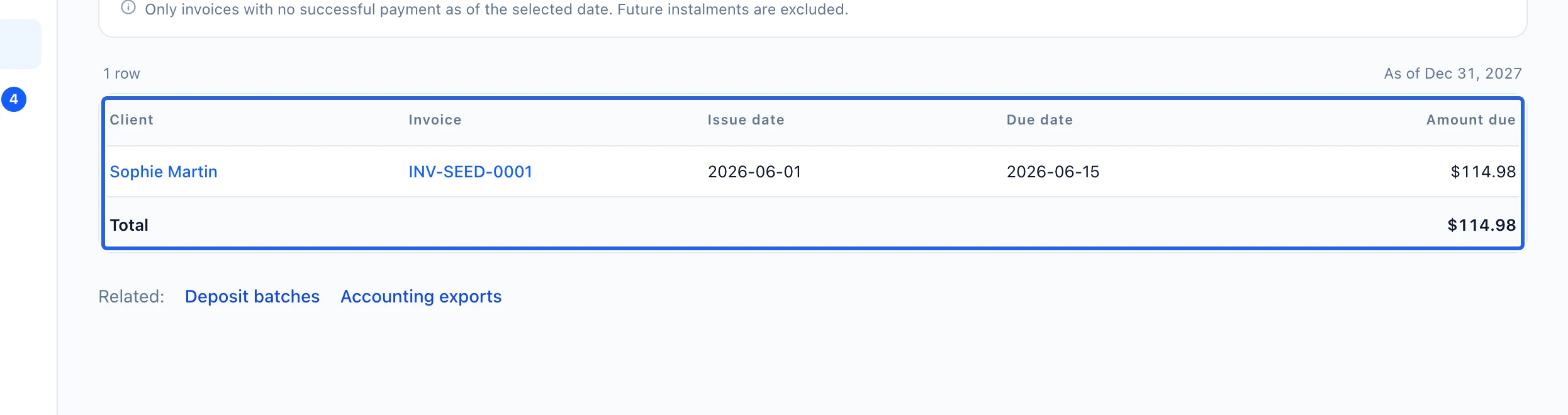
Open Unpaid invoices with accounting access and set As of. Read client, invoice, issue date, due date and amount due together. This report includes only invoices with no successful payment through the selected date; future instalments are excluded.
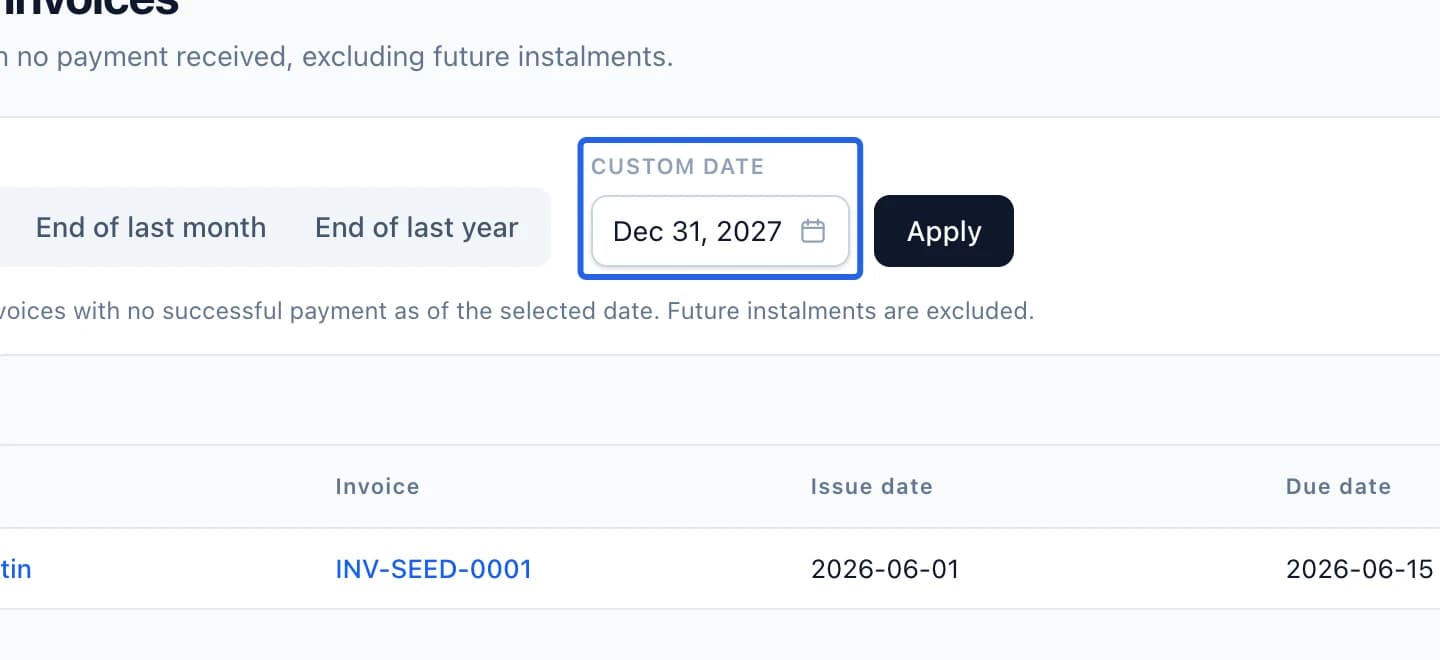
Select the screenshot to enlarge it. The blue outline marks the control to use.
- 2
Distinguish unpaid invoices from other balances
A partially paid invoice can still have an outstanding balance while being absent here. Use Aged receivables for the broader debt picture and Late and upcoming instalments for the remaining schedule. Credits reduce the debt; a failed payment attempt is not a successful collection.
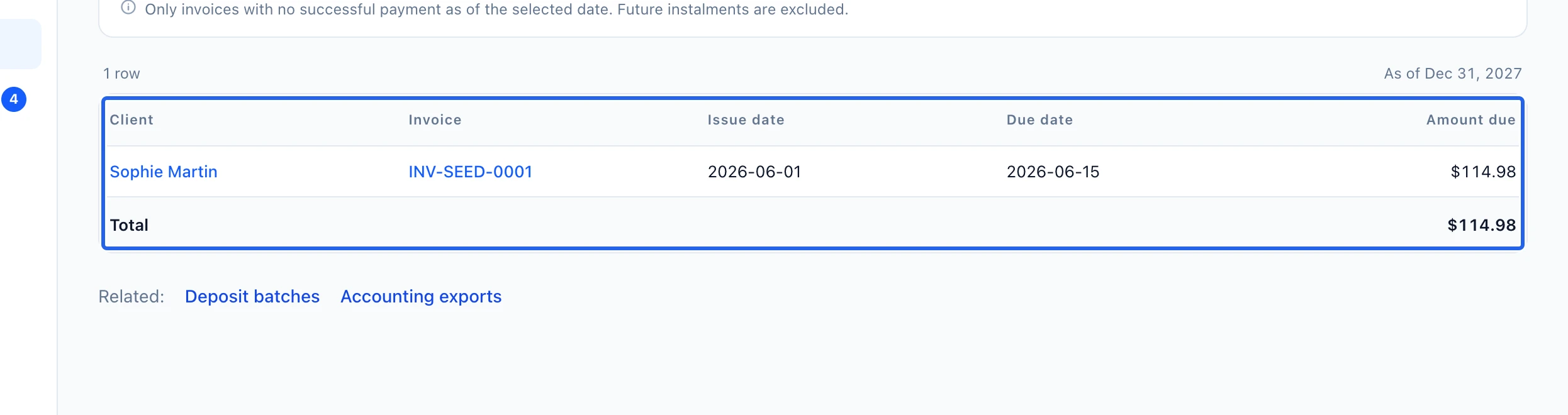
Select the screenshot to enlarge it. The blue outline marks the control to use.
- 3
Inspect records and export
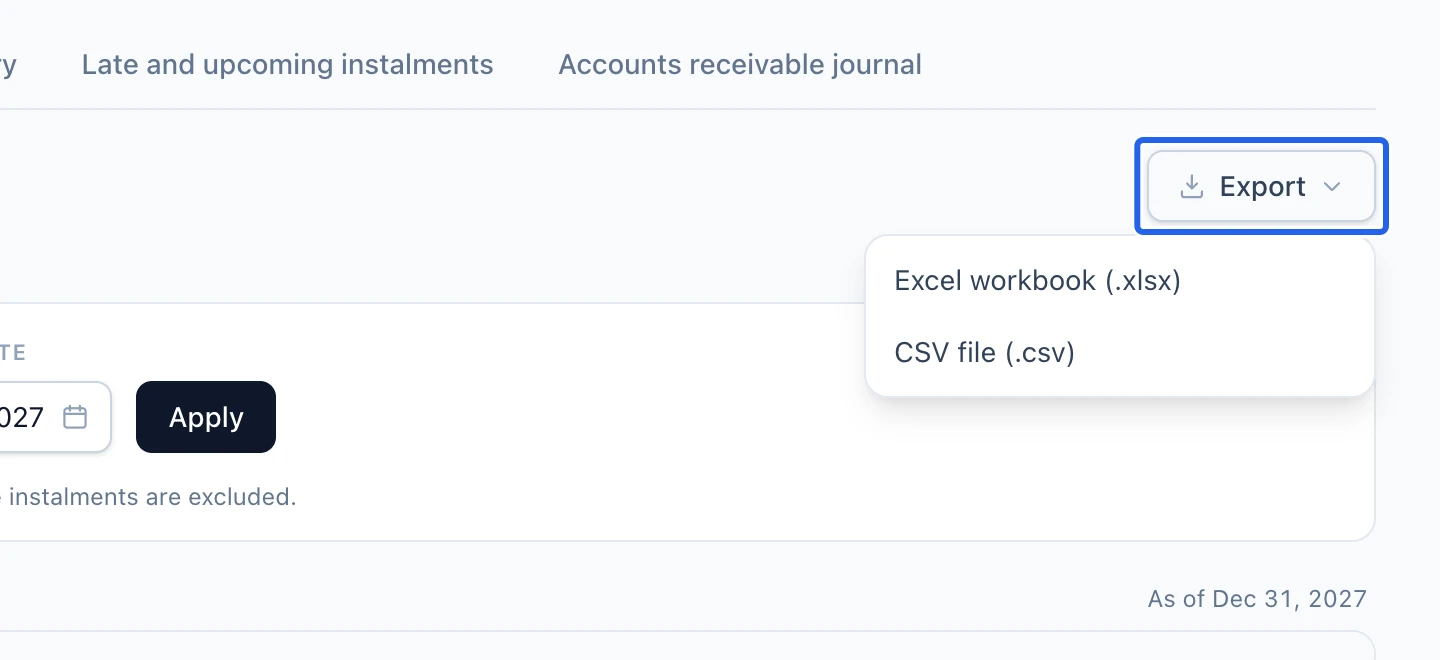
Follow the client or invoice link to verify the record before a reminder or payment action. Export Excel or CSV with the selected cutoff; the download includes matching rows beyond the screen’s 500-row limit. If historical documents need review, use Accounting history; reviewing that list does not change invoices or payments.
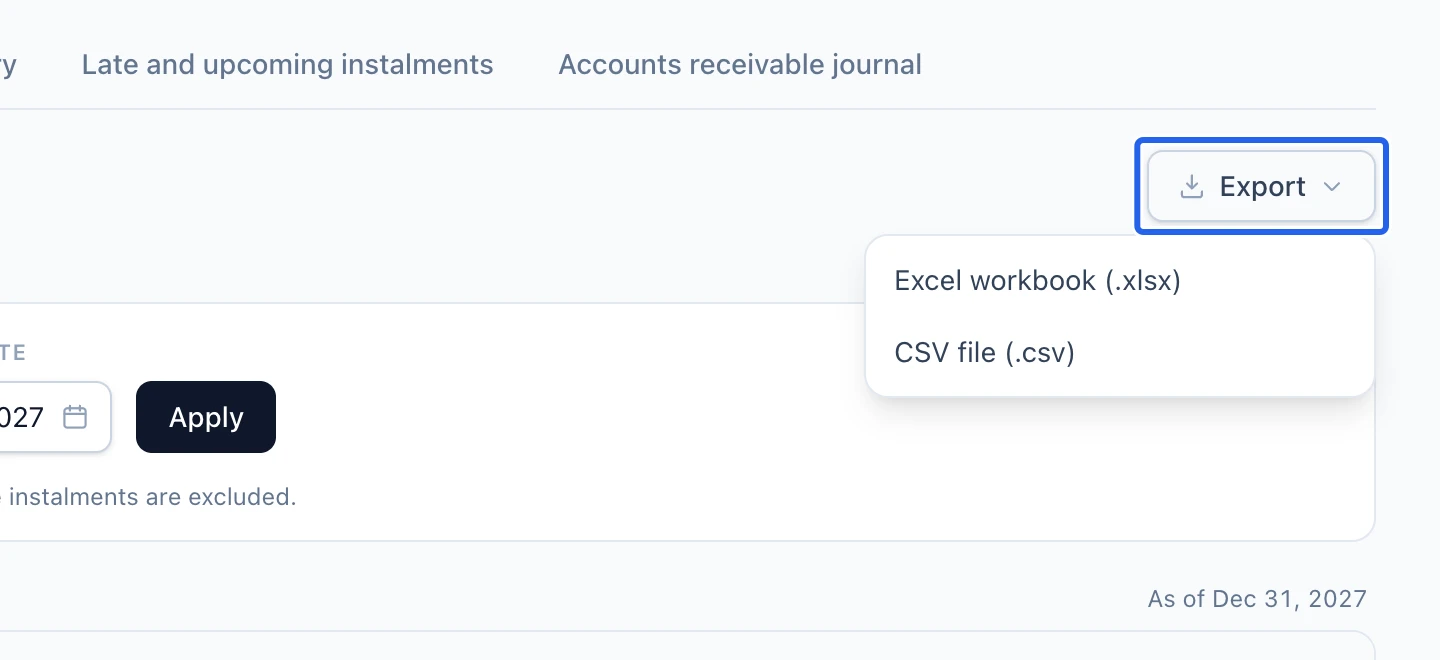
Select the screenshot to enlarge it. The blue outline marks the control to use.
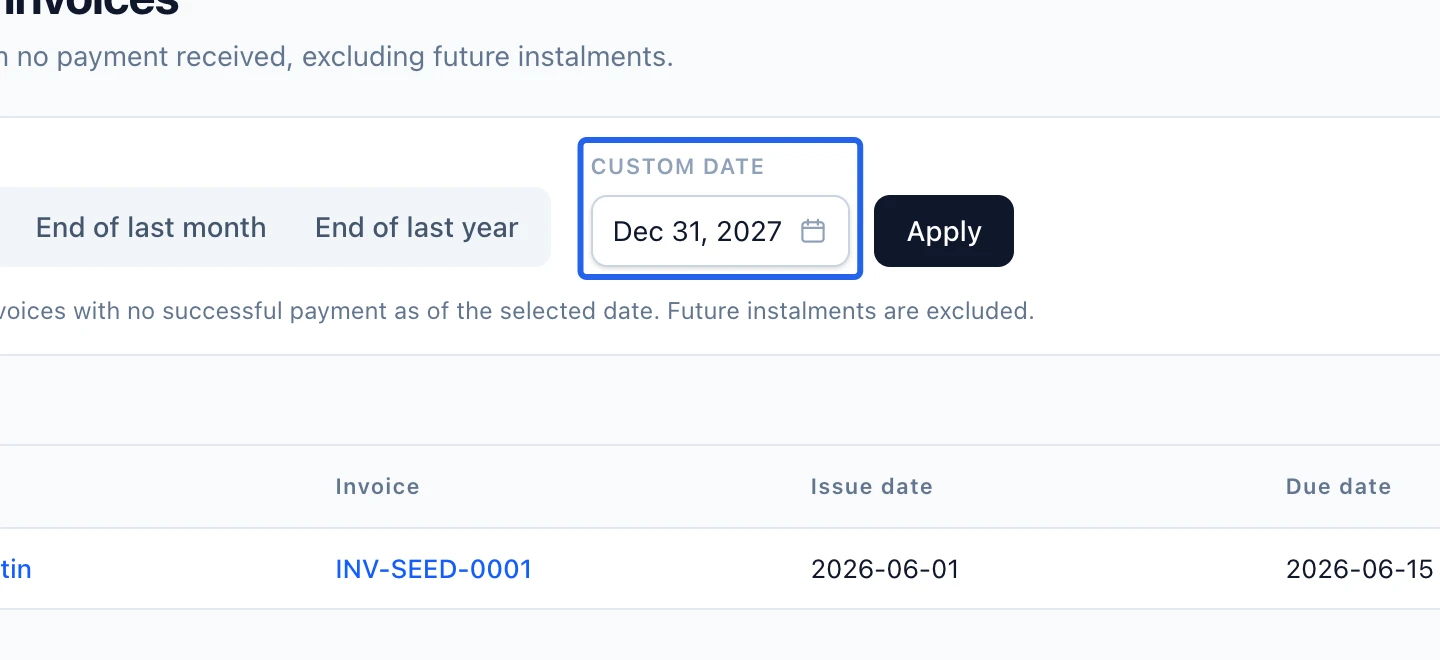
Keep going
Identify outstanding balances by due date and overdue bucket.
Accounting & financial reportsSee which scheduled amounts remain unpaid and when they are due.
Money & invoicingRecord cash, cheque, e-transfer or organization payments and verify the remaining invoice balance.