
Set up your chart of accounts
Choose your accounting basis, add accounts, and maintain the accounts used by your financial reports.
- 1
Check access and accounting basis
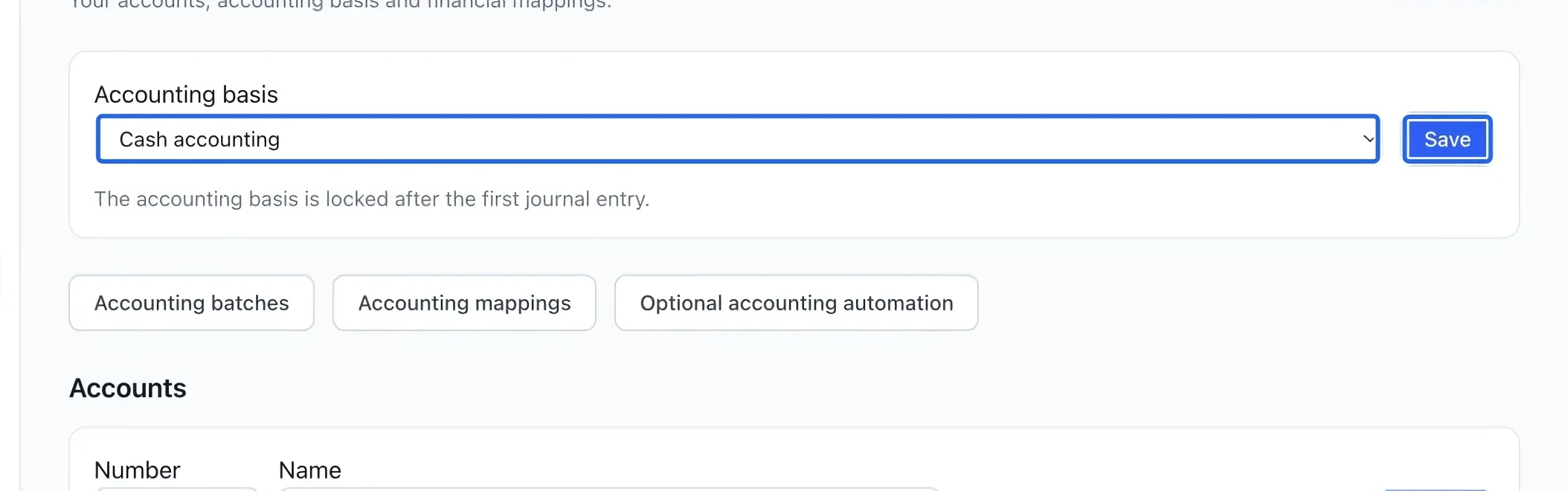
Open Money → Accounting. Owners, administrators and finance managers can use accounting. Before the first journal entry, an owner or administrator can choose Cash accounting or Accrual accounting and save. Cash reports follow collections; accrual reports follow posted revenue, including deferred revenue when earned. Organizations with an instalment plan start on accrual; otherwise they start on cash. Check this choice before posting, because the first entry locks it.
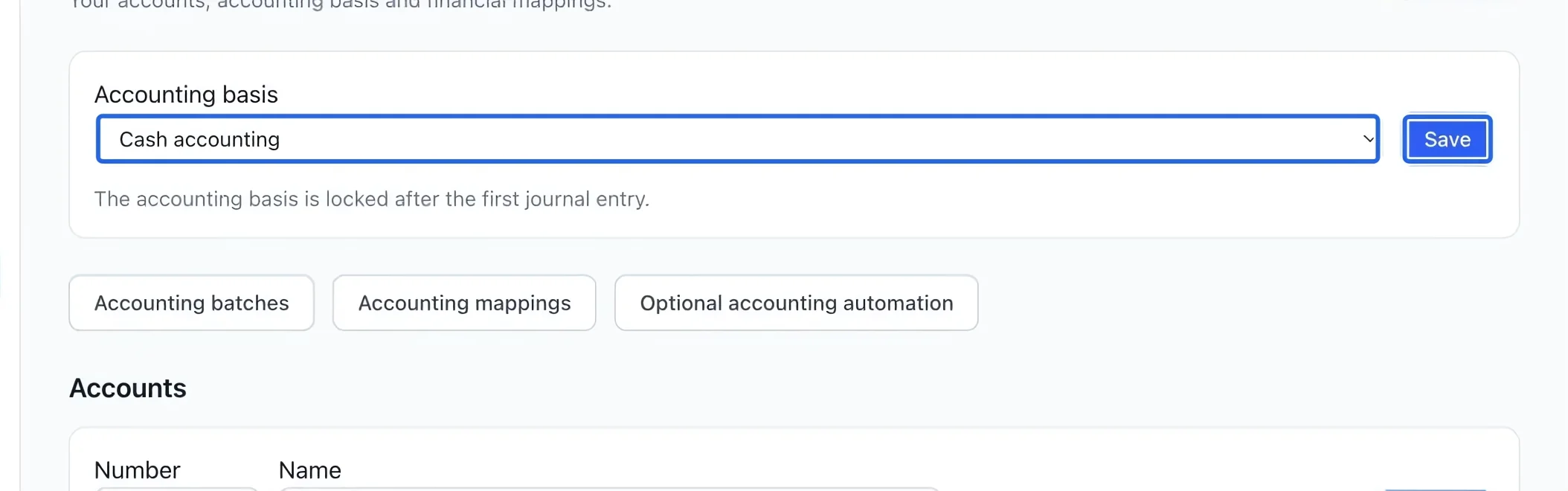
Select the screenshot to enlarge it. The blue outline marks the control to use.
- 2
Add an account
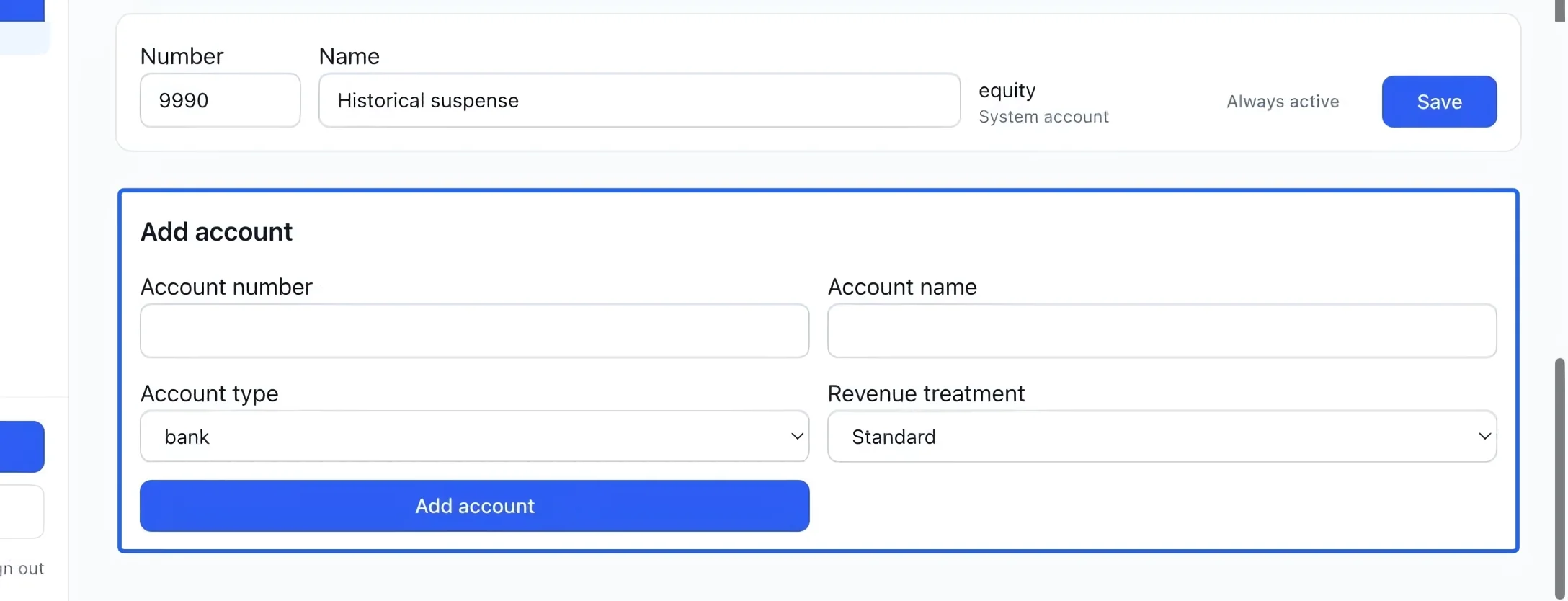
In Add account, enter a unique account number and a clear name. Choose the account type, then Add account. For revenue to earn later, select liability and Deferred revenue (liability). Ordinary sales use a revenue account; payment deposits use a bank account.
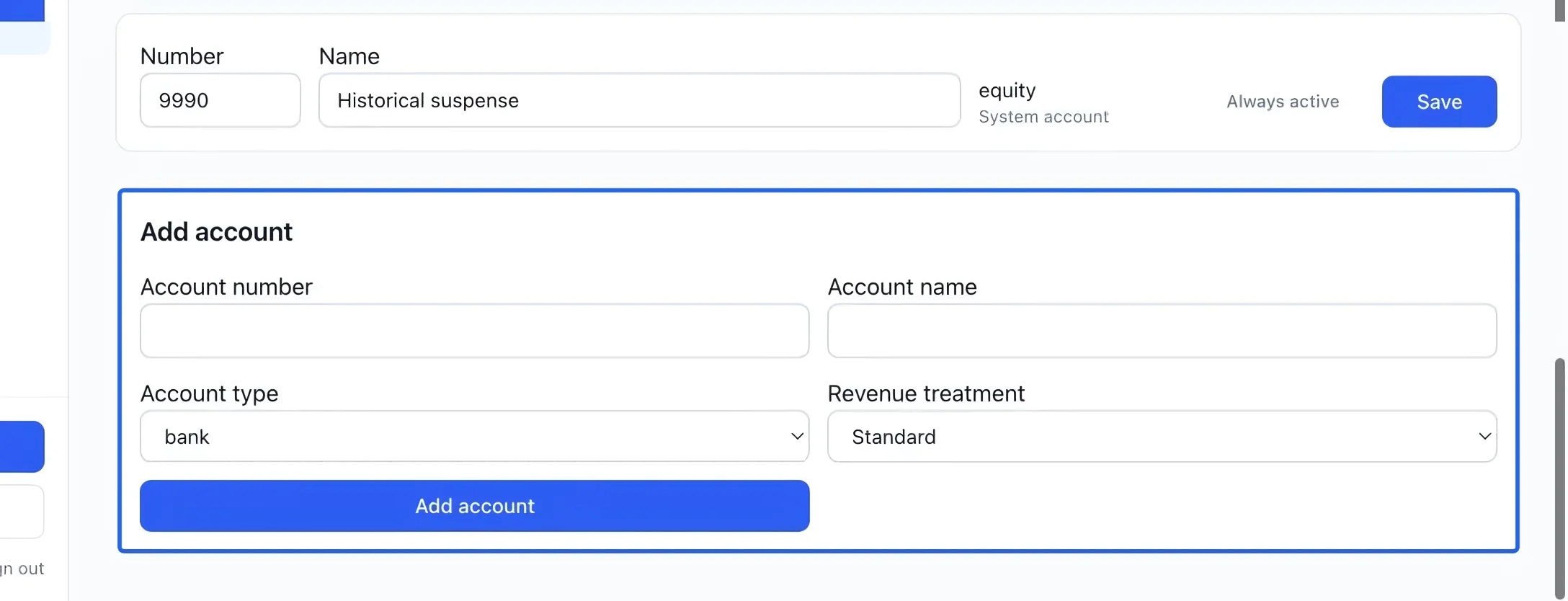
Select the screenshot to enlarge it. The blue outline marks the control to use.
- 3
Maintain existing accounts
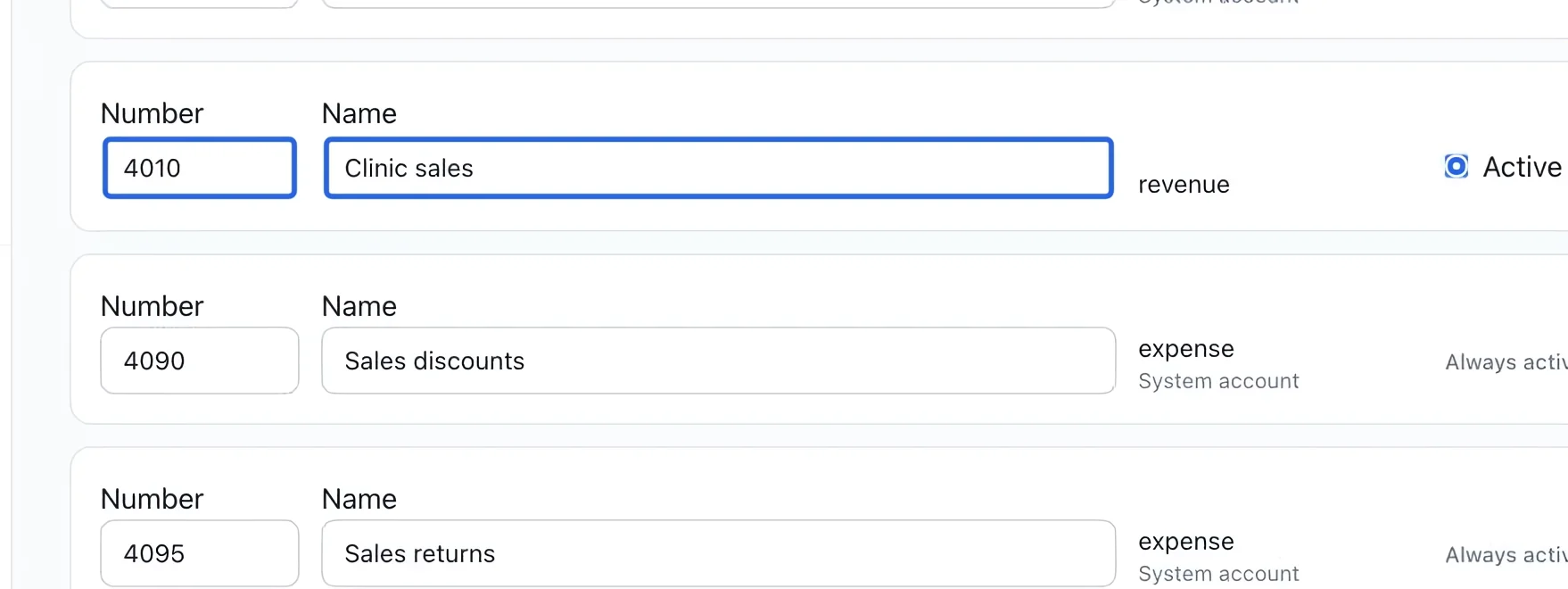
Edit an account’s Number or Name, then save its row. Custom accounts can be deactivated with Active after their mappings are reassigned. System accounts are Always active. Posted entries retain their recorded account details, so renaming an account does not rewrite earlier entries.
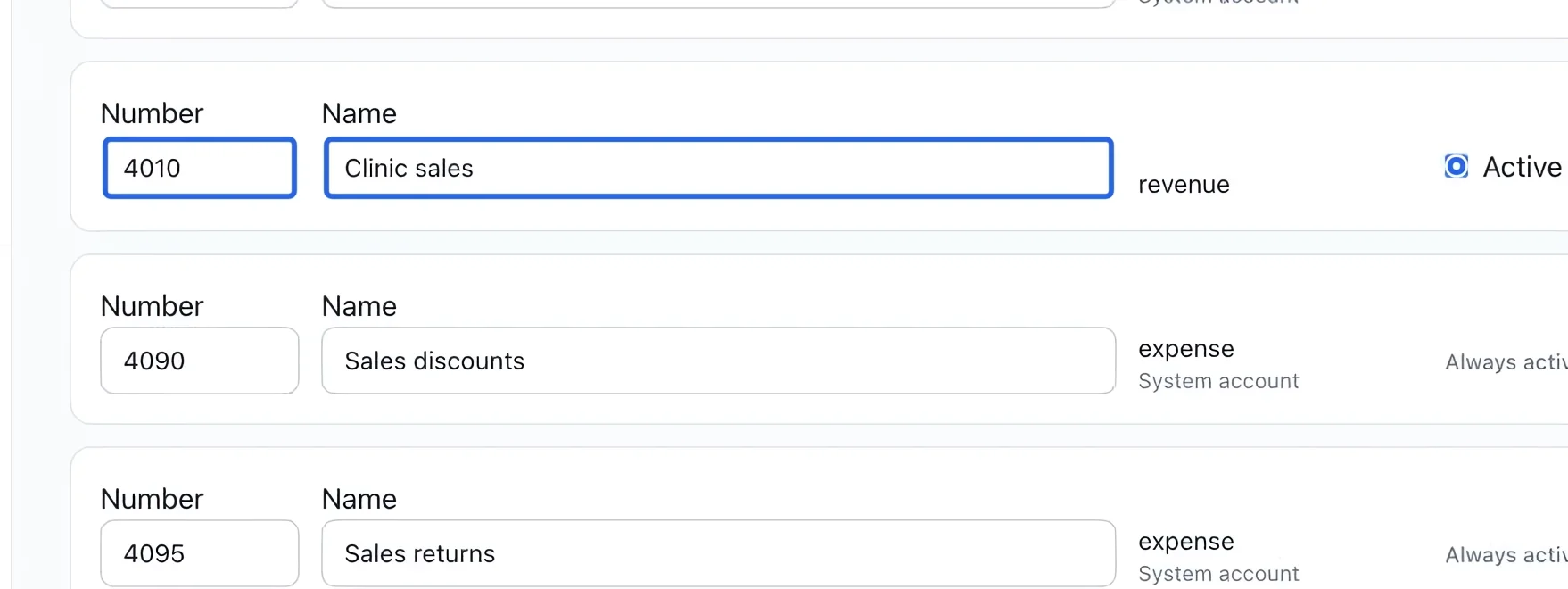
Select the screenshot to enlarge it. The blue outline marks the control to use.
- 4
Connect accounts to your activity
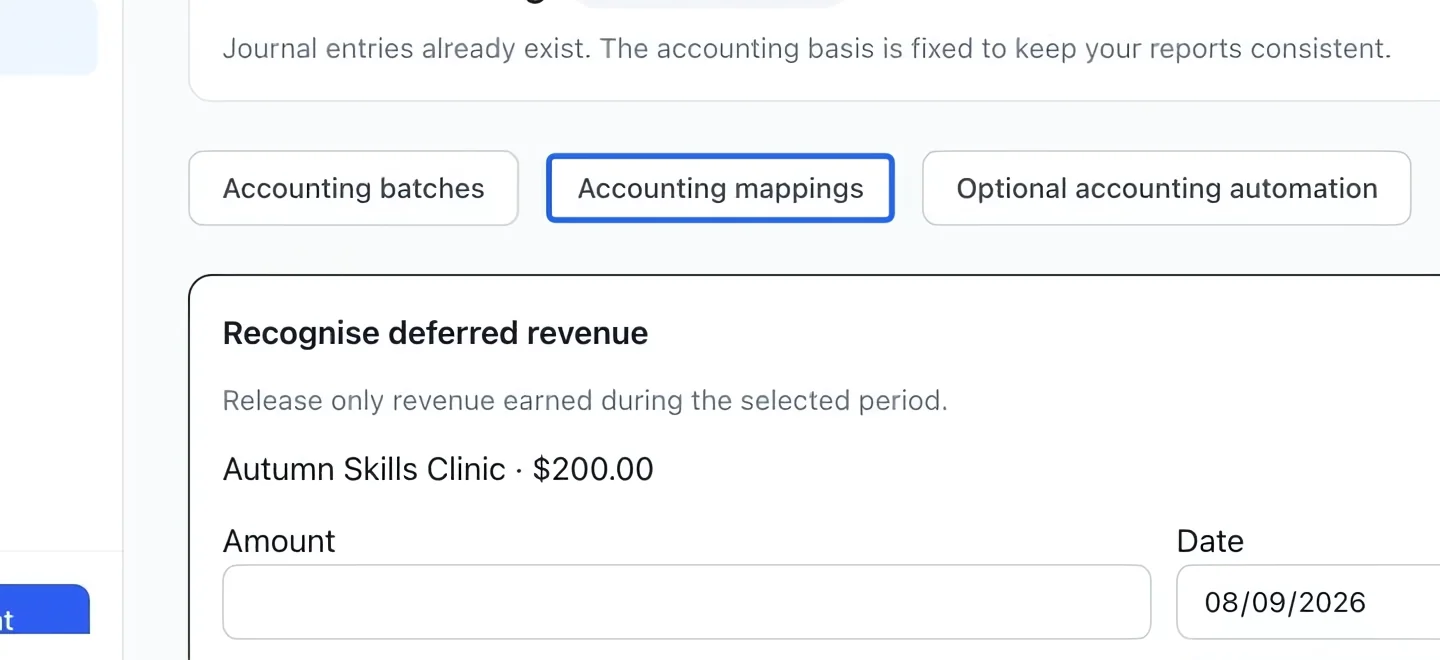
Open Accounting mappings to assign sales, deposits and tax components to accounts. Changes apply to new entries. Review Sales summary and the receivables journal after your next invoice or payment to check the result.
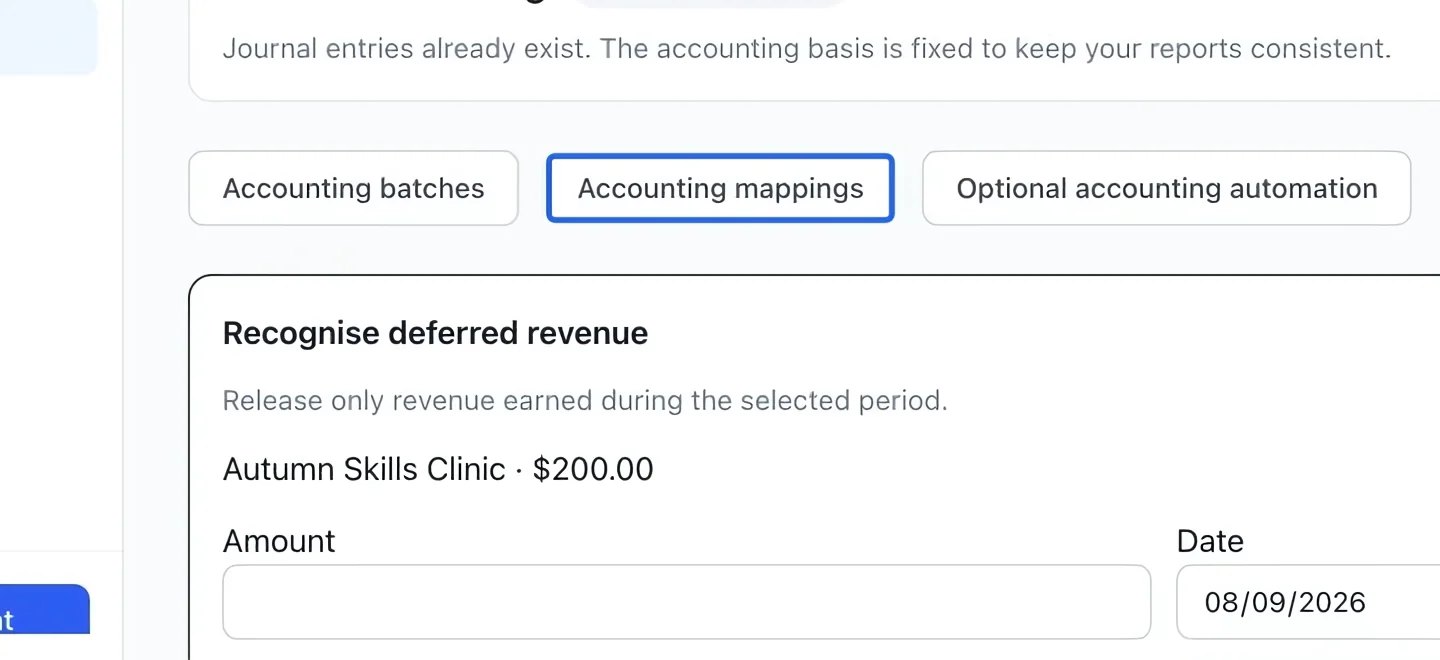
Select the screenshot to enlarge it. The blue outline marks the control to use.
Keep going
Route programs, rates, memberships, products and payment methods to the right accounts.
Accounting & financial reportsUnderstand gross sales, discounts, credits, refunds and net sales by account.
Accounting & financial reportsReview open totals, close batches manually or on a schedule, and track verified payout lots.