
Ask the assistant about your accounts
Ask for account revenue, aged balances, invoice entries or an authenticated journal download.
- 1
Ask a scoped financial question
Open Ubouk Assistant while working in the correct organization. With accounting permission, ask “Show revenue by account for this quarter” or “Show aged receivables as of September 30, 2026.” Include the period or cutoff so the answer has a clear scope. Review the answer against the corresponding report and accounting basis.
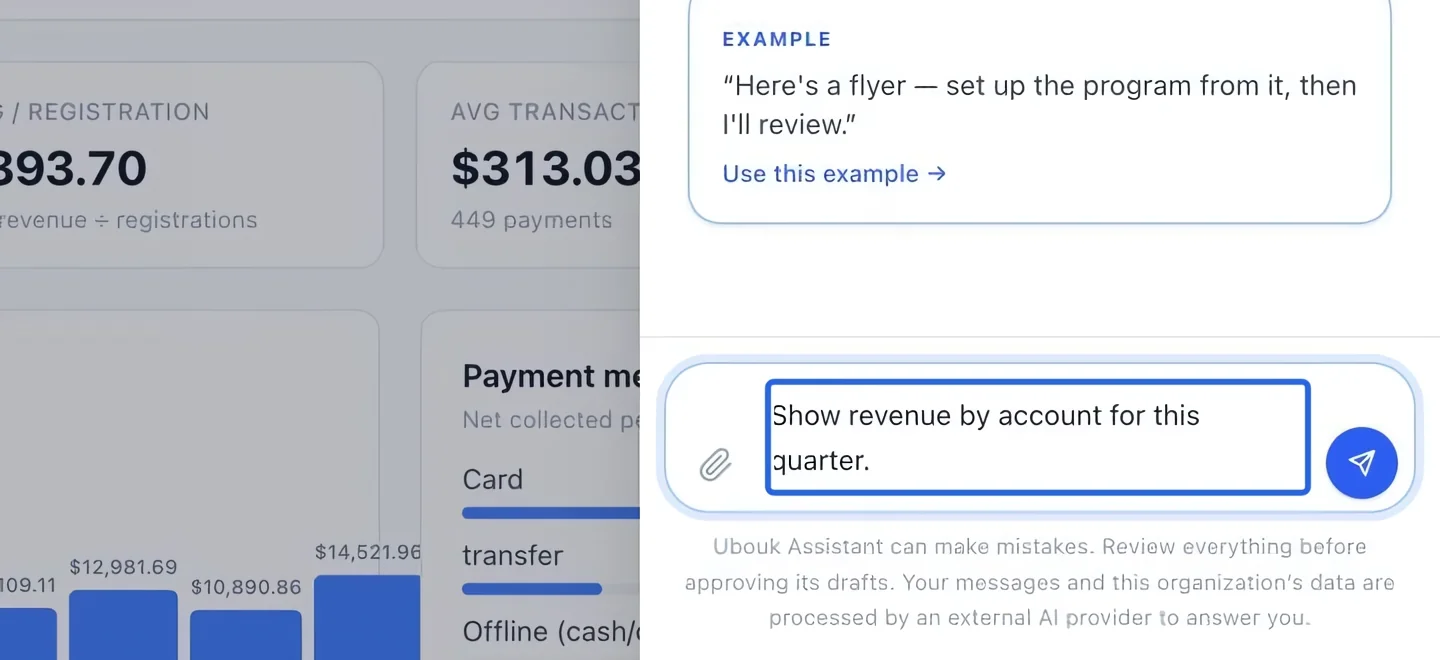
Select the screenshot to enlarge it. The blue outline marks the control to use.
- 2
Trace an invoice or request a journal file
Ask “Show the journal entries for invoice INV-2026-0908”, replacing the number with your invoice, or “Export the journal for July 1 through September 30, 2026.” The assistant can return an authenticated download; it does not send the journal to an external accountant. These accounting tools read records. Use the accounting pages for mappings, write-offs, recognition and period changes.
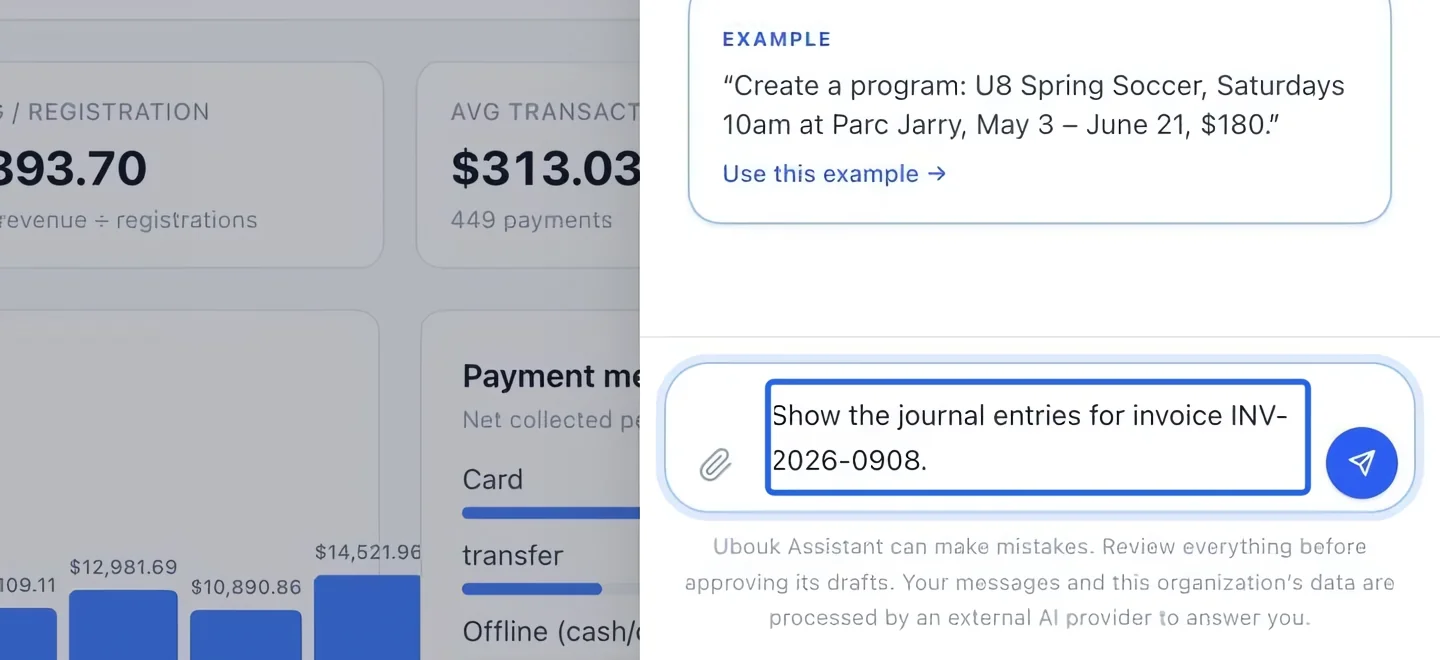
Select the screenshot to enlarge it. The blue outline marks the control to use.
Keep going
Understand gross sales, discounts, credits, refunds and net sales by account.
Accounting & financial reportsIdentify outstanding balances by due date and overdue bucket.
Accounting & financial reportsMatch accounts and clients, then download generic, QuickBooks or Sage/Acomba journals and export summaries.